G10
7
2.2.3 Check work station
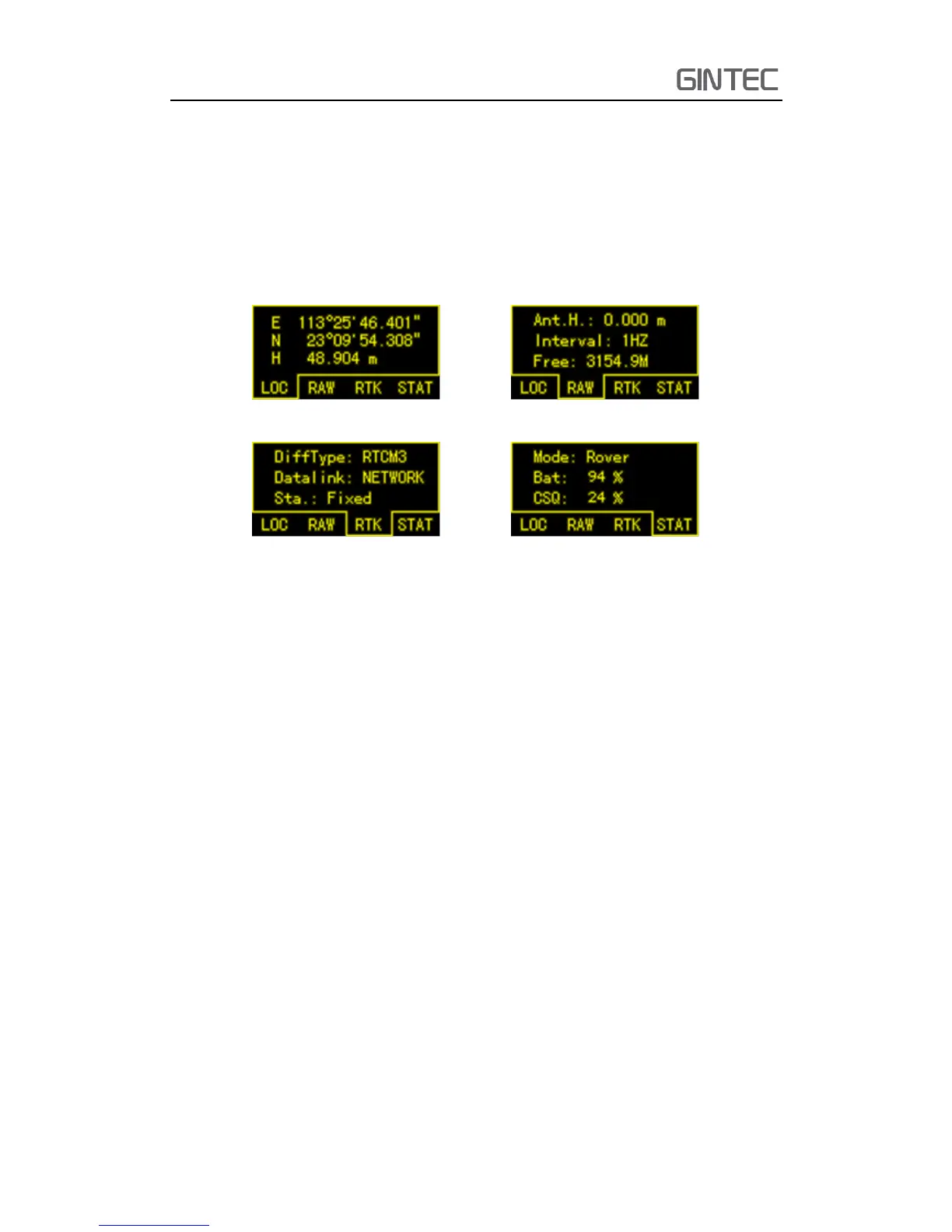
This section will tell you how to check the work station. Sometimes you want to
know the solution, datalink, satellites information and so on. You can press function
key to see detailed information
Figure 2-4 Work station
LOC: Locate coordinate
RAW: Antenna height, data internal and frequency
RTK: Data difference type, current datalink, work solution state
STAT: Current work mode, battery station and signal CSQ
2.2.4 Switch work mode and datalink
When we use a RTK, usually we switch work mode and datalink via the receiver
directly. Of course sometimes we also can switch work mode and datalink via controller.
But it’s a little complex with controller. When we get a receiver, we should switch work
mode first, it includes base, rover, and static. Then switch the datalink, depend on
different work mode the datalink has different choices.
Keep press power key in the state of powering on until enter into another menu.
It shows as follow:



 To Next Page