10
4.3.1 TARGET TYPE 1
T.TYPE 1
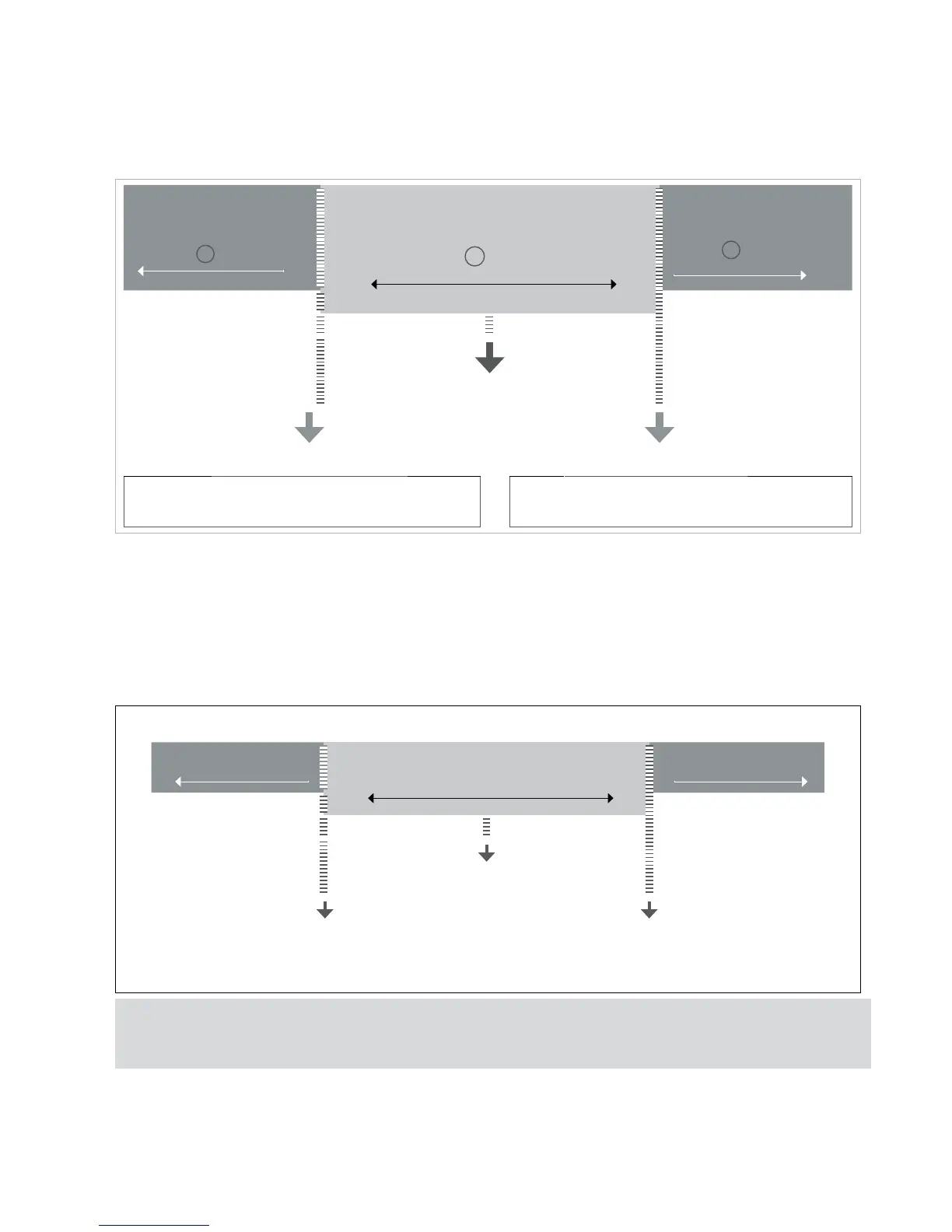
If the user chooses the T. TYPE 1 it allows to choose the inferior limits and the superior ones with a porcentage of the TARGET value.
Exemple:
-PC. 010 (We chose how lower limit 10% below the Target)
PC. 010 (We chose how upper limit 10% above the Target)
LOW
LED: yellow LED
LCD: - Yellow backlit
OK
LED: green LED
LCD: OK green backlit
HIGHT
LED: red LED
LCD: + red backlit
TARGET 1000 g
HOW LOWER 900 g
UPPER LIMIT 1100 G
HOW LOWER = target -10% of Target=
1000 - [10%(1000)]=900
UPPER LIMIT = target +10% of Target=
1000 + [10%(1000)]=1100
4.3.2 TARGET TYPE 2
T.TYPE 2
If the user chooses the
T.TYPE 2
, it allows to choose the inferior and superior limits directly:
L
(lower)
XXXXX
y
H
(Hight)
XXXXX
Exemple:
L 800
H 1200
LOW
OK
HIGHT
TARGET 1000 g
HOW LOWER 800 g HIGH LIMIT 1200 g
Once they are configured, the TARGET value and the LIMITS, the program ask the user to configure the limit of the ALARM.
The alarm programs the value wich any value above this one is going to activate the alarm sign, and 3 lights are going to bright.
Finally the user must choose the alarm sound. He can choose between bEEPt or bEEPM.



 To Next Page