24
DELETING ÍTEM1
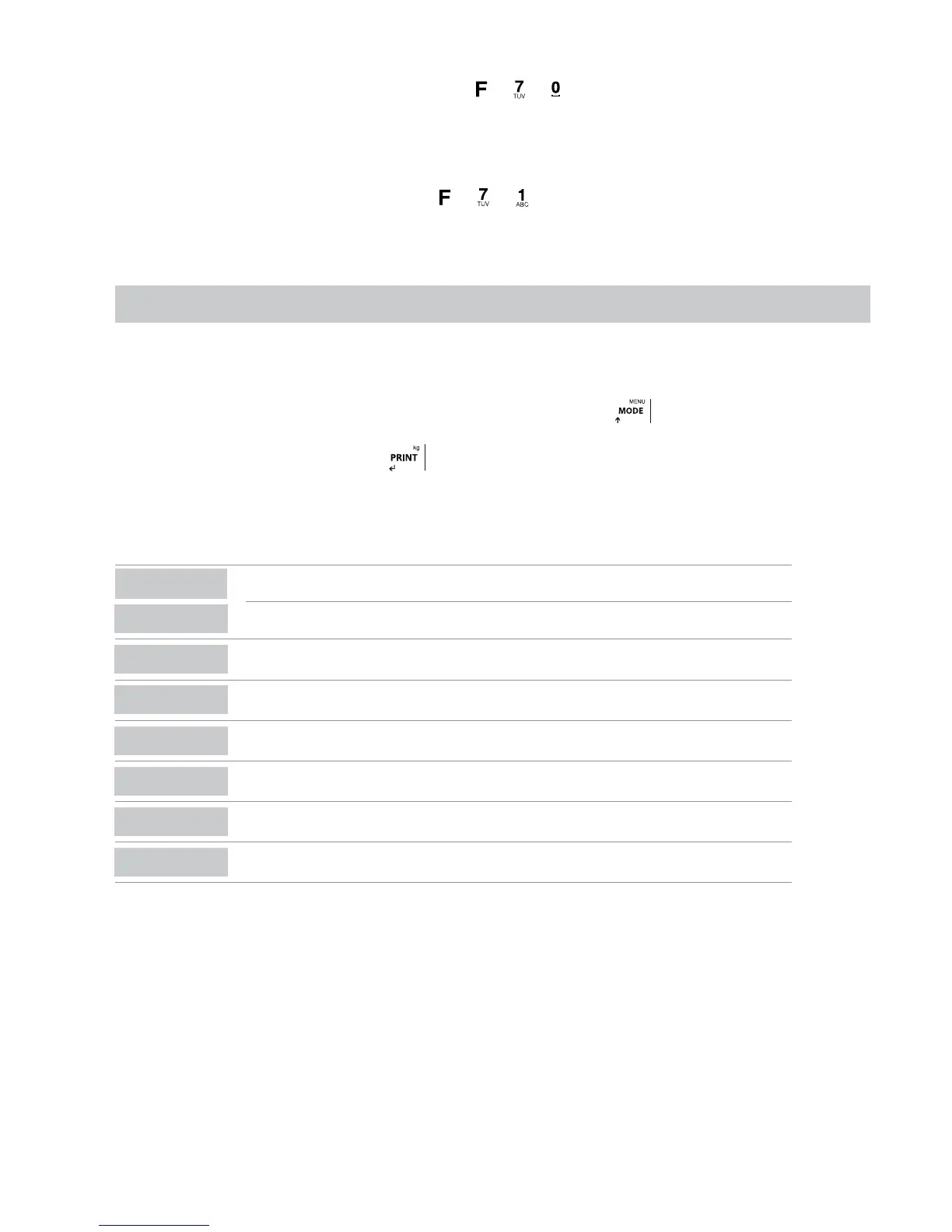
This operation can be done by using the combination of the keys
+ + , we can delete the information related to an item. To do so
the user must select the desired item CAM001 and then choose between ALLCAM (it deletes all the information which refers to CAM001
including the item CAM001 ) and TOTCAM( it deletes the cumulated total referring to CAM001 , without deleting the item CAM001 )
DELETING ITEM2
This operation is done using the combination of the keys + + , we can delete the information related to an item. The user must
select the desired item PRO001 and then choose between ALLPRO ( it deletes all the information which refers to PRO001 including the item
PRO001 ) and TOTPRO ( it deletes the total stored referring to PRO001, without deleting the item PRO001 )
6. NO METROLOGICAL TECHNICAL MENU
In this page the user can find the description of the options of the LIMITED PROGRAMATION. Functions to personalize ONLY the configuration
of the NO METROLOGICAL PART (printers, peripherals, analog exits and relays):
• The procedure of the limited programming is done by pressing for a long time the key
• A pin code must be inserted (4 digit numbers)
The pin of factory is 0000:
Pi0000,
press
for confirm.
Note: The functions availables are the following:
DISPLAY
DESCRIPTION
(metrological)
CAL-PA
CAL 0
(metrological)
CAL
(metrological)
9rAuit
(metrological)
ParaMe
Config
Abt VM
dEFAUL
(metrological)



 To Next Page