12
4.6 ACCUMULATION ACCUMU
This function carries out the process of auto accumulation and ticket printing
TO MAKE THE AUTO-ACCUMULATION FUNCTION WORK, IT IS NECESSARY TO SELECT FIRST THE PROTOCOL PRINT IN COM1
OR COM2, AS IT IS DESCRIBED IN THE SECTION 5 “PARAME” (POINT 6.1)
DISPLAY
STEPS
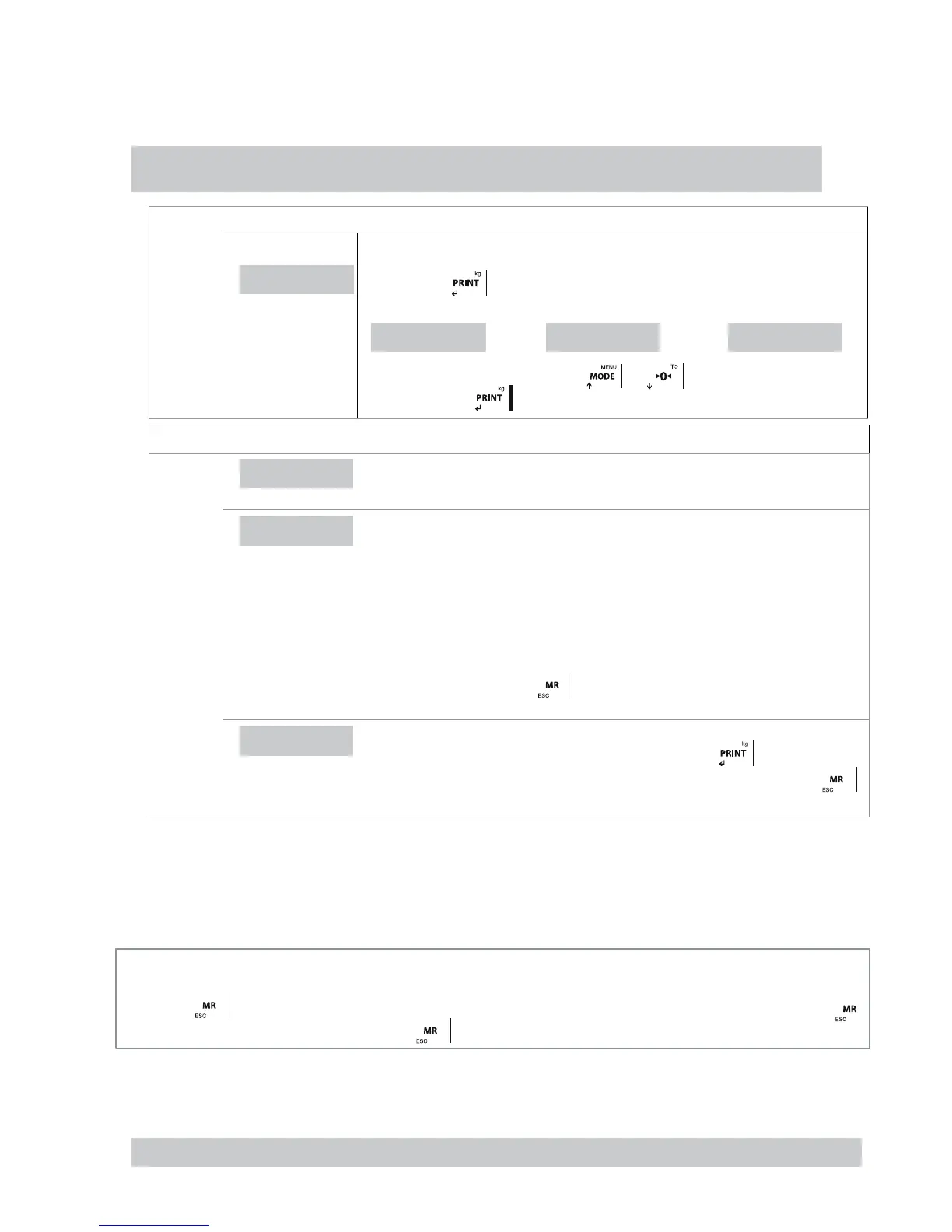
ACUMUL
• Press the key
the display is going to show one of the legends detailed below.
ACUMUL
ACCoFF ACCMAn ACCAUt
The user must choose them with the keys and , the selected option is memorized
by pressing the key .
DESCRIPTION: ACCOFF, ACCAUT AND MANACC, AND CONFIGURATION
ACC.oFF
ACUMULAR OFF
The accumulation mode is deactivated
ACC.AUt
AUTO ACCUMULATION
The accumulation mode is automatic. In the moment of detecting steady weight the device does
the accumulation automatically. Once this function is validated the terminal shows on its display
the message (nA xxxx). The user must introduce the desired value of the number of accumula-
tions using the following keys:
If this value is DIFFERENT FROM 0 the system continues with the accumulation of weights until
it reaches the prearranged value. If the programmed value is 0, the weights are accumulated until
the user decides to press the key (limit 9999). (Totalitzation)
ACC.MAn
ACCUMULATION MANUALLY
The mode of accumulation is done manually by pressing the key .The weight must be
stable and must change from accumulation before. It will accumulate till the user press .
4.7 SUBTOTAL SUBTOT
With this function the user can see the number of accumulated weights and the total weight up to the actual moment. The screen displays first
the number of weights and next it automatically shows the total accumulated weight. This function does not entail the elimination of the number
of weights and the total of weight.
4.8 TOTALITZATION
By pressing key device shows totalitzation value. If one printer mode is selected, the total ticket will be printed. By pressing again
key will print a copy. Making a new accumulation after the memory will be erased.
4.9 CODE TCODE
This function allows the introduction of a code which is added to the printed ticket. To introduce this code the user must use the keys speci-
fied below.
THIS OPTION IS ONLY VALID USING PROTOCOL PRINT WITH THE OPTION PrnF.4 OR PrnF.6 ACTIVATED.



 To Next Page