ADDRESS AddrES
It allows to adjust the direction of the terminal when the RS485 is used in the protocols that contemplate it (SSCAR and MULTIP).
SEND (Mode of transmission) dELiuE
It allows the configuration of the terminal to send the information to the PC through one of the following modes:
Pc request PcrE: the terminal sends the chain of information, depending on the protocol, when the order from the PC has been
received.
Continuos Contin : the terminal sends the chain of information, depending on the protocol, in a continuous way.
Interval intERv : the terminal sends the chain of information, depending on the protocol, when a variation of the weight is obtained.
Stable 0 Stb 0 : the terminal sends the chain of information, depending on the protocol each time takes stability and the value is
different to 0. It needs to pass trought 0 each time.
Repeti REPETI : On this mode the indicator work as a repeater from another GI400 in mode SIPI II continues or interval. Valid for
RS485, for RS232 (limit distance: 16m) or ethernet. In RS232 case, use the CM2 in both computers
ESTODE ESTOdO : (Zero to discharge)
Stable stablE : The terminal sends the data chain, depending on the protocol each time it acquires a stable weight.
Manual MAnuAL: The terminal sends the data chain, depending on the protocol, to the pressure of the key
OPTIONAL RS485
Only works with RS485 board.
Protocols available on RS485 mode with ID are:
MULTIPOINT 2000 AND SENSOCAR WITH INDICATOR CAN BE SET AS A REPEATER.
On indicator with RS485 board board you need to set
PARAME è RS485 è Protocolo SIPI II è Trigger contin.
On indicator with RS485 board wich works as a repeater, you need to set
PARAME è RS485 è Protocolo SIPI II è Trigger romte.
6.2 ETHERNET MENU ( IT ONLY WORKS WITH AN OPTIONAL ETHERNET BOARD)
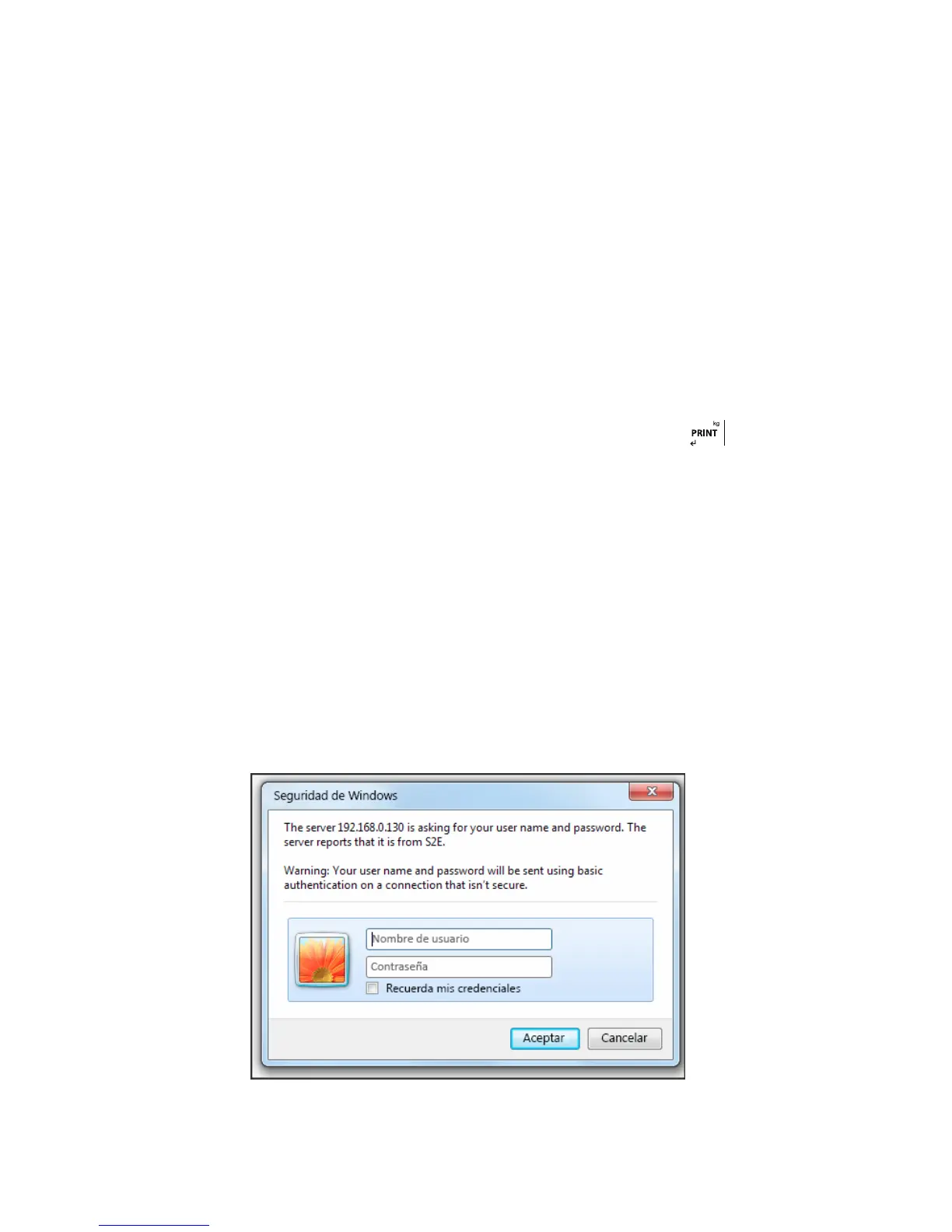
Connect the equipment to the PC using a switch. Enter the IP of the device in the browser 192.168.0.130 (by default)
Enter the username and password. (Admin and 1234 by default)
In the “Local IP Config” tab you can change the IP



 To Next Page