DISPLAY
RESET
SI Goes to next parameter without erase the information.
It places at 0 all the relays so that it deactivates all of them.
NO
START It programs the value, every value above this one is going to activate the relays of the L.INF, RELAYS 1 (S
xx.xxx)
L.LoU
It programs minimum value, every value below this one is going to activate the relays of the L:INF, RELAYS 1
(L xx.xxx)
OK
This value can not be programmed but it activates the RELAYS 2 whenever the value of the weight is superior
to Low L and inferior to the High L
HiGH
It programs the high value, every value above this one is going to activate the relays of the L.SUP, RELAYS 3
(H xx.xxx)
ALARM it programs the high value, every value above this one is going to activate the relays of alarm, RELAYS 4 (A
xx.xxx)
ENABLE
Exit from the menu limits and start to apply them if YES is choosed. If we choose NO exit from the menu and
doesn’t apply the limits stored on memory.
NOTES: THE FUNCTION OF THE LIMITS IS AUTOMATIC WHEN IT EXITS FROM THE ZERO RANGE. THE LIMIT
FUNCITON CONTINUES ACTIVATE TILL USER DESACTIVATES IT.
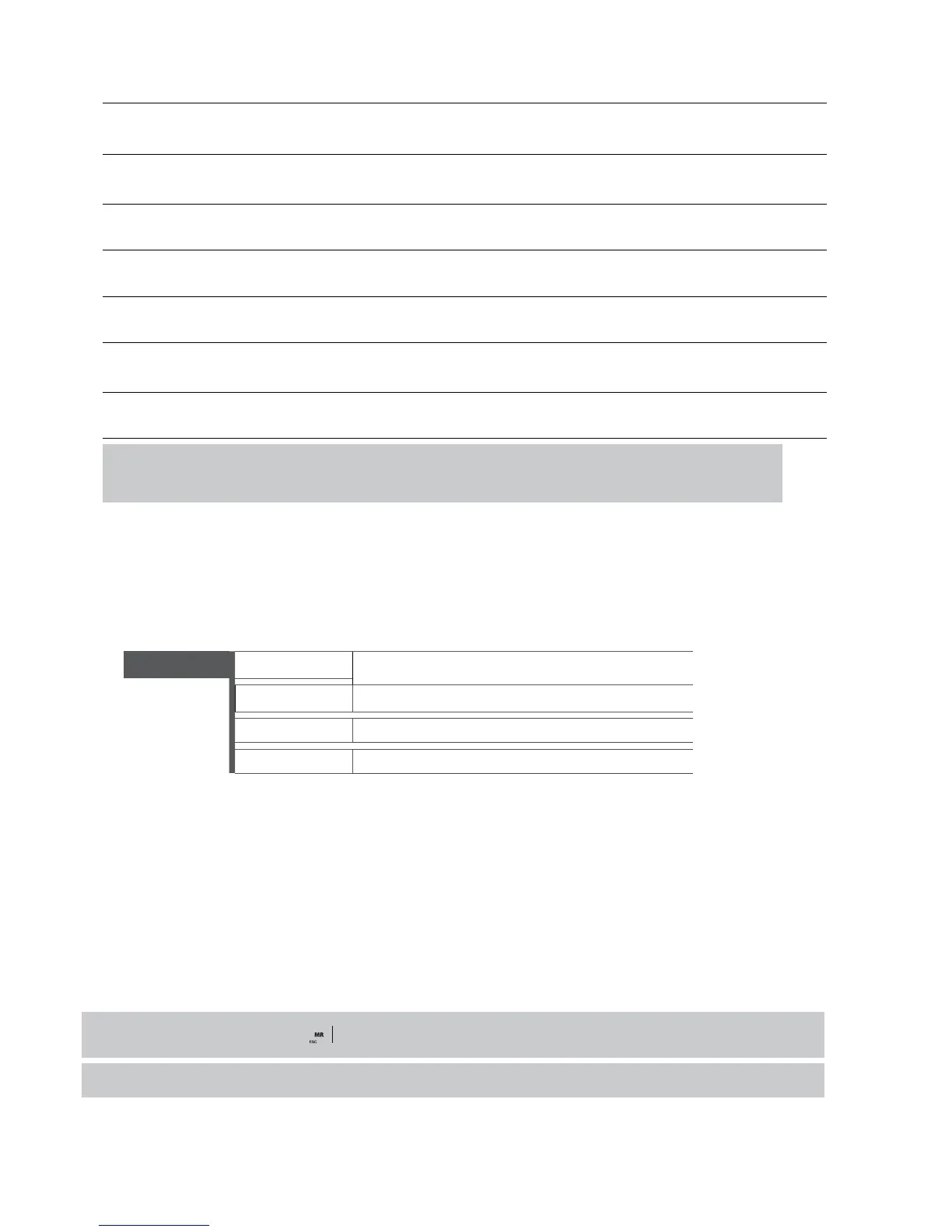
4.14 ACTIVITY CONTROL 2 rEL
REQUIRES ADDITIONAL PLATE 4E/4S(relés)
It is a variant of the limit function, but involving only two relays, deactivating the first when exiting the value “Starts" and the second disen-
gaging once we reach the value "target"
2 rEL
rESEt
Select Yes/No to restore values to 0..
Start (00,000)
Deactivation Value 1st Relay
target (00,000)
Deactivation Value 2nd Relay
EnAbLE
Select Yes/No to activate the function
4.15 DATA VISUALISATION MEMORIA dSd
• Accessing to DSD menu (only available if DSD memory is installed) the indicator give access to DSD file to see the weights stored with
fiscal memory process.
• The indicator will show the last code inuse, with cursor keys you can input the desired value.
• On last line it shows the current weight.
• Then, operator must input the weighing number about he/she want fet data of brut and tare.
• If data is not stored, it will show an error message, if all is correct, it will show weighing data.
For exit from data menu, keep pressed key some seconds.
During data viewing “Tx” function from PC will not work.



 To Next Page