20
CHANGE THE NAME OF THE ITEM1 AND THE ITEM 2
Enter the technical no metrological menu, inside the menu CONFIG, select the option CODES.
Choose the items that you need to change the name from FILE1, FILE2.
Write the new name of the item in the numerical keyboard.
EXAMPLE
In FILE1 we write “lorry” and in FILE2 we write “product”, we press the ENTER key during each operation to confirm.
EDIT THE DATA OF THE ITEM OF THE TYPE OF WEIGHING (ITEM1)
From normal weighing mode press F + 7 + 0 (one after the other). Write the number of item 1 we want to edit
Now we introduce the desired data:
DISPLAY
DESCRIPCIÓN
CODE
numerical code of the item
DESCRI
description of the item with a maximum of 24 alphanumerical characters
TARE
value of the tare item
TYPE
to select the type of item WEIGHT, CHECKW or PMU, in the case of Checkweigh and PMU the user must
set its parameters
EANCODE
code EAN of the product
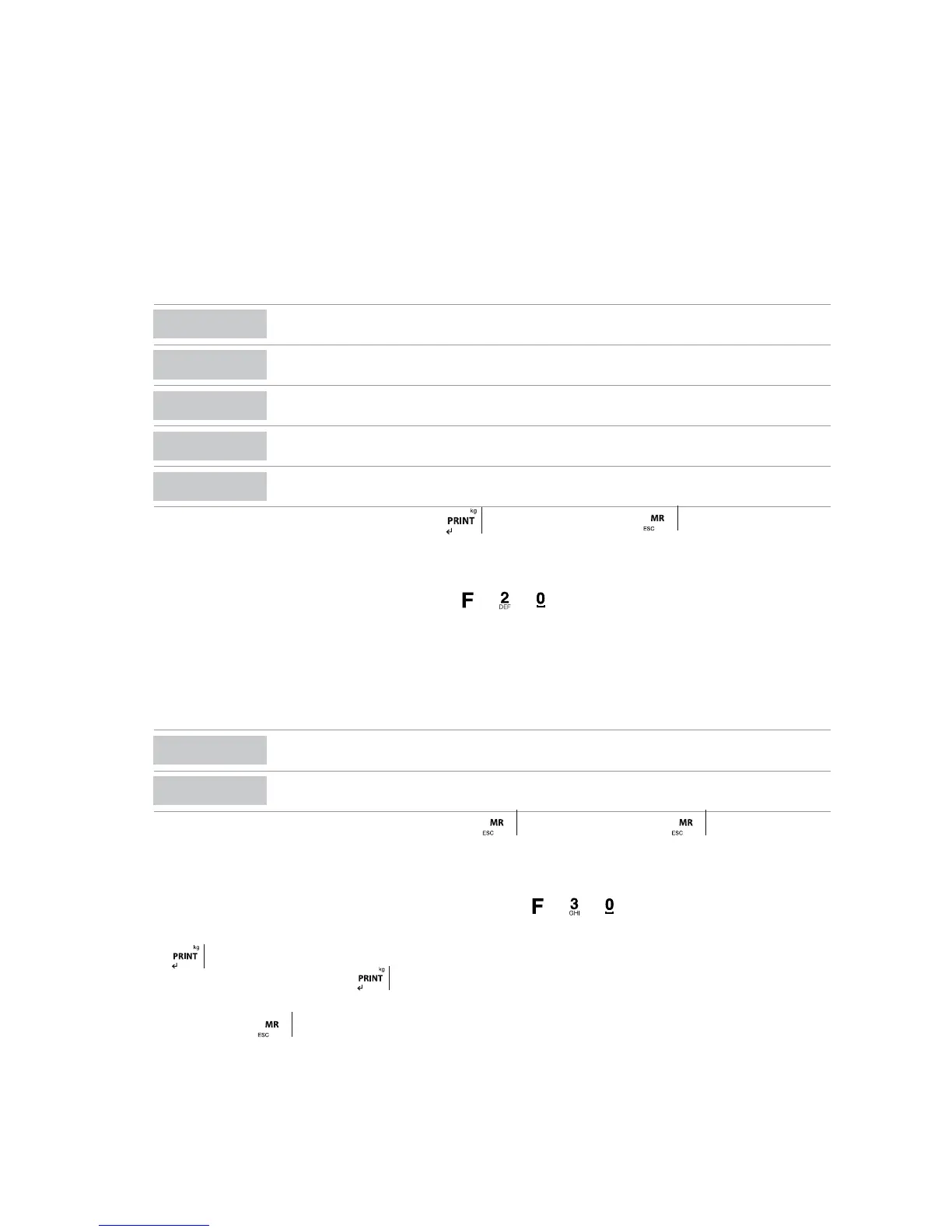
Once each one of the parameters are confirmed with the key
, the user must press the key , the screen will display briefly the
message SAVED and next it will return to the weighing mode. .
EDIT DATA OF THE DESCRIPTIVE ITEM (ITEM2)
Once the user is in the normal weighing mode, press the keys
+ + ( one after the other).
The screen is going to display the message PRO (the first three digits of the “product”), followed by 000.
Write now the number of the item2 that the user wants to edit, for example PR000 1 and press the key ENTER, the screen is going to display
the menu described beFore.
Introduce now the desired data:
DISPLAY DESCRIPTION
CODE
numerical code of the item
DESCRI
description of the item with a maximum of 24 alphanumerical characters.
Once each one of the parameters have been confirmed with the key
the user must press the key , the screen will briefly display
the message SAVED and next I will return to its weighing mode.
EDIT TARA DATA
Once the user is in the normal weighing mode of the device, press the keys + + ( one after the other).
The screen is going to show the message TARE00. Write the number of tare that the user wants to edit, for exampleTARE01 , and then press
the key
the screen is going to display the messageT00.000,, so that the user can introduce the value of tare.
Once it is set, the user must press the key to confirm the operation, the screen will briefly display the message SAVED and it is also
going to show again the message TARE01 so that the user can choose another tare to edit. Once the user has edited all the tares needed, the
user must press the key during 3 seconds so that the device goes back to its normal weighing mode.



 To Next Page