4
KEYBOARD
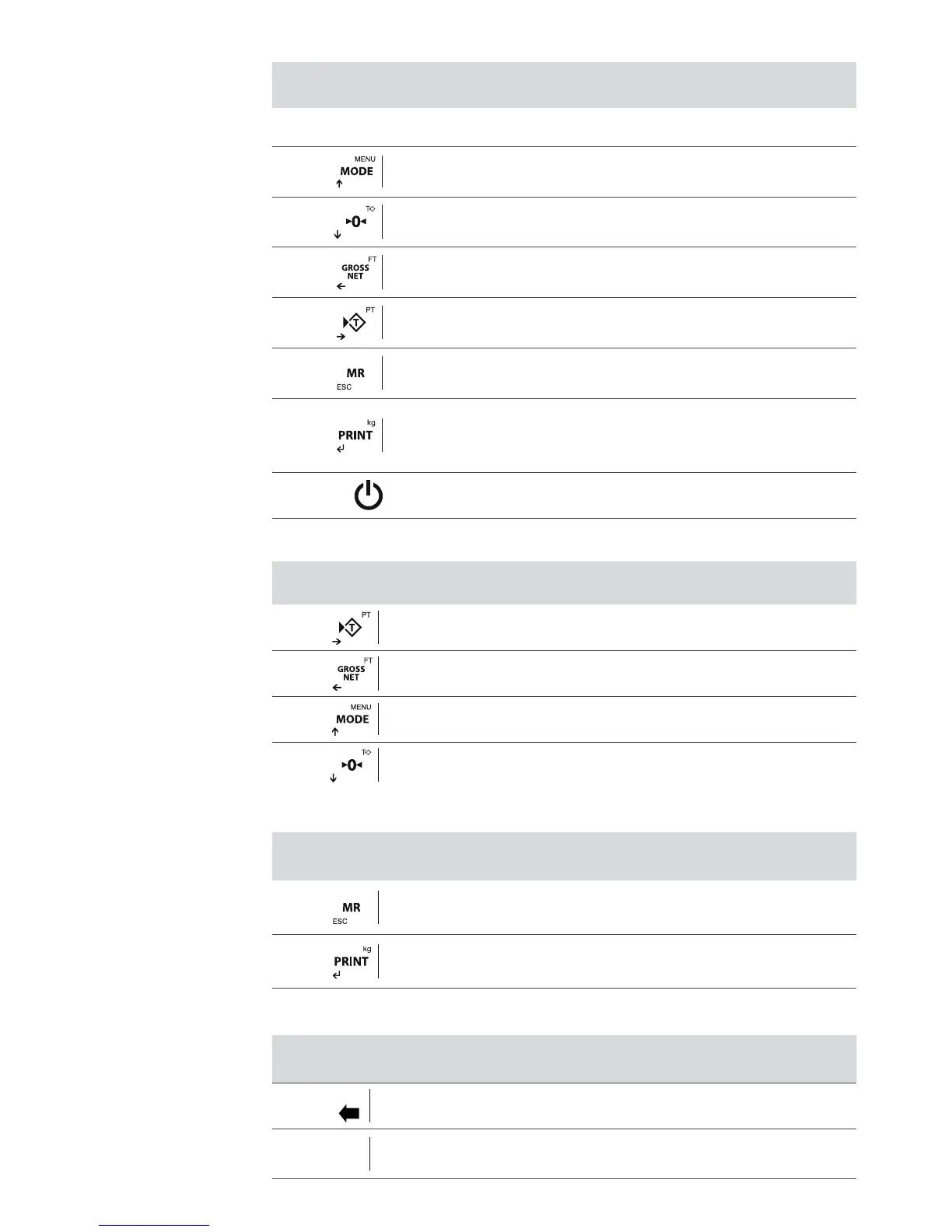
KEY DEFINITION
Short Press: Access to User Menus
Long Press: Technical Menu
Short Press: Do zero
Long Press: Remove tare
Short Press: Show Gross/Net
Long Press: Set tare
Short Press: Do the tare
Long Press: Introduce tare manually
Short Press: Weight totalization and total accumulation print
Long Press: Exit
Short Press: Print / Manual shipping weight
Long Press: Selector of unit (for lb version only), entry to the functions menu
(for other versions).
Switch on / Switch off
CURSOR KEYS (Only works in the editing menus)
Move editable digit to right side
Move editable digit to left side
Increases selected digit
Decreases selected digit
TECLAS RECHAZO Y ACEPTAR
Erase the current value
Hold down to go back.
Validate the selected value
NUMERICAL KEYBOARD (ONLY 410 MODELS)
Erase key
F
Key to change numbers to characters and vice versa.
(by pressing enter in the functions menu)



 To Next Page