EasyManua.ls Logo

GLP impression X5 - Main Menu

GLP impression X5
80 pages
Print Icon
To Next Page IconTo Next Page
To Previous Page IconTo Previous Page
Loading...
German Light Products®
Rev. 20220720-01 31
Main menu
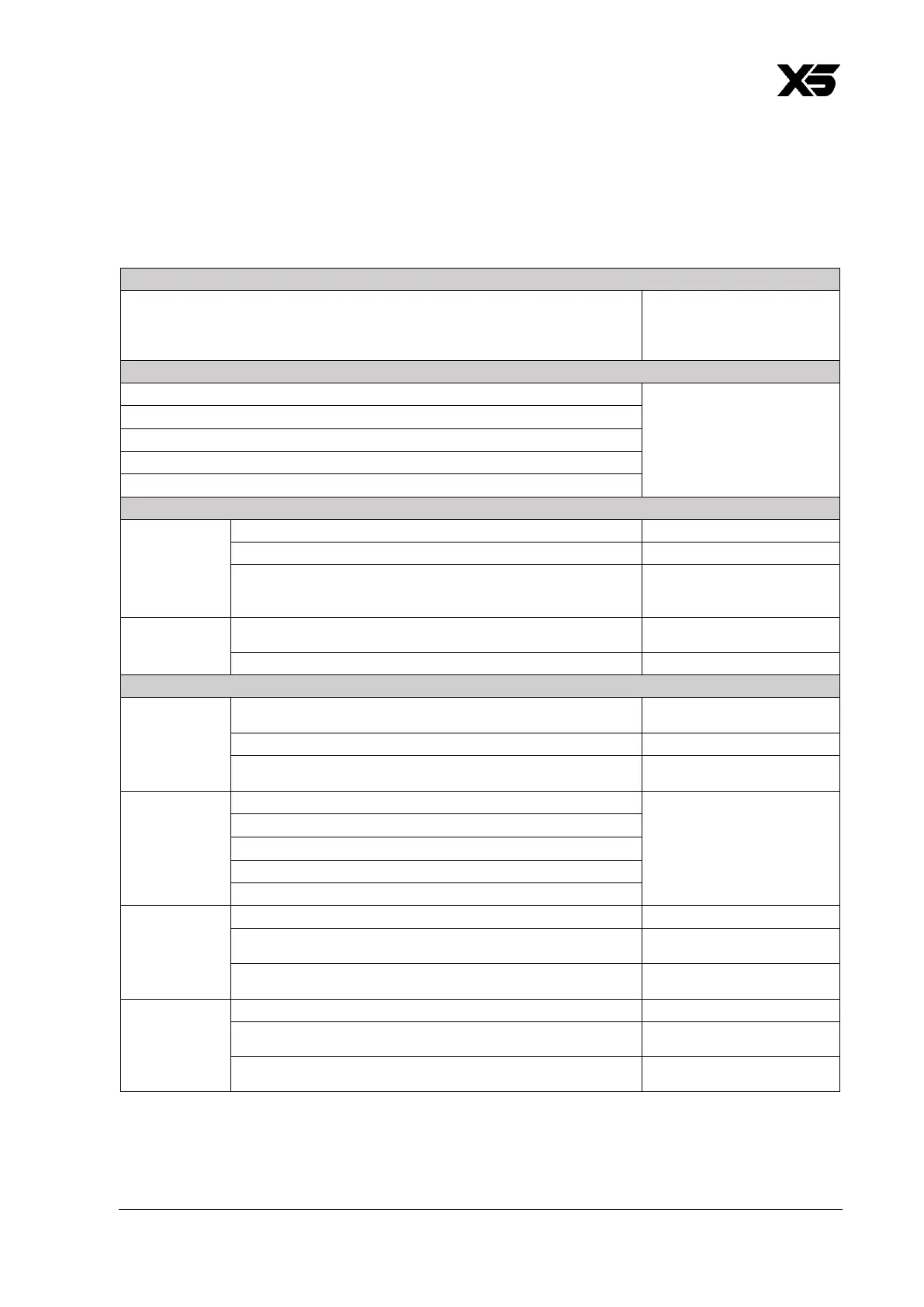
The following menus and commands are available in the impression X5 control panel.
Menus
Notes
DMX Address
1-512
Set fixture’s DMX start
address. Highest possible
address depends on
control mode.
Control Mode
M1 Basic (24CH)
Set fixture’s DMX control
mode.
M2 Normal (35CH)
M3 Segment (41CH)
M4 Multipix Advanced (89CH)
M5 Multipix Compressed (71CH)
Protocol Setup
Data In
DMX
Control via DMX protocol
iQ.Mesh
Control via GLP iQ.Mesh
CRMX
Control via CRMX (only
visible if CRMX module is
installed)
Linking
options
iQ.Mesh Unlink
Unlink from GLP iQ,Mesh
link
CRMX (FPO) Unlink
Unlink from CRMX
Fixture Settings
Color Mix
Mode
RGB
Direct RGB control, Lime
added automatically
RGBL
Direct RGBL control
xy
x:y color co-ordinate
control
White Point
8000 K
Set fixture white point
when RGB is at 100%
(NB: only available in RGB
Color Mix Mode)
6500 K
5600 K
4200 K
3200 K
iQ.Gamut
FULL
Maximum color gamut
Rec.2020
Color gamut limited to
Rec.2020 (UHD)
Rec.709
Color gamut limited to
Rec.709 (HD).
Dimmer
Curve
Linear
Linear dimming curve
Soft
Soft (square law) dimming
curve
S-Curve
Finer dimming control at
low and high intensity

Other manuals for GLP impression X5

Related product manuals