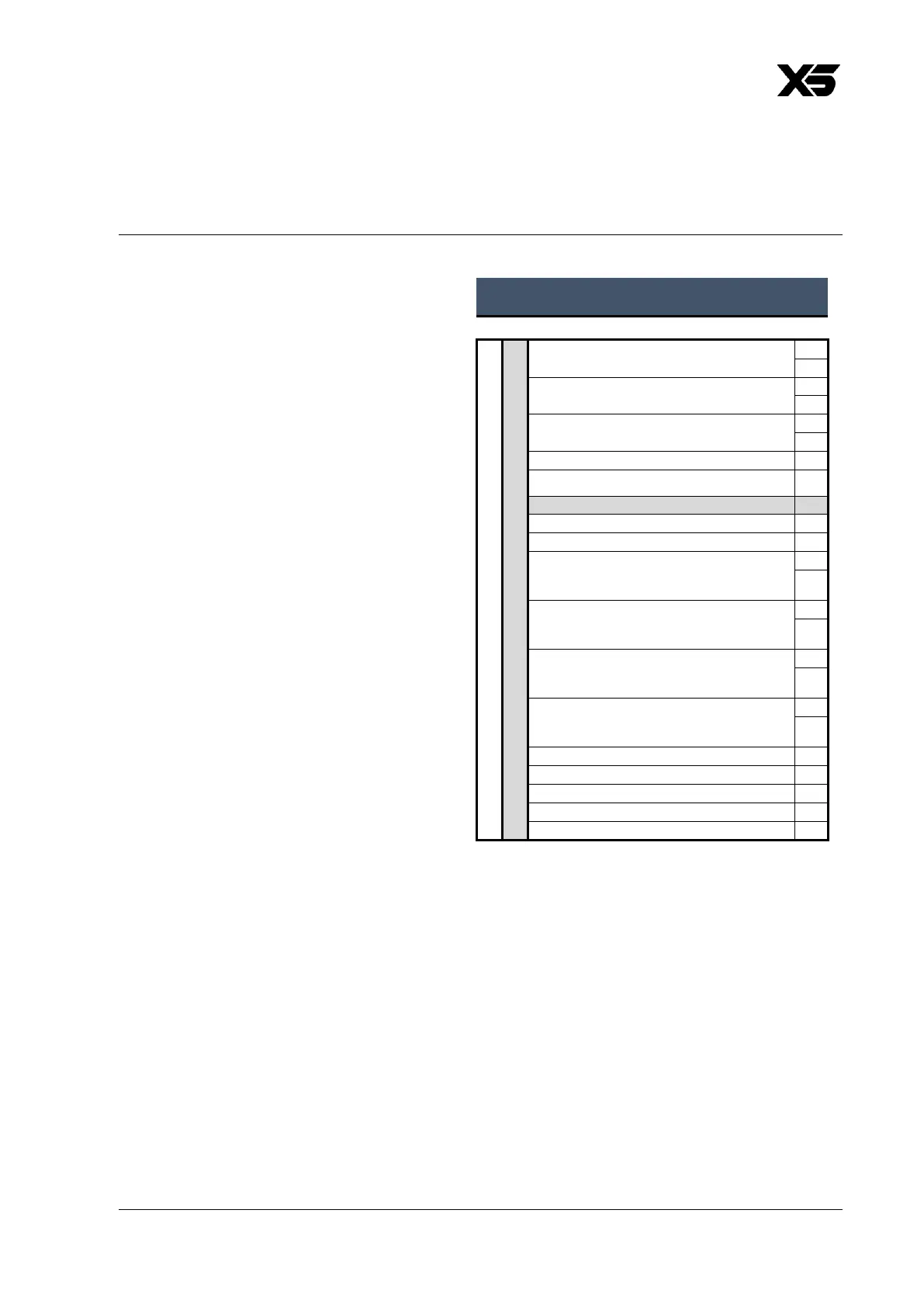
DMX Mode 1: Basic
24 DMX Channels
Basic DMX Mode gives control of the
fixture’s main functions. Pan, tilt,
dimming and the color mixing
channels are available with 16-bit
control resolution. A shutter channel
gives direct change between open
and blackout plus a range of intensity
effects. Zoom is also available with 8-bit
resolution. The Control/Settings channel
lets you adjust fixture settings via DMX.
Two insert accessory channels allow
control of an optional GLP accessory
mounted on the head of the fixture.
The color control channels in the Main
Module offer color mixing using either
(a) RGB, (b) RGBL or (c) x;y color
gamut coordinates, depending on
which of these three methods is active.
You can select the color mixing
method via DMX on the
Control/Settings channel, via RDM or
using the fixture’s control panel.
Additional color options channels
include a color wheel with a wide
range of color presets, a CTC channel,
magenta/green shift adjustment and a
tungsten simulation channel. The CQC
channel lets you select if the fixture
should give priority to color rendering
or output intensity in its white output.
This channel also offers an easy way of
desaturating colors.



 To Next Page