Gocycle
®
Owner’s Manual for G2, August 2015
© Karbon Kinetics Limited. All Rights Reserved. 85
8.3.3 Pedal Torque Sensor Present Check
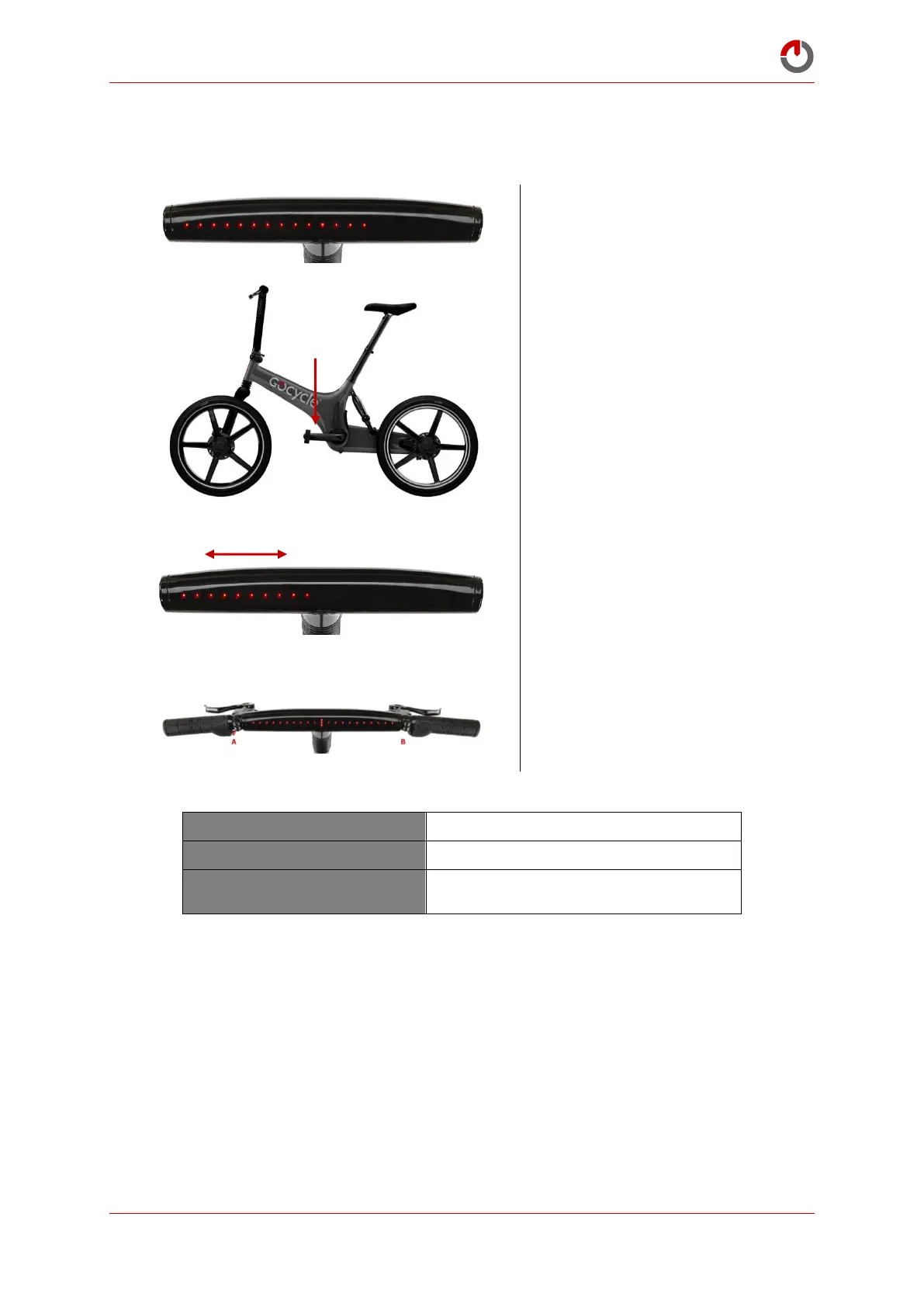
To check the presence and operation of the pedal torque sensor:
Select Pedal Torque Sensor
Present Check, mode 14.
With both brakes held, apply
pressure to the left hand (non-
drive side) pedal crank.
When pressure is applied to the
left-hand (non-drive side) pedal
crank, the level of force
detected will be represented on
the dashboard display—
applying greater pressure will
turn off more LEDs.
Exit by pressing and holding
buttons A and B—the riding
mode will flash to confirm exit.
Pedal Torque Sensor Present Check
Checks for the presence and operation of
torque sensor


 To Next Page