Gocycle
®
Owner’s Manual for G2, August 2015
© Karbon Kinetics Limited. All Rights Reserved. 84
8.3.2 Motor Check
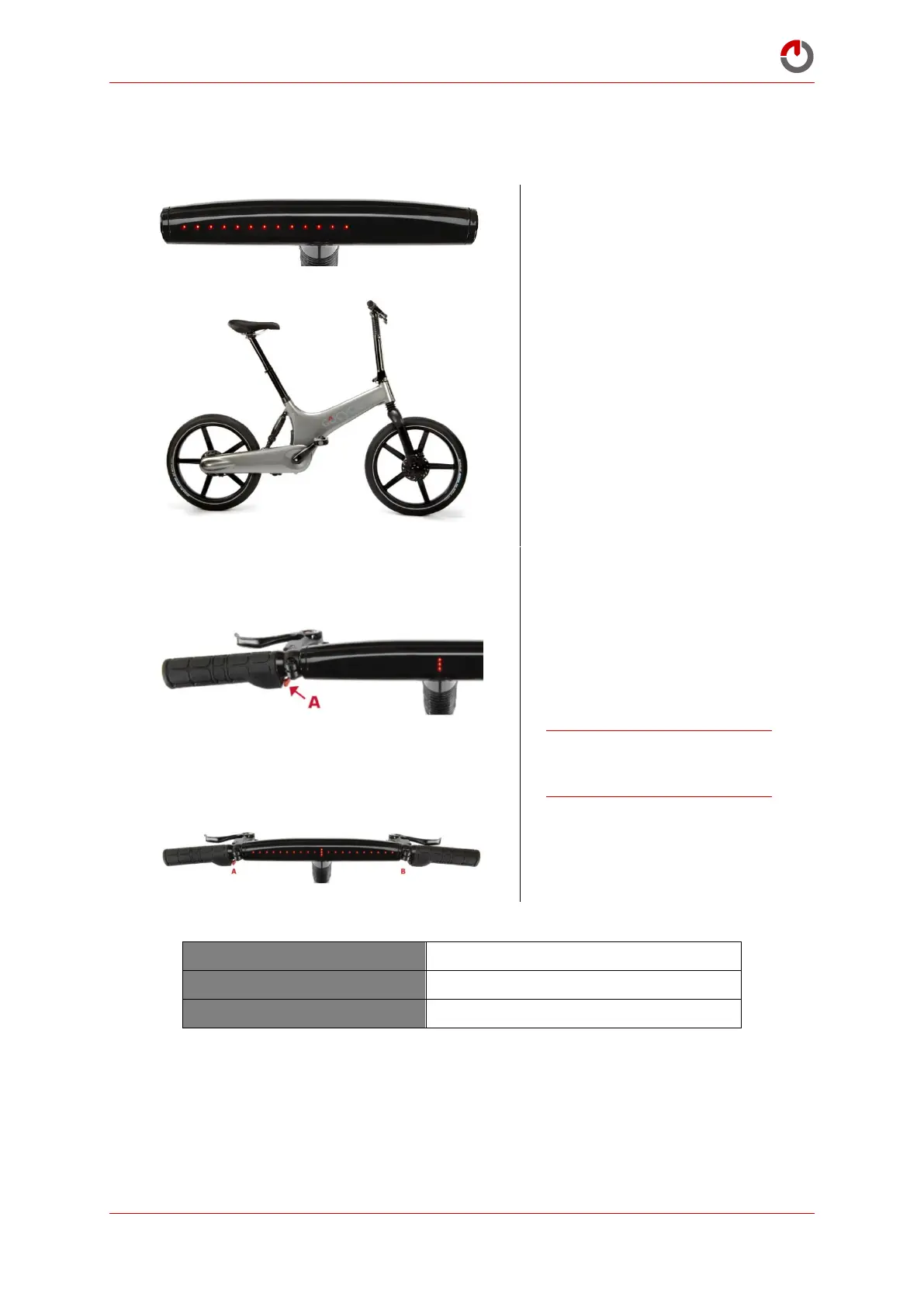
To check operation of red power button and motor:
Select Motor Check, mode 13.
Lift the front wheel so that is it
off the ground.
Press red power button (A) to
initiate the motor.
Note: In some cases you may
have to repeatedly press and
hold the power button to get
the motor to drive
continuously.
CAUTION! The motor will
operate when the red power
button is pressed.
Exit by pressing and holding
buttons A and B—the riding
mode will flash to confirm exit.
Checks the operation of the motor


 To Next Page