Gocycle
®
Owner’s Manual for G3, March 2016
© Karbon Kinetics Limited. All Rights Reserved. 51
6.4.1 DRL Modes
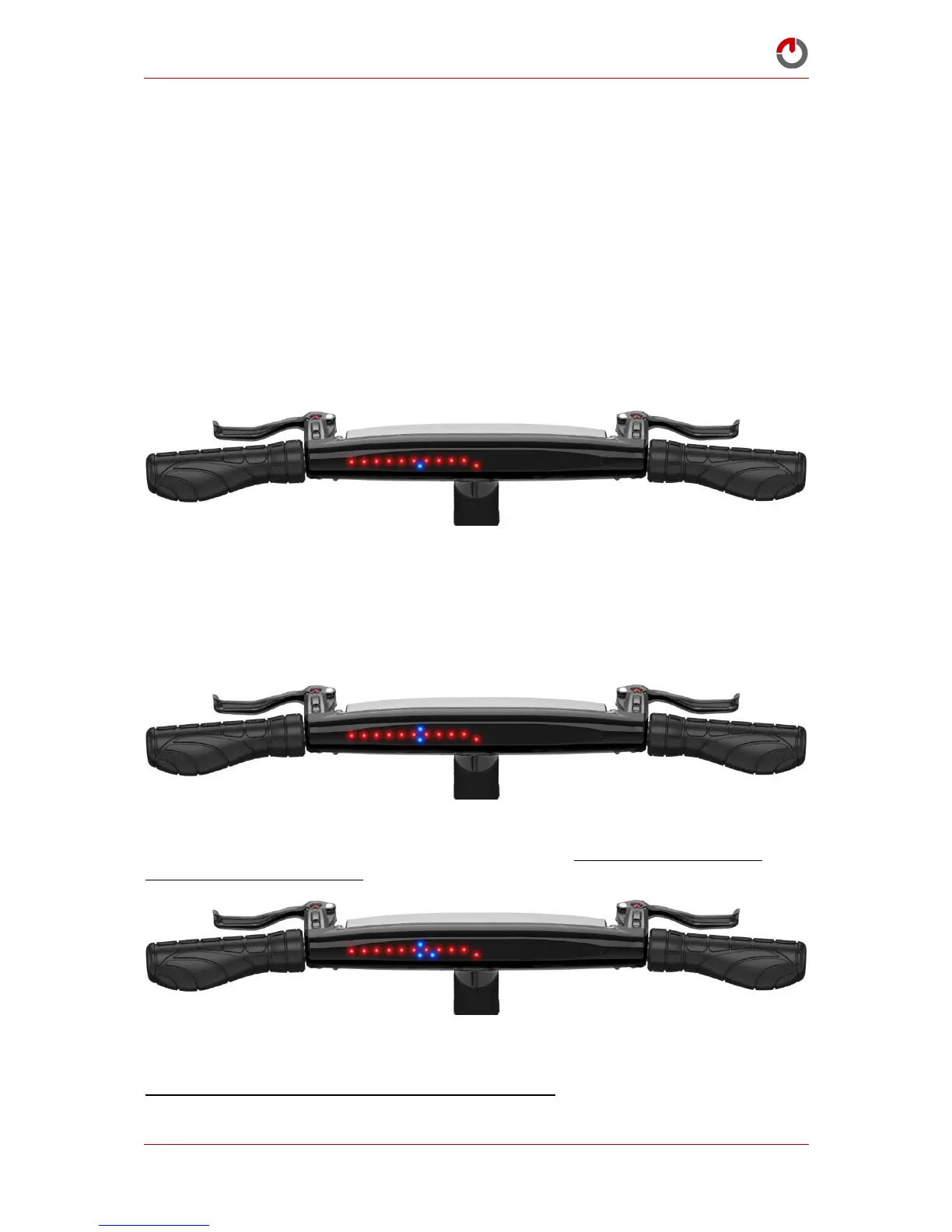
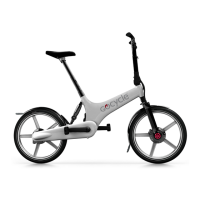
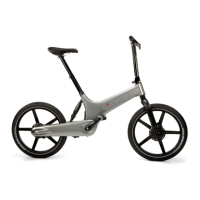
The DRL can be operated in 4 different modes. Each mode is indicated by up to 4 blue LEDs on the
dash. Modes are selected by a single rotation of button A wrist up. The DRL mode that is currently
active will be confirmed by the sequence of blue LEDs on the dash.
The DRL will automatically turn on when the Gocycle is moves. The mode that the DRL starts in is
called the “default running mode”. When the Gocycle stops and after a short amount of time of
inactivity, the DRL will turn off.
To turn the DRL on and off manually, rotate button A wrist up and hold the button for approximately
5 seconds to either turn the DRL on or off.
6.4.1.1 Low Beam Solid: Mode 1
This mode has a solid light and is recommended for use in low light or night time riding conditions.
6.4.1.2 Low Beam Solid plus Flash: Mode 2
This mode has a solid light complemented by a flashing strobe effect. It is recommended for use in
low light or night time riding conditions and is based on rider preference. Note: some countries do
not allow flashing cycle lights. We recommend that you consult the relevant national safety
organization or a reputable cycle dealer on what the minimum recommended lighting requirements
are in your particular country or region.
6.4.1.3 High Beam Solid: Mode 3
This mode has a solid light brighter then Mode 1 and Mode 2 and is only recommended for use
during daylight riding conditions.
6.4.1.4 High Beam Solid plus Flash: Mode 4
This mode has a solid light with the brightness of Mode 3 complemented by a flashing strobe effect. It
is only recommended for use during daylight riding conditions and is based on rider preference.
Note: some countries do not allow flashing cycle lights. We recommend that you consult the relevant


 To Next Page