Gocycle
®
Owner’s Manual for G3, March 2016
© Karbon Kinetics Limited. All Rights Reserved. 94
8.4.3 Pedal Torque Sensor Present Check
To check the presence and operation of the pedal torque sensor:
Select Pedal Torque Sensor
Present Check, mode 14.
With both brakes held, apply
pressure to the left hand (non-
drive side) pedal crank.
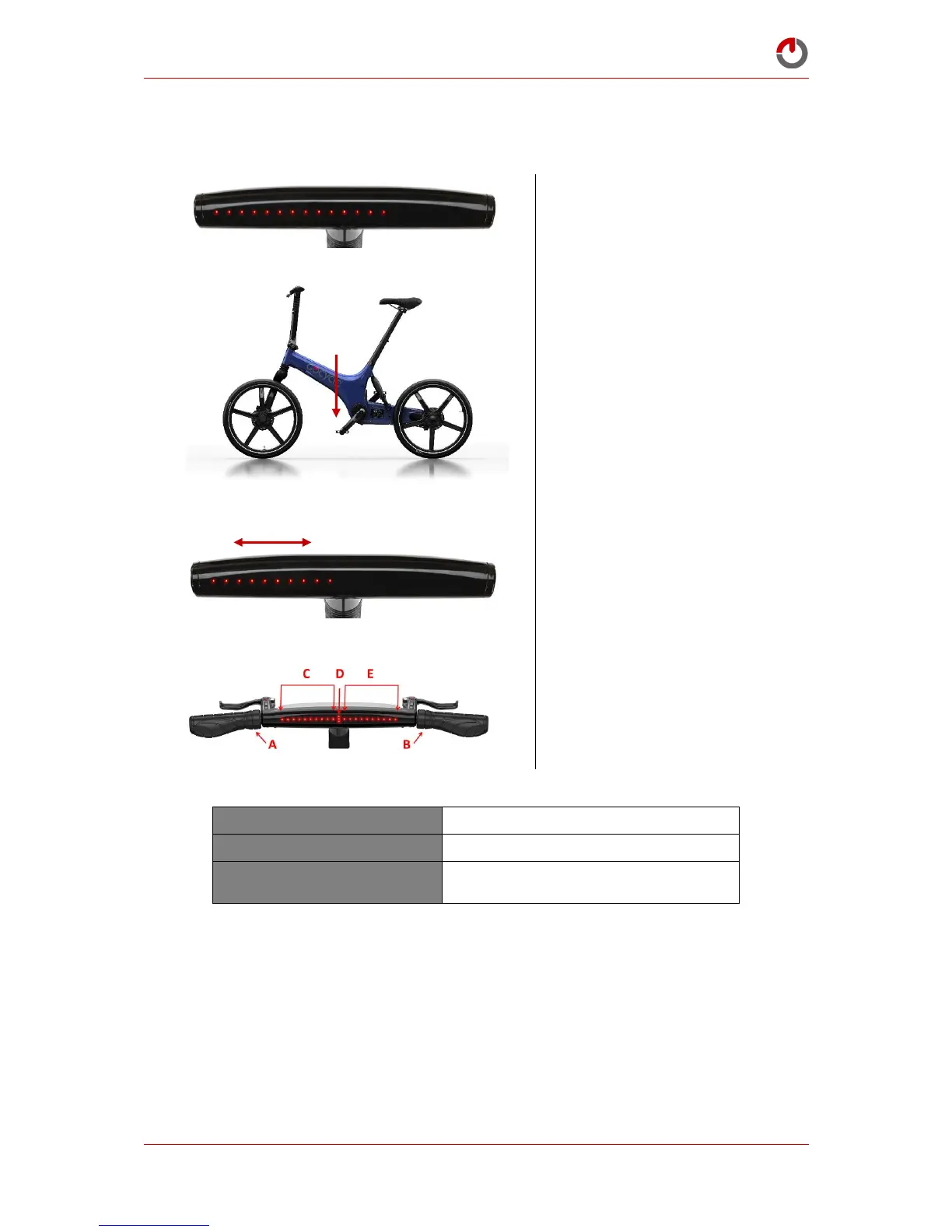
When pressure is applied to
the left-hand (non-drive side)
pedal crank, the level of force
detected will be represented on
the dashboard display—
applying greater pressure will
turn off more LEDs.
Exit by rotating “wrist down”
and holding selectors A and
B—the riding mode will flash
to confirm exit.
Pedal Torque Sensor Present Check
Checks for the presence and operation of
torque sensor


 To Next Page