39
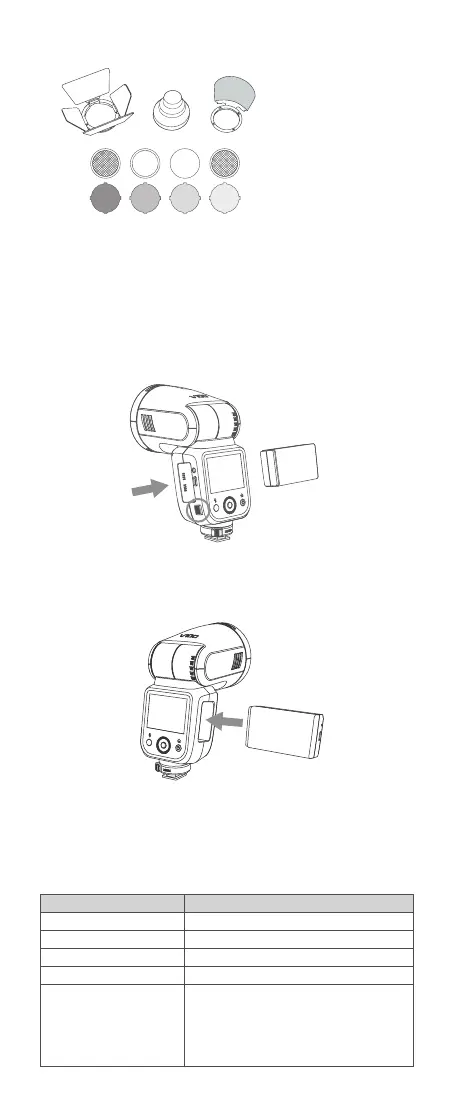
Installing/Disassembling Battery
Battery Level Indication
Disassembling the battery: Press and hold the battery remove button, then
push the battery out of the battery compartment.
Make sure the battery pack is securely loaded in the flash. Check the
battery level indication on the LCD panel to see the remaining battery level.
Installing the battery: Insert the battery into the battery compartment in
the direction as referred below until it’s rmly locked.
Battery Level Indication
3 grids
2 grids
1 grid
Blank grid
No battery alert blinking
Meaning
Full
Middle
Low
Lower battery, please recharge it.
The battery level is going to be used out, and the
flash is not functional in this status.
Note: Please recharge the battery as soon as
possible (within 10 days). Then, the battery can be
used or be placed for long period.
Accessory Kit for Round Flash Head AK-R1
Note: Please purchase the correct accessories according to your flash models.



 To Next Page