26
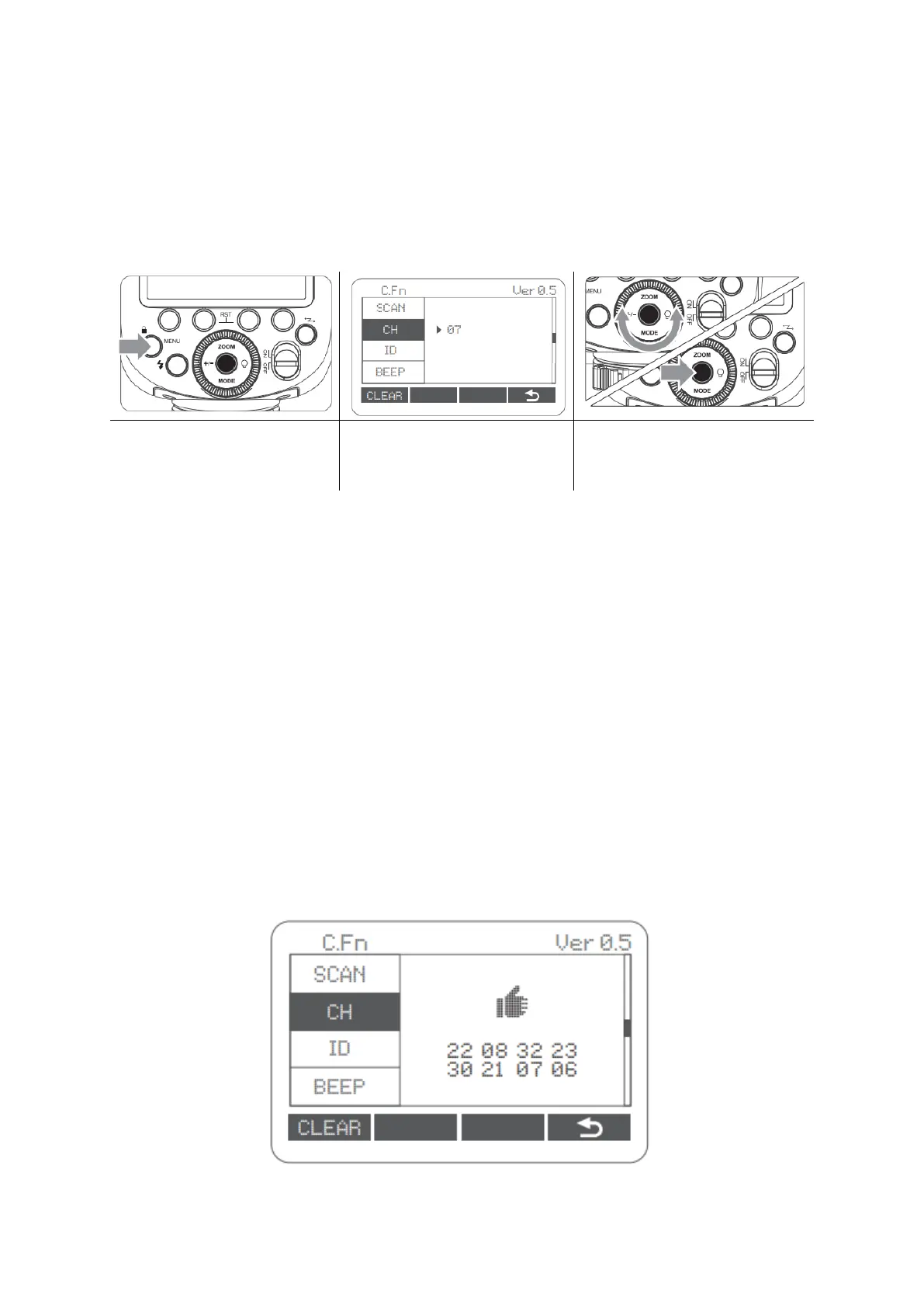
Setting the Communication Channel
If there are other wireless flash systems nearby, you can change the channel IDs to
prevent signal interference. The channel IDs of the Transmitter unit and the Receiver
unit(s) must be set to the same.
In C.Fn CH, turn the Select
Dial to choose channel ID
from 1 to 32.
Wireless ID Settings
Change the wireless channels and wireless ID to avoid interference for it can only be
triggered after the wireless IDs and channels of the Transmitter unit and the Receiver
unit are set to the same. Press the <MENU> button to enter C.Fn ID. Press the Set Button
to choose OFF channel expansion shutdown, and choose any figure from 01 to 99.
Scan the Spare Channel
To avoid the interference of using the same channel by others, this function can be
used: enter the C.Fn settings and find the SCAN option. When setting it to START, it will
scan from 1% to 100%. And 8 spare channels will be displayed after the scan is
completed.



 To Next Page