30
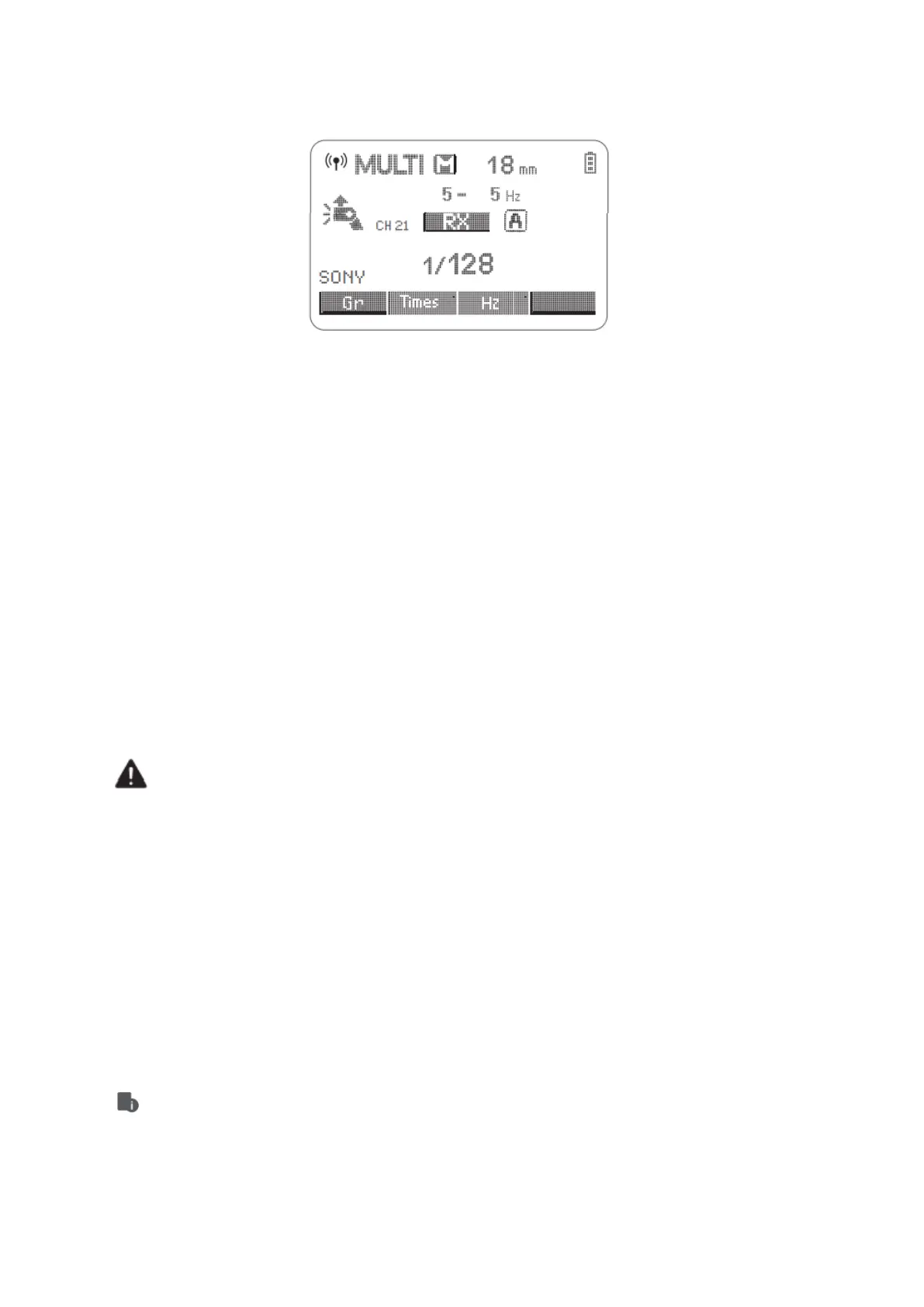
Multi: Wireless Flash Shooting with Manual Flash
1. Setting <MULTI> Stroboscopic flash
• Press <MODE> button so that <MULTI> is displayed.
• Setting the stroboscopic flash.
Other Applications
Sync Triggering
The Sync Cord Jack is a Φ2.5mm plug. Insert a trigger plug here and the flash will be fired
synchronously with the camera shutter.
Modeling Flash
If the camera has a depth-of-field preview button, pressing it will fire the flash
continuously for 1 second. This is called modeling flash. It enables you to see the
shadow effects on the subject and the lighting balance. You can fire the modeling flash
during wireless or normal flash shooting.
• To avoid overheating and deteriorating the flash head, do not fire the modeling
flash for more than 10 consecutive times. If you fire the modeling flash 10
consecutive times, allow at least 10 minutes break for the camera flash.
• The modeling flash cannot be fired with the EOS 300 and Type-B cameras.
Auto Focus Assist Beam
In poorly lit or low contrast shooting environments, the built-in auto focus assist beam
will automatically light on to make it easier for the autofocus. The beam will light up only
when autofocus is difficult and get out as soon as the autofocus becomes correct.
If you want to turn off the auto focus assist beam, set the “AF” to “OFF” on the C.Fn
settings.
• If you find he auto assist beam does not light up, this is because the camera has
got a correct autofocus.



 To Next Page