27
ETTL: Fully Automatic Wireless Flash Shooting
Using Automatic Wireless Flash with a Single Receiver Unit
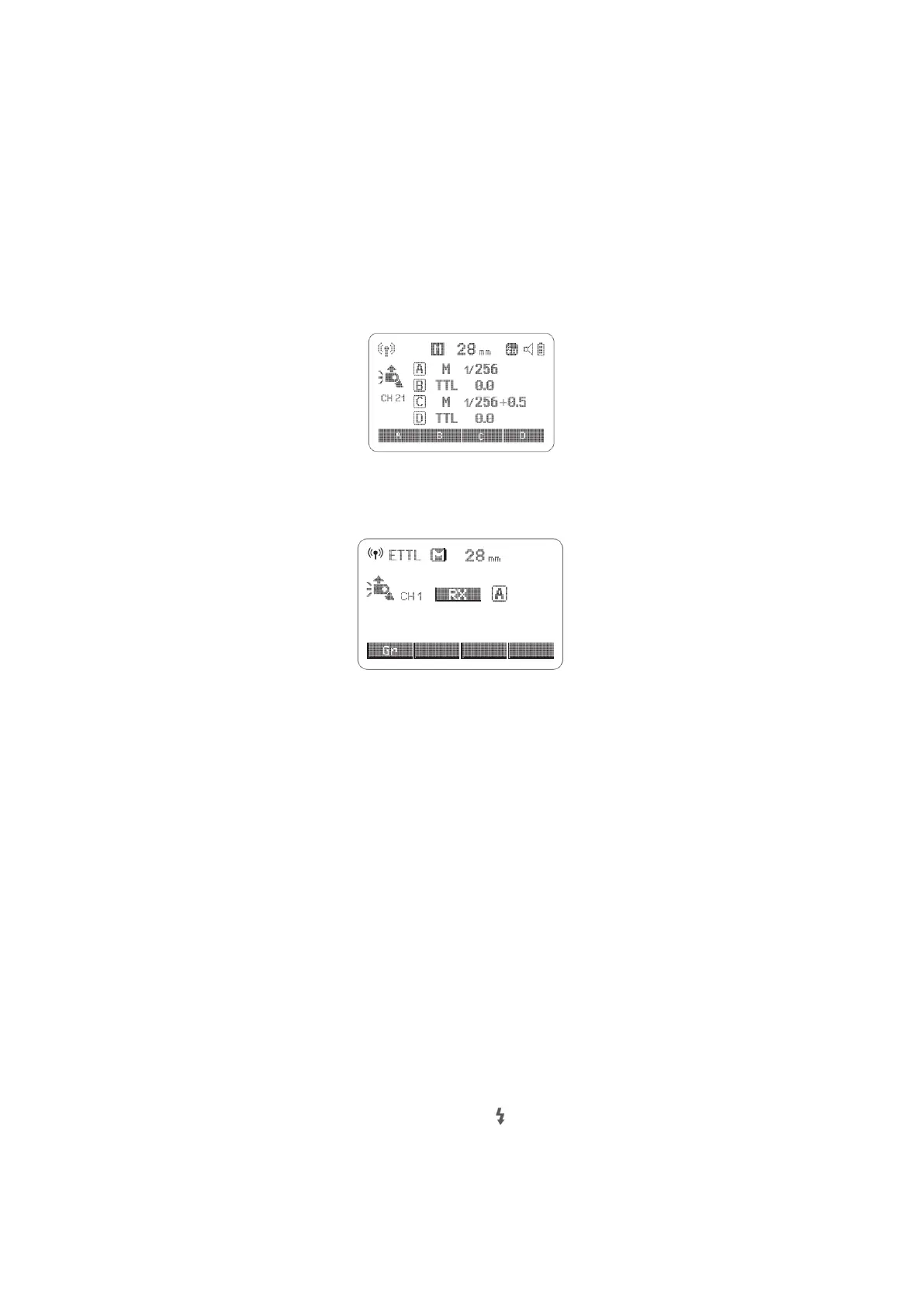
Transmitter Unit Setting
• Attach a V1C camera flash on the camera and set it as the Transmitter unit.
• X1T-C can also be used as Transmitter unit. X1T-C can control V1C’s ZOOM value
when the ZOOM is adjusted to auto (A) mode.
Receiver Unit Setting
• Set the other camera flash as the wireless Receiver Unit.
Check the communication channel.
• If the Transmitter unit Receiver unit(s) are set to a different channel, set them to
the same channel.
Position the camera and flashes
• Position the camera and flashes as the picture shows.
Set the Transmitter unit’s flash mode to <ETT>
• Set the Transmitter unit’s flash mode to <ETTL>.
• For shooting <ETTL> will automatically be set for the Receiver unit.
• Set the Transmitter unit flash firing as ON to fire a flash.
Check that the flash is ready
• Check that the Transmitter flash ready indicator is lightened.
• When the Receiver flash ready indicator is ready, the AF-assist beam lighting area
will blink at 1 second intervals.
Check the flash operation.
• Press the Transmitter unit’s Test Button < >
• Then, the Receiver unit will fire. If not, adjust the Receiver unit’s angle toward the
Transmitter unit and distance from the Transmitter unit



 To Next Page