33
C.Fn: Setting Custom Functions
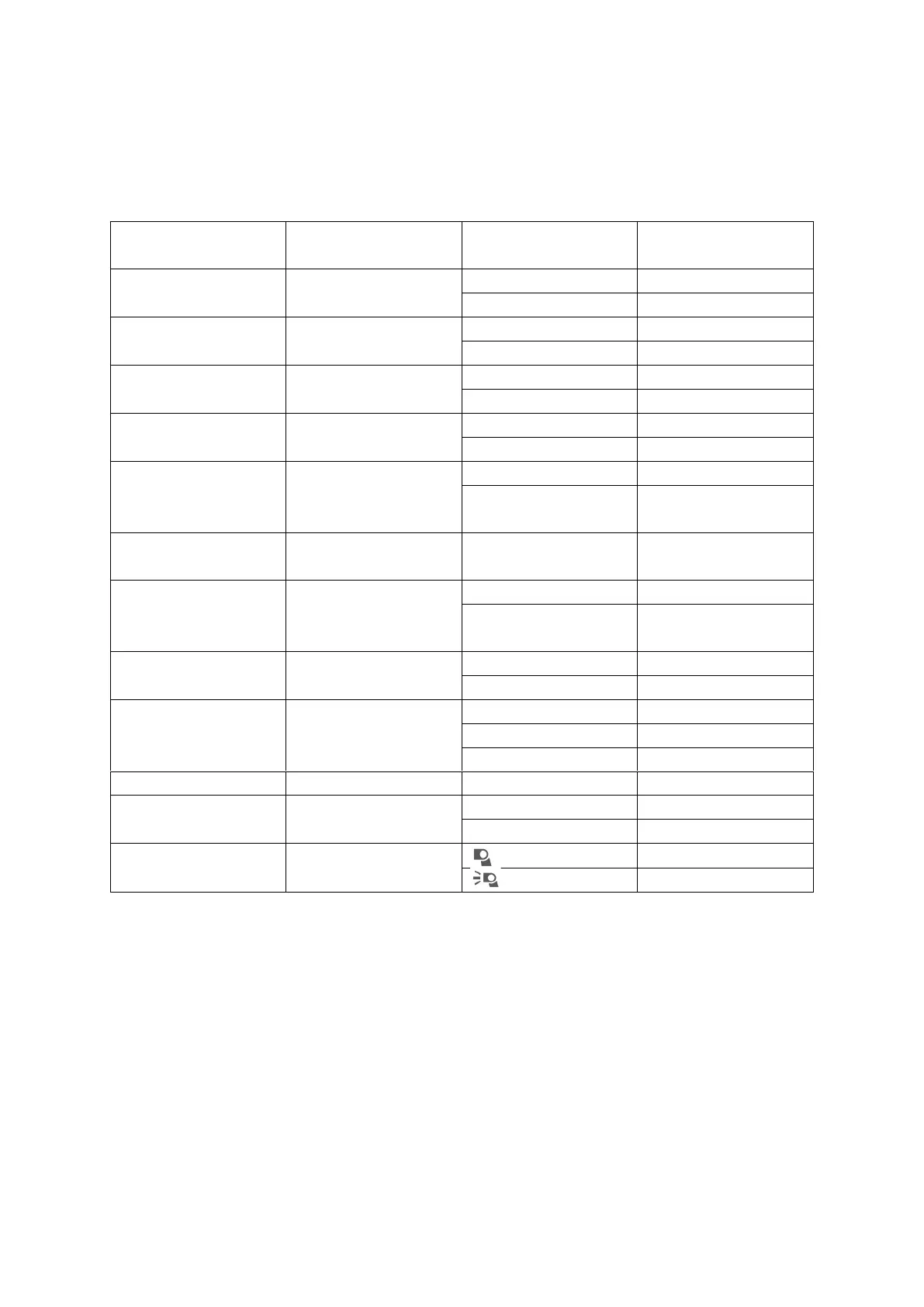
The following table lists the available and unavailable custom functions of this flash.
1. Press <MENU> Button until C.Fn menu is displayed. The “Ver x.x” in the top right
corner refers to the software version.
2. Select the custom function No.
• Turn the Select Dial to select the Custom Function No.
3. Change the Setting.
• Press Set Button and Setting No. Blinks.
• Turn the Select Dial to set the desired number. Pressing Set Button will confirm
the settings.
• After you set the Custom Function and press <MENU> button, the camera will be
ready to shoot.



 To Next Page