32
ZOOM: Setting the Flash Coverage
The flash coverage can be set automatically or manually. It can be set to match the lens
focal length from 28mm to 105mm.
In Manual Zoom mode, press the <ZOOM> button.
• Turn the Select Dial to change the flash coverage.
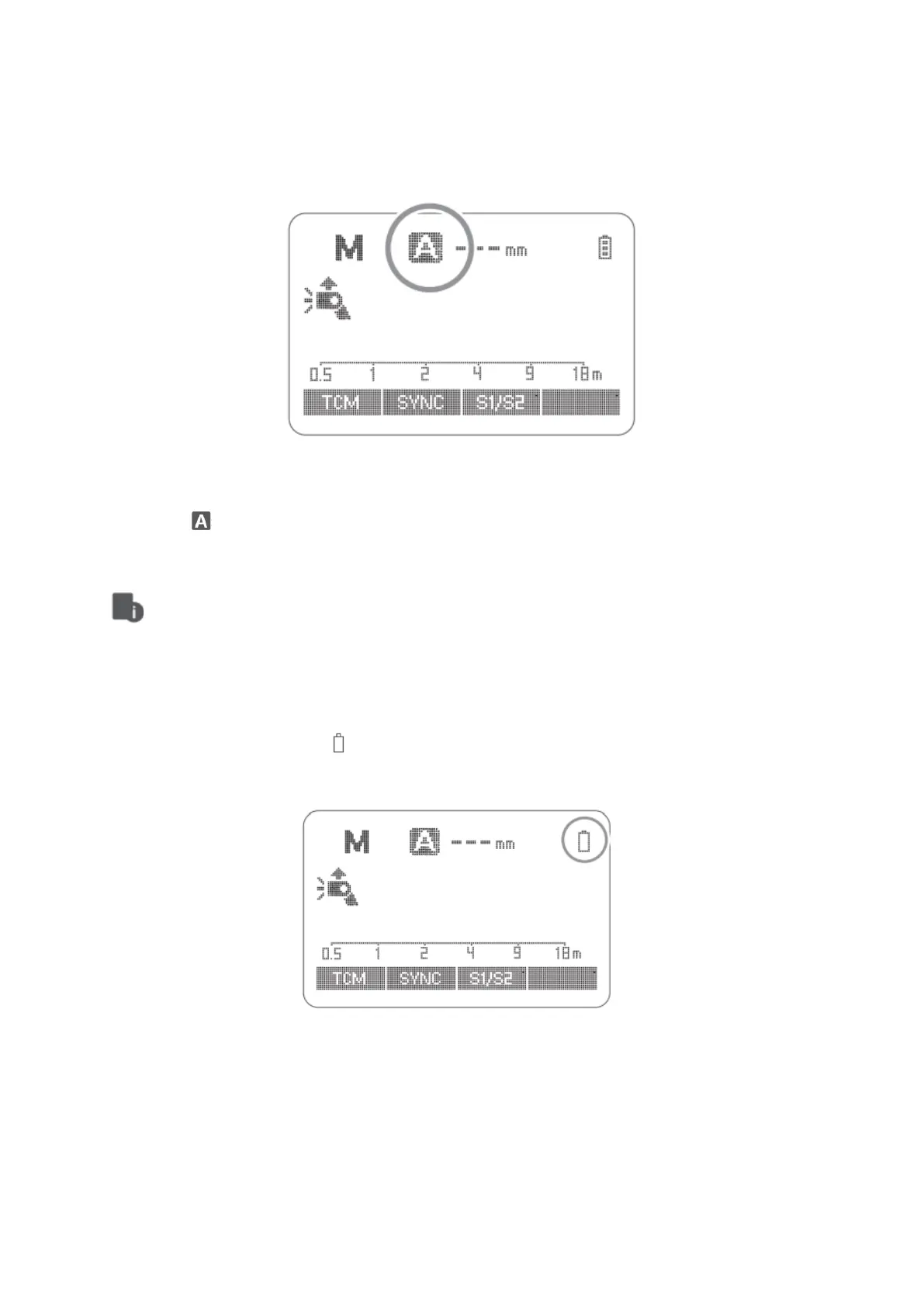
• If < > is displayed, the flash coverage will be set automatically.
• If you set the flash coverage manually, make sure it covers the lens focal length
so that the picture will not have a dark periphery.
Low Battery Warning
If the battery power is low < > will appear and blink on the LCD panel. Please replace
the battery immediately.



 To Next Page