11
ADVANCED PROGRAMMING (MONITOR FUNCTIONS)
Advanced programming enables the monitor's default settings to be changed:
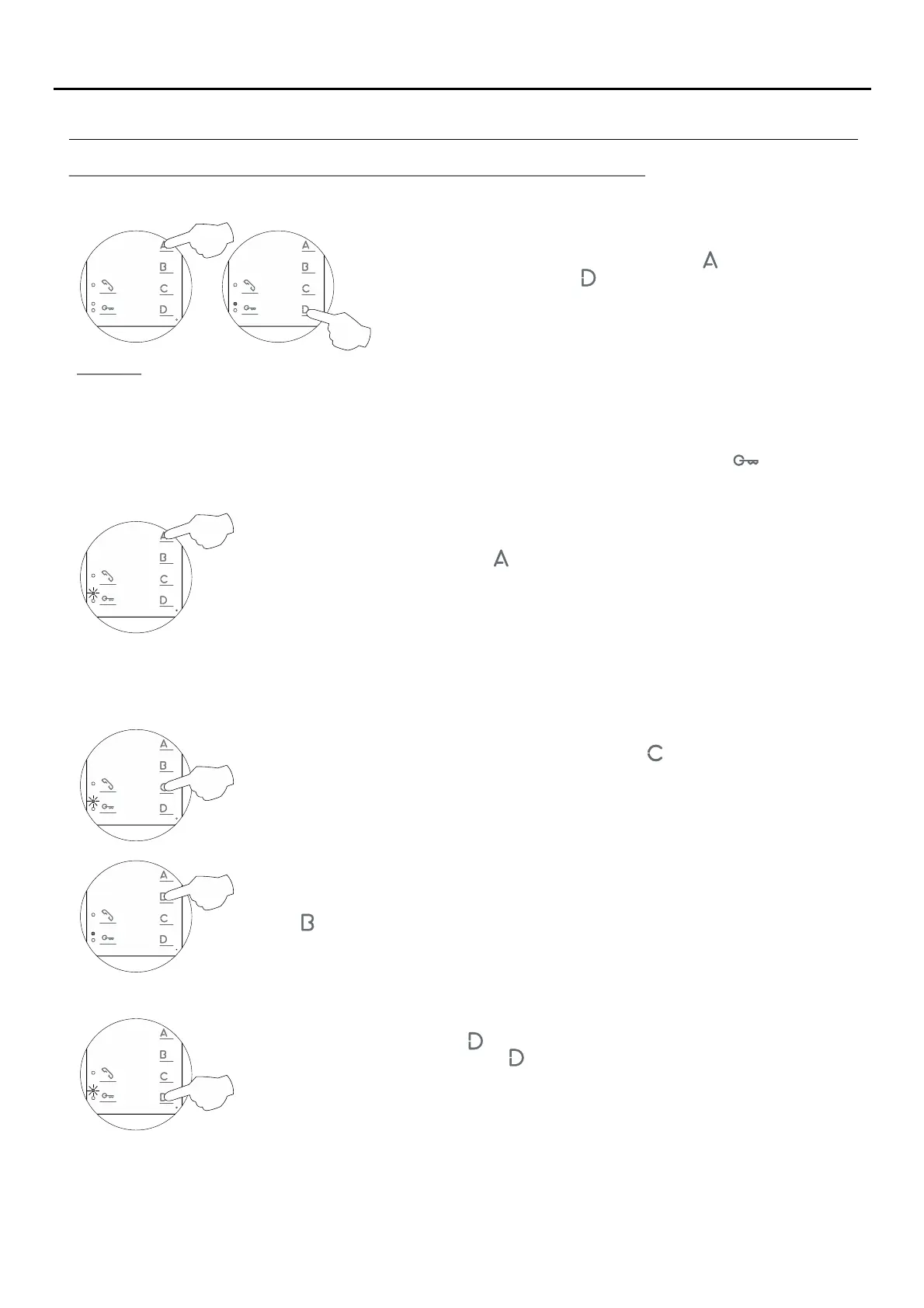
Turn off the monitor to be programmed (press button for 3 seconds).
Once switched off, press button for 3 seconds to access of'Menu 1'
advanced programming and the programming LED will illuminate.
Then adjust the settings as required:
Select the ringtone to be changed: Each press on button selects a ringtone which is
indicated with blinks (1 to 4 blinks) of the programming LED and in the following order: door
panel, guard unit, intercom call and 'HZ' apartment front door call. When the final selection
is reached, the following press returns the user to the first selection and 1 blink of the
programming LED (carousel mode).
- Changing the ringtone melody:
Then select the melody for the ringtone (selected in the previous step) by pressing
button until the required 'carousel mode' melody is heard.
The monitor has different ringtones to identify the origin of the call. The melodies assigned by default to the
ringtones can be selected from among others available on the monitor.
Men 1:u
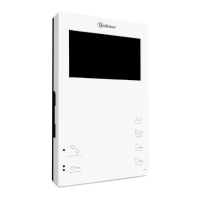
Advanced programming of the functions of the Tekna HF Plus monitor:
Continued overleaf
- Accessing 'Menu 2' or exiting programming mode:
P¡To access press button and the programming LED will blink twice.'Menu 2,'
To exit programming mode, press button for 3 seconds, and the programming LED will turn
off (see p. 14).
To activate doctor mode: Press button and the programming LED will indicate with 2 blinks
that the function is activated (and the status LED will blink green) or with 1 blink that the
function is deactivated.
- Activating/deactivating the doctor mode function: Doctor mode not activated (default setting).
The 'doctor mode' function enables the lock release to be activated automatically 6 seconds after making a call
from the door panel without having to establish communication or press door release button . The call ends
after 20 seconds and the channel becomes free.
(Only the master monitor should be configured with 'doctor mode').
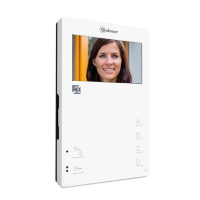
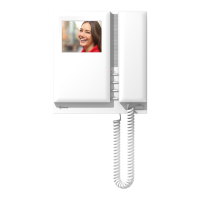
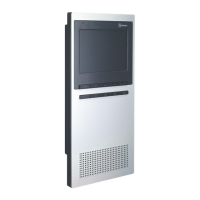
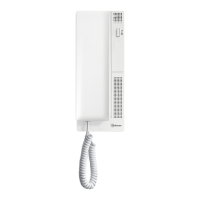
TEKNA PLUS MONITORHF





 To Next Page