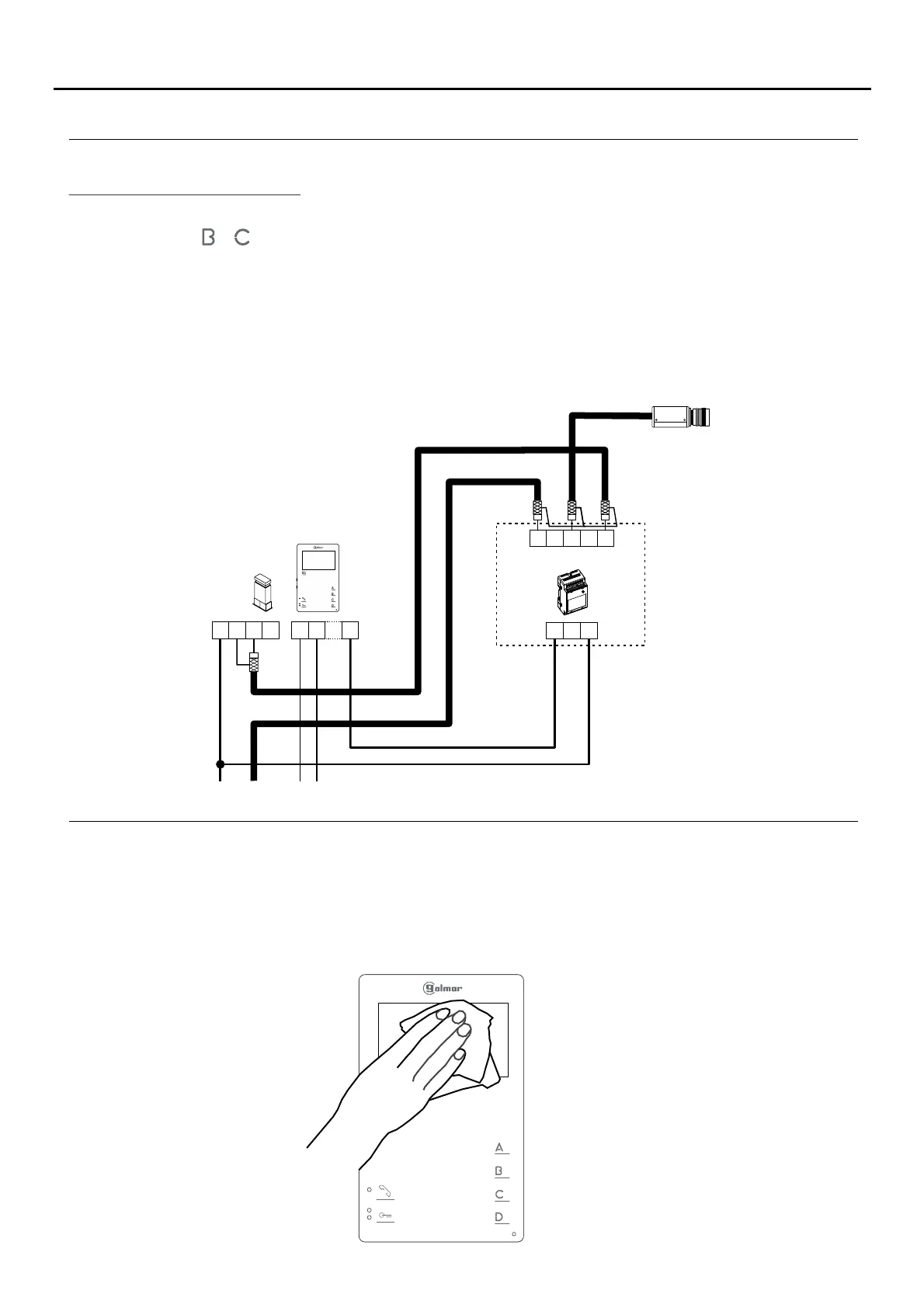
CLEANING THE MONITOR
- Do not use solvents, detergents or cleaning products that contain acids, vinegar or abrasive components.
- Use a soft damp lint-free cloth with water.
- Always wipe the monitor in the same direction, from top to bottom.
- After cleaning the monitor, remove any moisture with a soft dry lint-free cloth.
OPTIONAL CONNECTIONS
17
Continued from previous page.
A
_
+
D
V
in
V
out
CN4
2nd Camera
SAR-12/24
IN IN
NC NA C
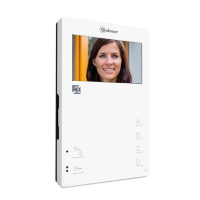
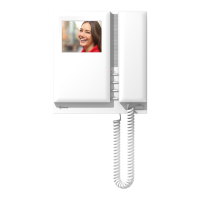
To activate a second camera, it is necessary to use an SAR-12/24 relay unit and to change the configuration of
function button or on the monitor, as described on p. 12.
To activate this function, press the button configured for this function on the monitor at any time and regardless of
the position of the handset.
If the feature is shared by all monitors, connect their 2C terminals; if, however, each monitor or a group of monitors
has its own camera, use a SAR-12/24 relay for each one and do not connect the 2C terminals of the different
groups.
This function can be used to activate anything else, as described in the section on activation of auxiliary devices, but
through the 2C terminal.
The most common applications could be to monitor access to the lift, to the entrance hall, etc.
2C
Activating a second camera:
Tekna HF Plus
CN3
CN2
TEKNA PLUS MONITORHF





 To Next Page