7
INSTALLING THE MONITOR IN A WALL MOUNTING CONNECTOR
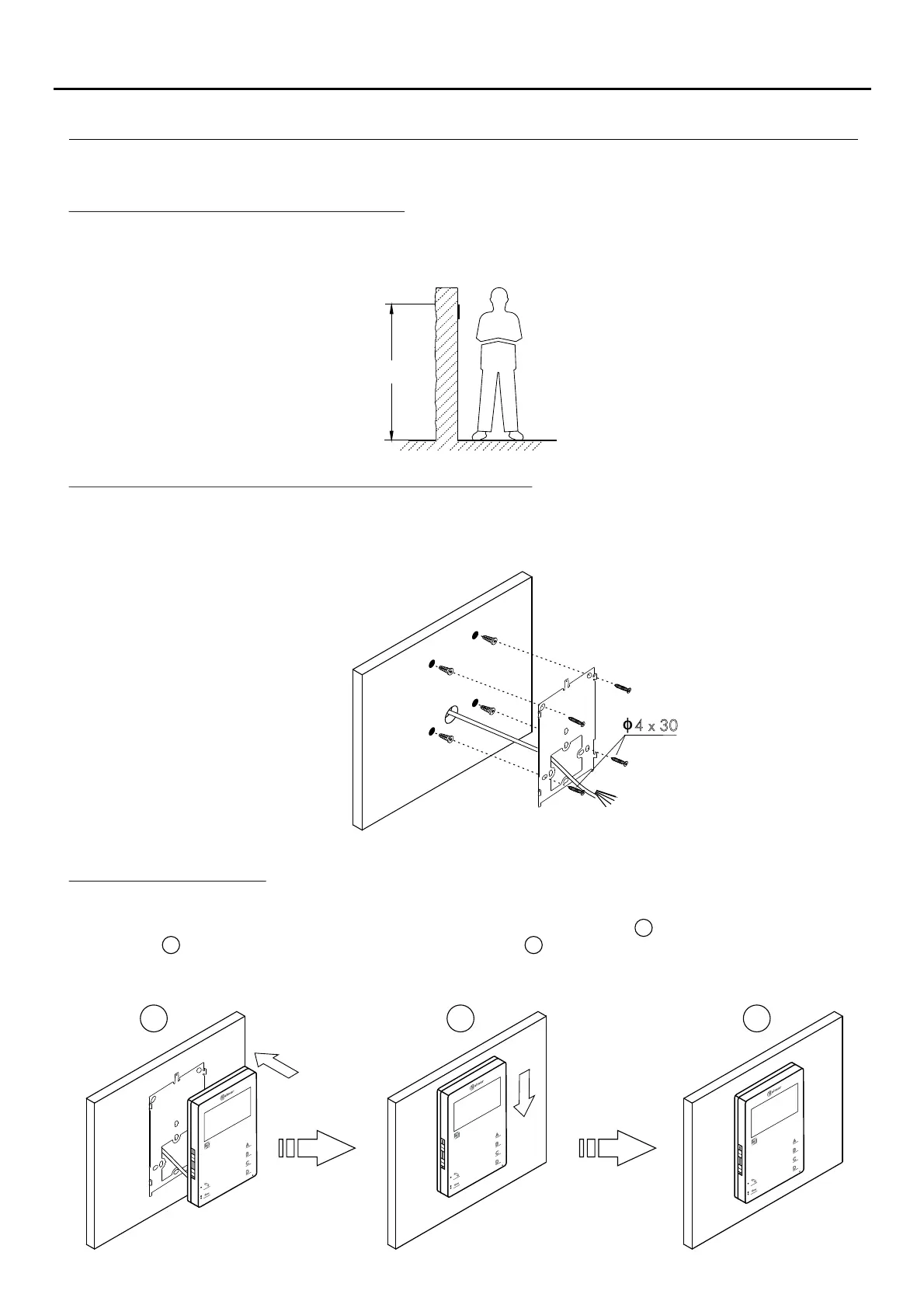
The top of the connector must be positioned at a height of 1.60m. The minimum distance between the sides of the
connector and the closest object must be 5cm.
Positioning the wall mounting connector:
Fix the monitor's wall mounting connector to the wall by drilling two 6mm diameter holes and using the screws and plugs
supplied with the terminal.
Fixing the monitor's wall mounting connector to the wall:
Positioning the monitor:
1 2 3
Avoid dusty or smoky environments or locations near sources of heat.
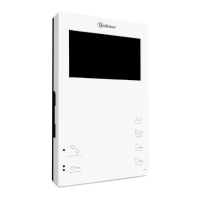
Connect the cables to the monitor (see p. 4), position the monitor in front of the wall mounting connector, ensuring
that the holes in the base of the monitor line up with those on the connector , and then move the monitor
downwards until the monitor is securely fixed to the connector .
Remember to remove the protective covering from the front of the monitor once installation is complete.
1
2
3
1 6. 0m
x4 30
TEKNA PLUS MONITORHF





 To Next Page