26 27
On-Screen Shortcuts
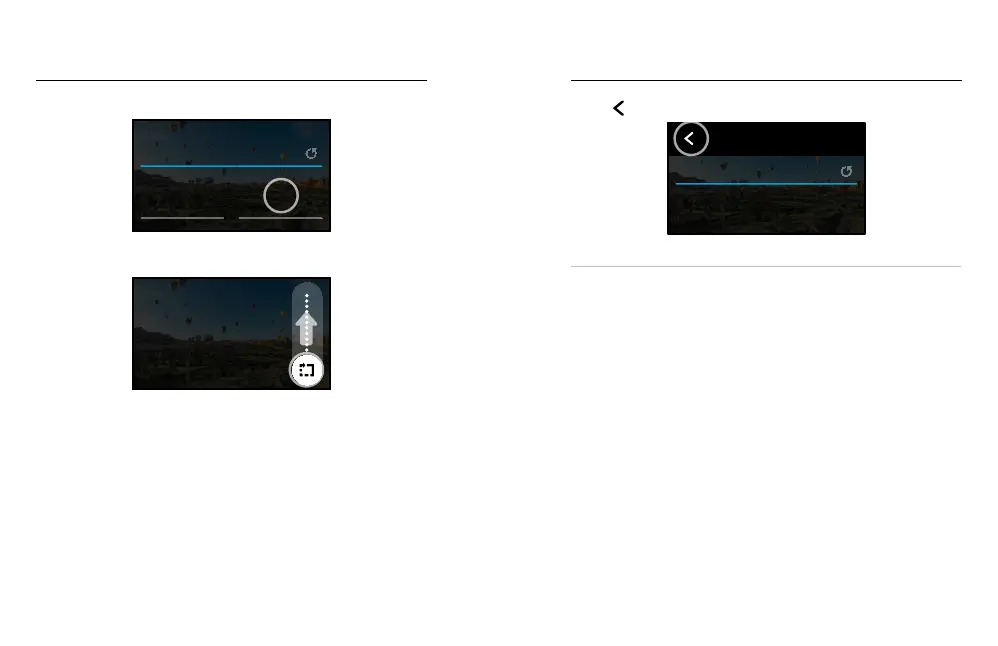
3. Tap where you’d like to put your new shortcut.
Lens
Upper Left
O
Upper Right
ON-SCREEN SETTINGS
4. Scroll through all of the available shortcuts on the right and choose
the one you want.
Shoot quick 15 or 30 second
videos for easy sharing on
social media.
Clips
UPPER RIGHT
For details on shortcuts, see Tech Specs (starting page 92) and
Protune (starting page 100).
5. Tap
to save your changes and return to the presets screen.
Lens
Upper Left Upper Right
PHOTO
ON-SCREEN SETTINGS
Clips
Now you can simply tap the shortcut to change settings.
PRO TIP: From the capture screen, you can press and hold the shortcut
to skip to the shortcut selection screen.
On-Screen Shortcuts















 To Next Page