36 37
Video Settings
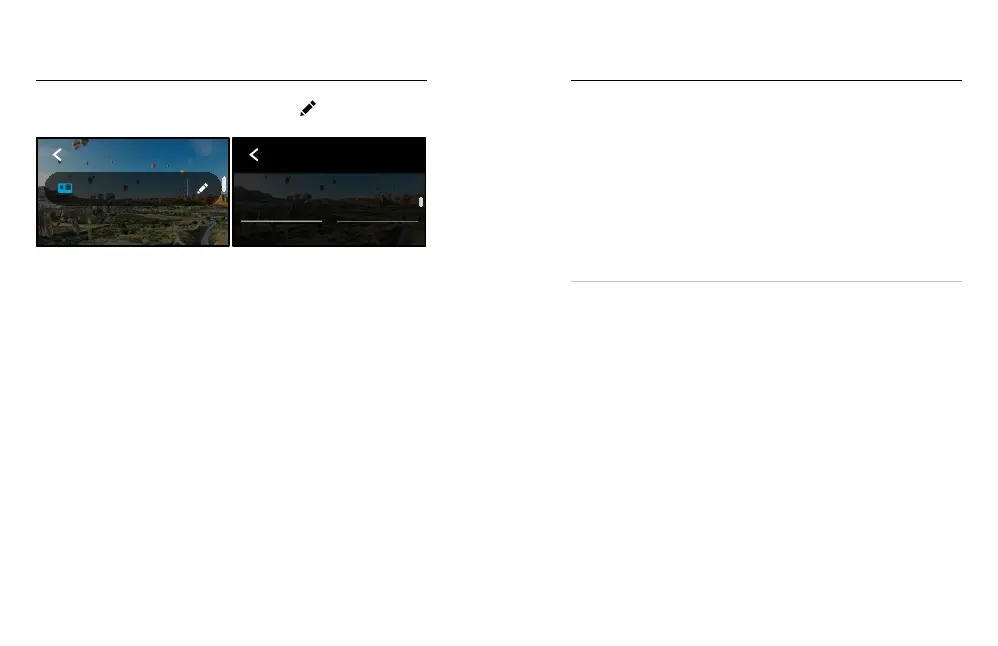
Here’s a breakdown of the video settings. Tap the and then the setting
to make changes.
1080 | 60 | Wide
Video
VIDEO
1080 | 60
RES | FPS
VIDEO
Mode
HERO
MODE
Shows you whether your camera is currently in HERO mode or
360 mode.
RES | FPS
HERO mode features two resolutions (RES). 1080p is a widescreen 16:9
resolution that’s great for cinematic shots. 1440p is a tall 4:3 resolution
that’s great for seles and point-of-view shots. 360 mode captures
all spherical content in 5.6K. Frames per second (fps) are listed at the
bottom of the screen.
To learn more, see:
• Resolution (page 92)
• Frames per Second (page 93).
LENS HERO MODE
Choose the best digital lens for your shot – Max SuperView, Wide, Linear
or Narrow.
To learn more, see Digital Lenses (Video) (page 94).
MAX HYPERSMOOTH HERO MODE
Perfect for biking, skiing, handheld shots and more, Max HyperSmooth
delivers unbreakable video stabilisation for the smoothest shots possible.
Max HyperSmooth is on by default.
To learn more, see Max HyperSmooth Video Stabilisation (page 95).
PRO TIP: Watch your 360 footage on the GoPro app to see your Video
and TimeWarp shots with full stabilisation.
CLIPS
Capture short 15- or 30-second video clips that are quick and easy to
save on your phone and share on social media. Clips are o by default.
HORIZON LEVELLING HERO MODE
Gives your HERO-mode footage an ultra-smooth cinematic look
with a level horizon, even if your camera gets ipped upside down
while recording.
To learn more, see Horizon Levelling (page 95).
PROTUNE
Use Protune to take manual control of advanced settings, including Bit
Rate, Colour, ISO Limit, Exposure, microphone settings and more.
To learn more, see Protune (page 100).
Video Settings















 To Next Page