42 43
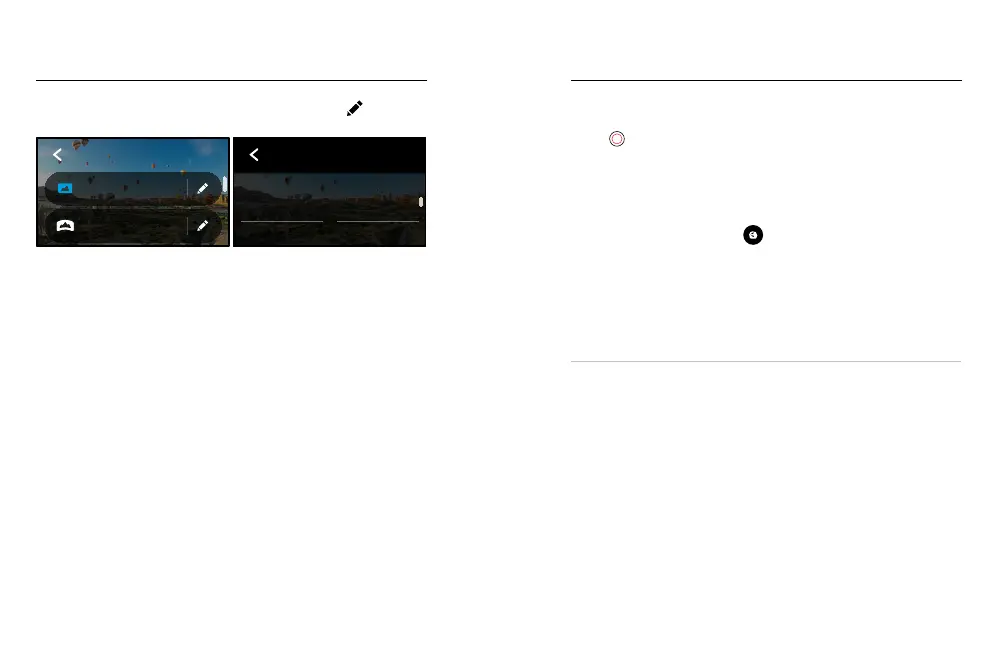
Here’s an overview of the available photo settings. Tap the to access
the settings menu, then tap the setting itself to make changes.
3 Seconds
PowerPano
Wide
Photo
PHOTO
PHOTO
Lens
Wide
HERO
Mode
LENS (HERO MODE)
Choose the best digital lens for your shot – Max SuperView or Wide.
Scroll to see a live preview of each, and then tap the one you want.
To learn more, see Digital Lenses (Photo) (page 96).
HORIZON LEVELLING POWERPANO
Helps you capture amazing panoramic shots with a level horizon, even
when your camera is tilted. Horizon Levelling is on by default.
To learn more, see Horizon Levelling (PowerPano) (page 96).
TIMER
Set up a 3- or 10-second timer for your photo.
PROTUNE PHOTO
Protune gives you manual control of advanced settings including Colour,
ISO Limit, Exposure and more.
To learn more, see Protune (starting page 100).
Photo Settings Capturing Time Lapse
Time Lapse turns long events into short shareable videos by taking a
frame of video at set intervals. All you have to do is press the Shutter
button
to start recording, then press it again to stop.
TIMEWARP
MAX lets you speed up time by using TimeWarp video stabilisation to
capture ultra-smooth time lapse video while you’re on the move. This
makes it perfect for mountain bike runs, hikes and more.
In HERO mode, you can also tap
to slow down the eect to
real time – savouring interesting moments – and then tap to speed
it back up.
TIME LAPSE (HERO MODE)
Use Time Lapse when your camera is mounted and still. It’s great for
sunsets, street scenes, art projects and other shots that unfold over a
long period of time.
PRO TIP: MAX can also capture Time Lapse photos. Simply go to Format
in settings and choose Photo.















 To Next Page