24 25
Changing Modes + Settings
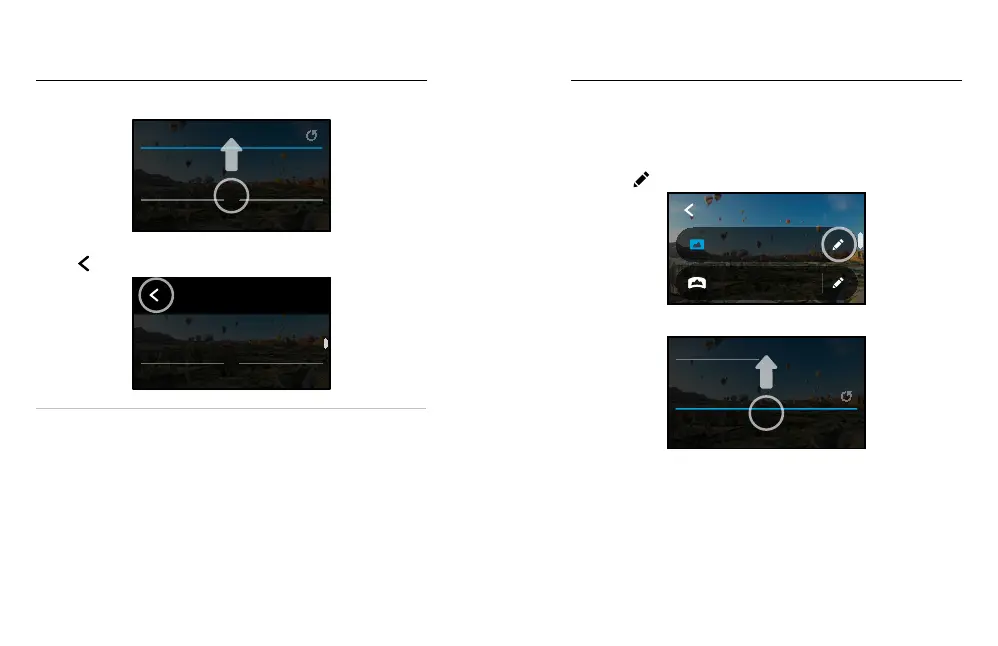
3. Scroll down for the more advanced settings.
0
EV Comp
Auto
Shutter
PROTUNE
For details on all advanced settings, see Protune (starting page 100).
4. Tap
to save your changes and return to the mode selection screen.
PHOTO
Lens
Wide
HERO
Mode
PRO TIP: From the capture screen, you can press and hold the capture
settings to skip straight to the settings menu.
RESTORING THE DEFAULT SETTINGS
You can go back to your camera’s original capture settings any time.
1. Swipe down to access the Dashboard.
2. Tap Preferences > Reset > Reset Defaults.
On-screen shortcuts give you quick one-tap access to your camera’s
capture settings. Each mode has its own default shortcuts, but you can
change them to the settings that you use most. You can even set up
dierent shortcuts for each capture mode.
1. Tap the
next to the preset you want to adjust.
3 Seconds
PowerPano
Wide
Photo
PHOTO
2. Scroll down to the on-screen shortcuts.
Upper Left
Upper Right
ON-SCREEN SETTINGS
On-Screen Shortcuts















 To Next Page