40 41
Taking Photos
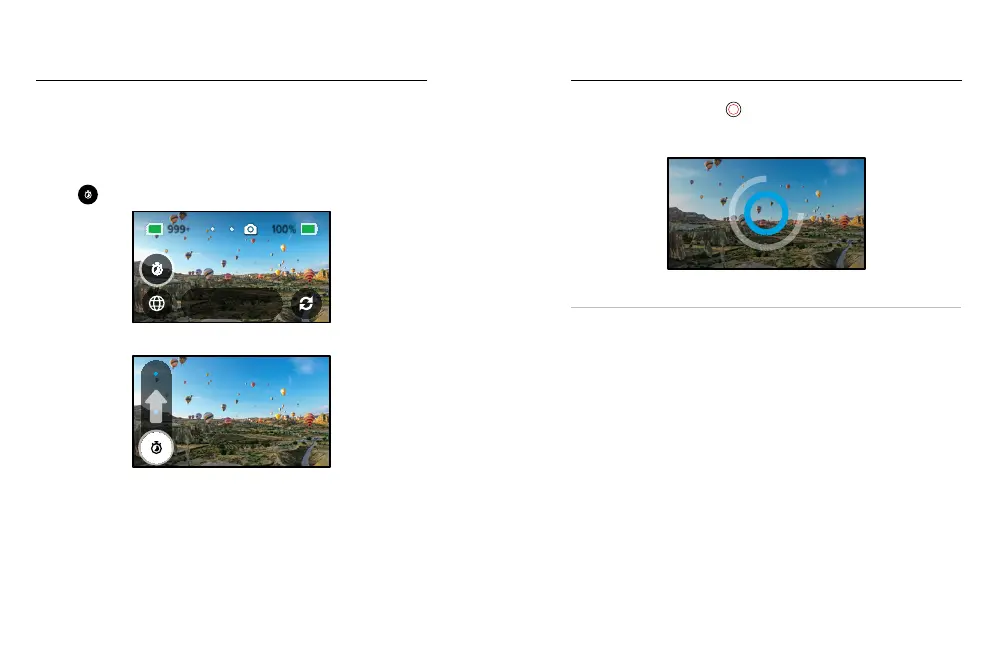
Photo Timer (360 Mode)
360 photos capture everything around your camera. This can include
your nger pressing the Shutter button. The Timer is set to 3 seconds by
default so that you’ll have enough time to reposition your hand out of the
shot. You can also turn the timer o or set it to 10 seconds.
1. Tap
.
3 Sec
360 Photo
2. Choose 3 seconds, 10 seconds or O.
O
3. Press the Shutter button
. Your camera will start the countdown.
It will also beep and the front status light will blink. Both will speed up
as the time counts down before snapping the photo.
To learn more, see Tips for Capturing 360 Content (page 20).
PRO TIP: Try using voice commands when capturing 360 shots. This will
let you start capturing your shots remotely, so you don’t have to move
your ngers out of the way after pressing the Shutter button.
To learn more, see Controlling Your GoPro With Your Voice (page 51).
Taking Photos















 To Next Page