34 35
Recording Video
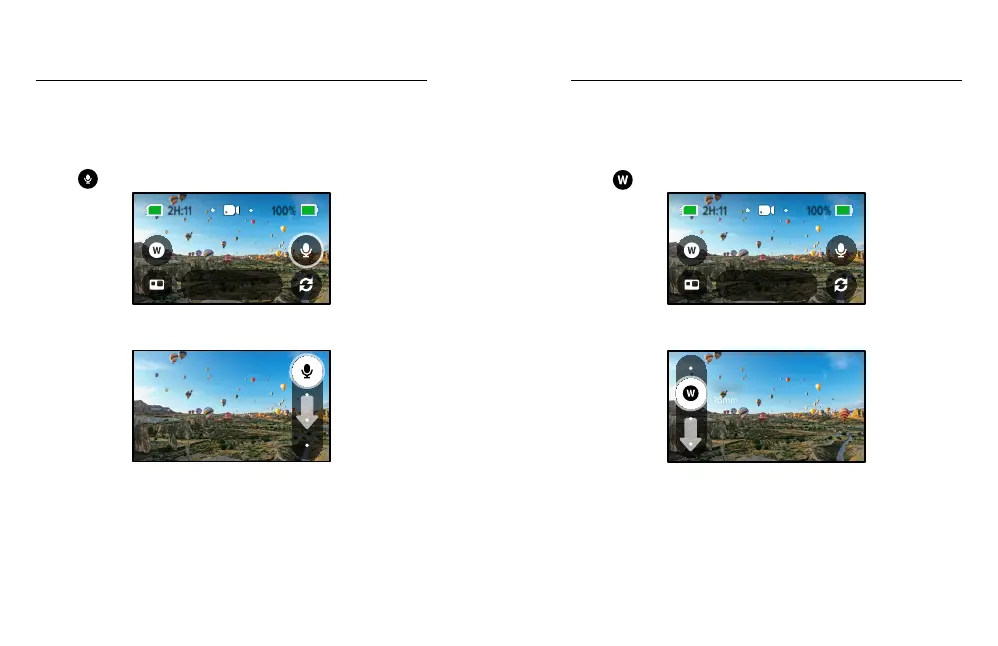
Microphones (HERO Mode)
This shortcut makes it easy to change your audio settings on the go. This
is especially useful when you’re switching between recording with the
front and back lenses.
1. Tap
.
1080 | 60 | W
Video
2. Scroll through the options and tap the microphone setting
that you want.
Stereo
To learn more, see Microphones (page 108).
Recording Video
Digital Lens (HERO Mode)
Changing digital lenses on your GoPro is just like switching between the
lenses on a DSLR. They aect the eld of view, the cropping and the
sheye eect in your shot.
1. Tap
.
1080 | 60 | W
Video
2. Scroll through the options to see a live preview of each option,
then tap the one that you want.
16mm
Wide















 To Next Page