56 57
Adjust the playback volume
Go to the previous or next photo in a group of continuous photos
Heads Up: The playback options will vary based on the type of media
you’re viewing.
PRO TIP: Some playback options are not available when you’re holding
your camera in portrait orientation. Make adjustments to those settings in
landscape orientation before rotating your camera.
Playing Back Your Media
01:19
MEDIA (14)
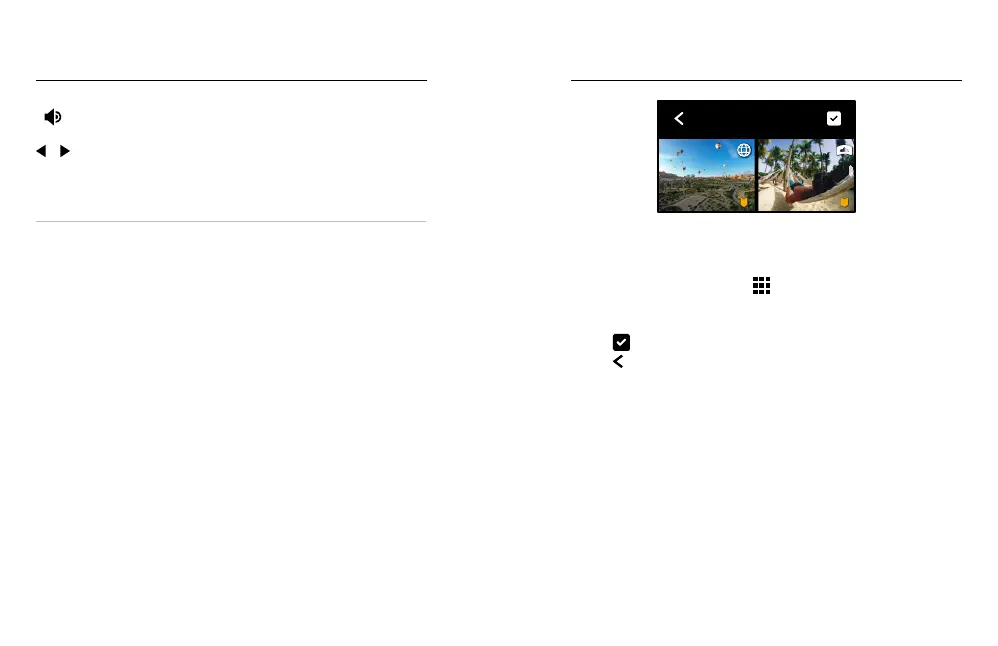
USING GALLERY VIEW
Gallery view gives you quick access to all of the videos and photos stored
on your SD card.
1. From the playback screen, tap
.
2. Swipe up to scroll through your media.
3. Tap a video or photo to see it in full-screen view.
4. Tap
to select les.
5. Tap
to go back to the playback screen.
Heads Up: Gallery view is not available when you’re holding your camera in
portrait orientation. Also, the more content you have on your SD card, the
longer it will take to load.
Playing Back Your Media















 To Next Page