EasyManua.ls Logo

GoVideo DV2150 - Remote Control Guide

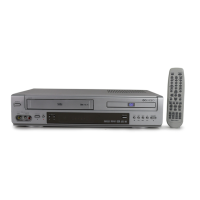
GoVideo DV2150
48 pages
Print Icon
To Next Page IconTo Next Page
To Previous Page IconTo Previous Page
Loading...
11
EJECT
POWER
VCR DVD
TV VIEW
1
2
3
4 5
6
7
8 9
0
100+/P.SCAN CLEAR
TRK- TRK+
SETUP
CH+
DISPLAY
TITLE
CH-
ENTER
MENU
REW
PLAY
FF
LAST CH.
REPEAT
SUBTITLE
AUDIO SEARCH
ZOOM
TV/VCR
AUTO PLAY
MARK
ANGLE
SKIP REPLAY
A-B
PROG.
STOP
SPEED
REC
PREV
NEXT
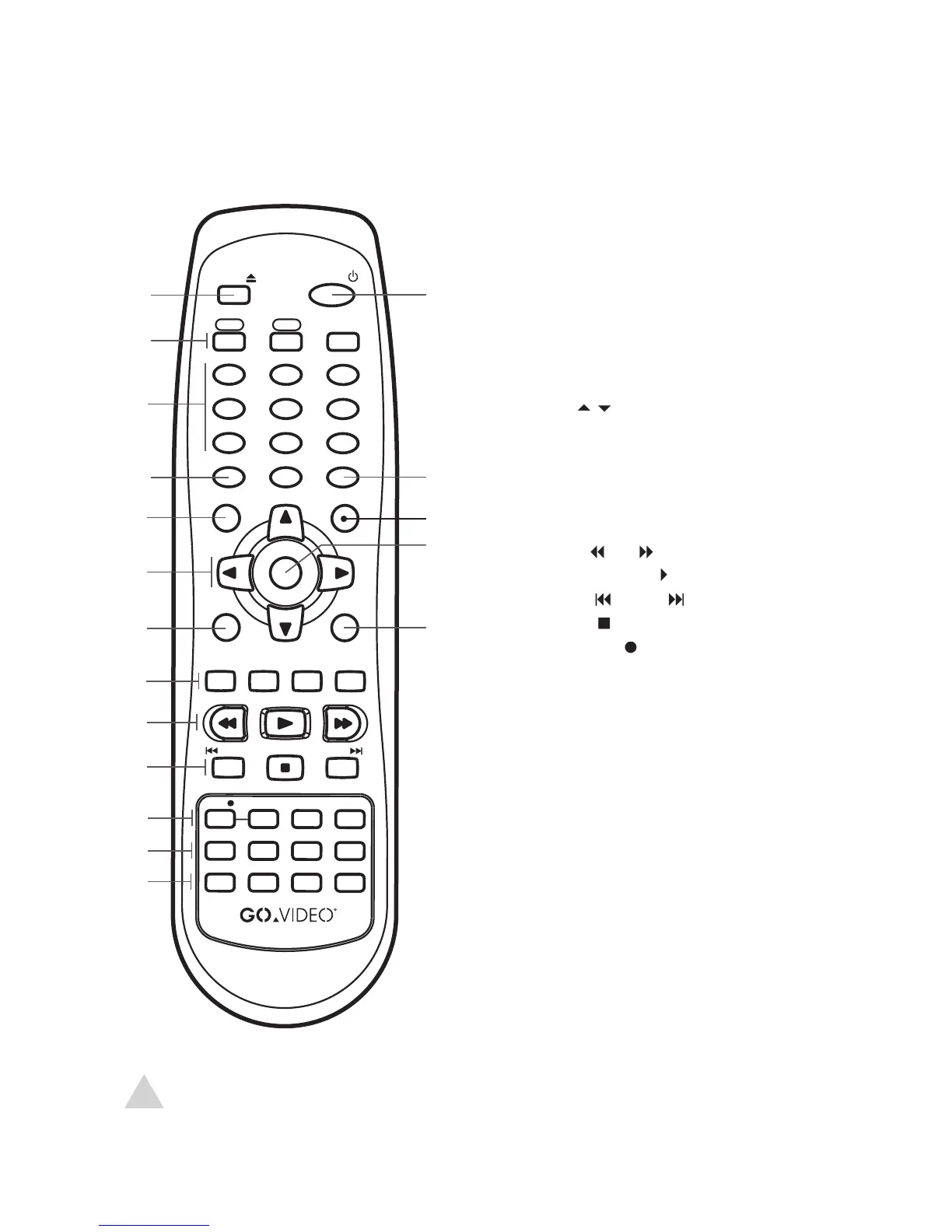
Remote Control
1
EJECT button
2
VCR button
DVD button
TV VIEW button
3
0-9 buttons
TRACKING+/- buttons
4
100+/P.SCAN button
5
SETUP button
6
ARROW

buttons
CH

buttons
7
TITLE button
8
SUBTITLE button
AUDIO button
SEARCH button
ZOOM button
9
REW
/FF
buttons
PLAY/PAUSE
button
10
PREV
/NEXT
buttons
STOP
button
11
RECORD
button
RECORD SPEED button
REPEAT button
A-B REPEAT button
12
TV/VCR button
AUTO PLAY button
MARK button
ANGLE button
13
SKIP button
REPLAY button
LAST CHANNEL button
PROGRAM button
14
POWER button
15
CLEAR button
16
DISPLAY button
17
ENTER button
18
DISC MENU button
Remote control overview:
NOTE:
NOTE:
Press VCR to control the VCR deck and press DVD to control the DVD deck.
Press TV VIEW to switch among all inputs.
1 - Welcome

Other manuals for GoVideo DV2150

Related product manuals