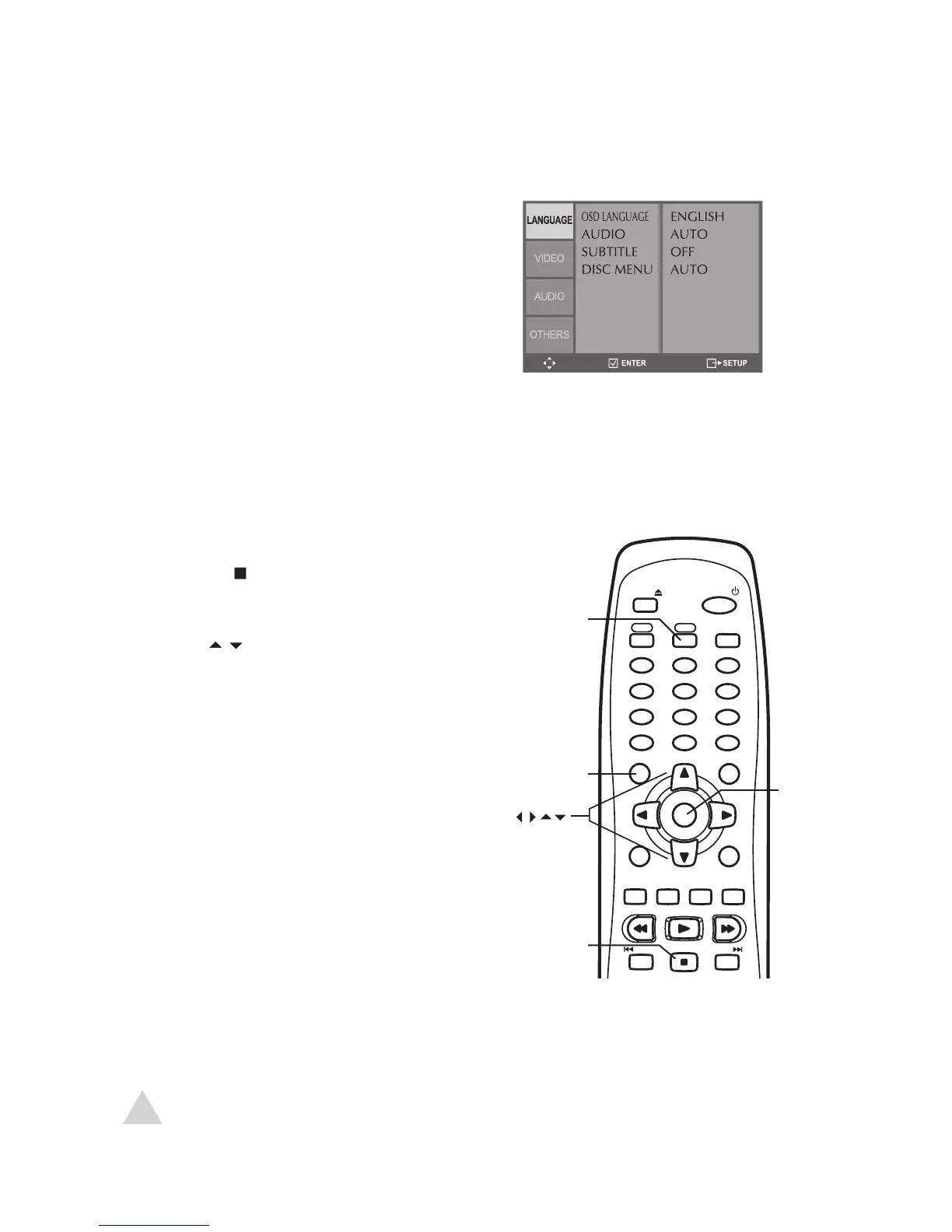
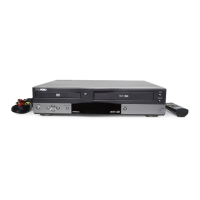
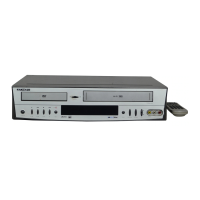
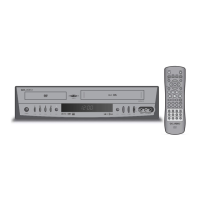
The DVD Setup menu allows you to set your preferences for the DVD deck. Choose
Language Settings – see page 27
Video Settings – see pages 28
Audio Settings – see page 29
Other Settings – see page 30-31
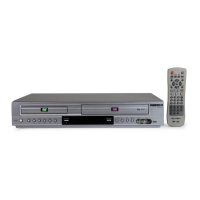
Press DVD to switch to DVD mode.
to make sure DVD playback is
Press SETUP to display the DVD Setup menu.
keys to move up and down.
keys to move left and right.
Press ENTER to make selections.
Press SETUP again to exit the Setup menu.
EJECT
POWER
VCR DVD
TV VIEW
1
2
3
4
5
6
7
8
9
0
100+/P.SCAN
CLEAR
TRK-
TRK+
SETUP
CH+
DISPLAY
TITLE
CH-
ENTER
MENU
REW
PLAY
FF
LAST CH.
REPEAT
SUBTITLE
AUDIO
SEARCH
ZOOM
TV/VCR
AUTO PLAY
MARK
ANGLE
SKIP REPLAY
A-B
PROG.
STOP
SPEED
REC
PREV
NEXT
• For VCR Setup, see page 21.


 To Next Page