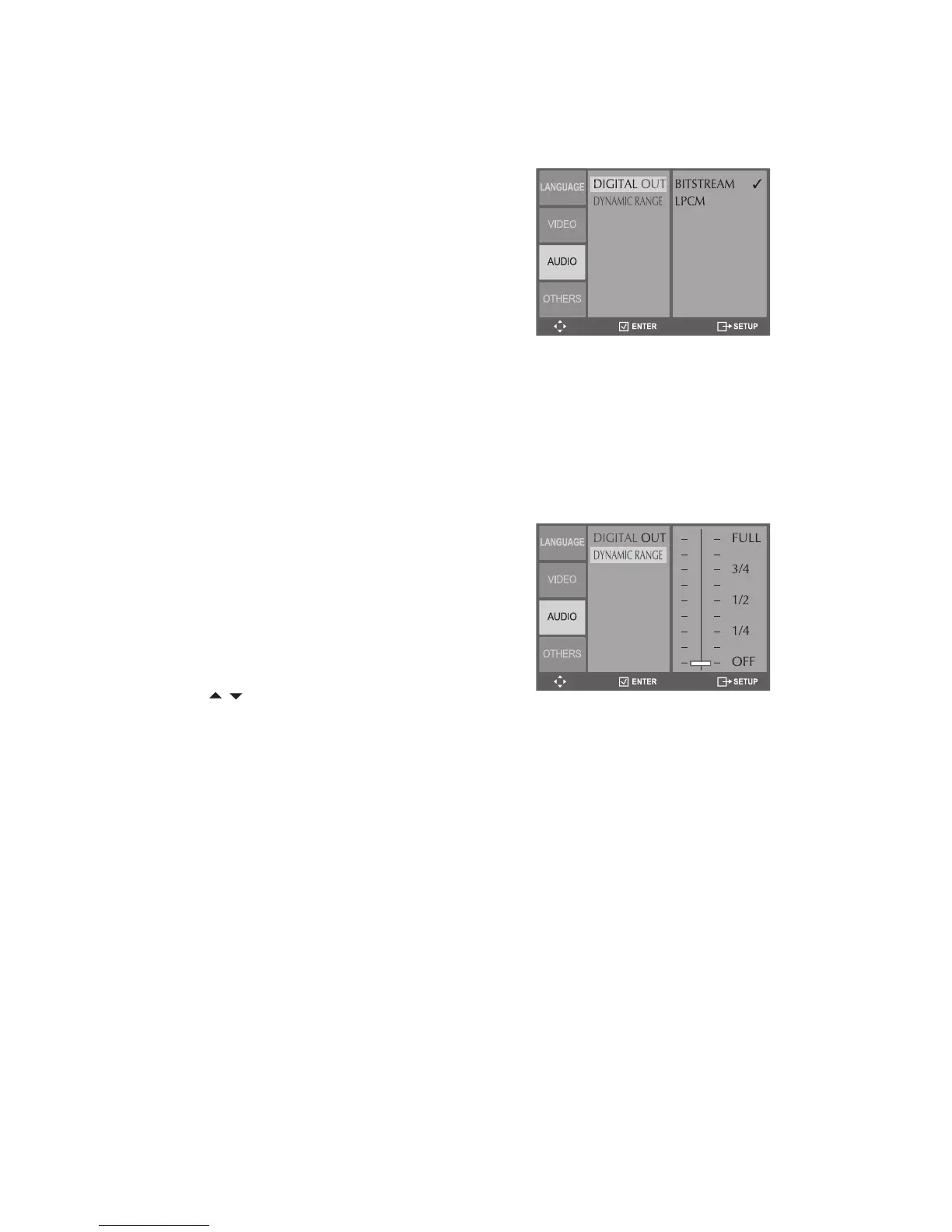
Sets the format of the digital audio signal
from the rear panel Coaxial jack.
In DVD Stop mode, press SETUP.
Select Audio > Digital Out.
Choose from the following:
- Select if the DVD+VCR is
connected to a 5.1 channel amplifi er/
receiver with a Dolby Digital or DTS
– Select if the DVD+VCR is con-
nected to a 2-channel (stereo) digital
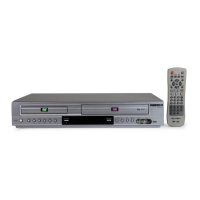
Compresses the dynamic range of the
audio output (the difference between the
loudest and quietest passages) during
In DVD Stop mode, press SETUP.
Select Audio > Dynamic Range.
Dynamic Range slider from OFF (no
compression) to FULL (maximum


 To Next Page