Setting a Timer Recording
Follow these steps to program a timer
recording. Before you begin, m
the Time and Date are set correctly (see
page 22), and that your tape has enough
available space to record the desired
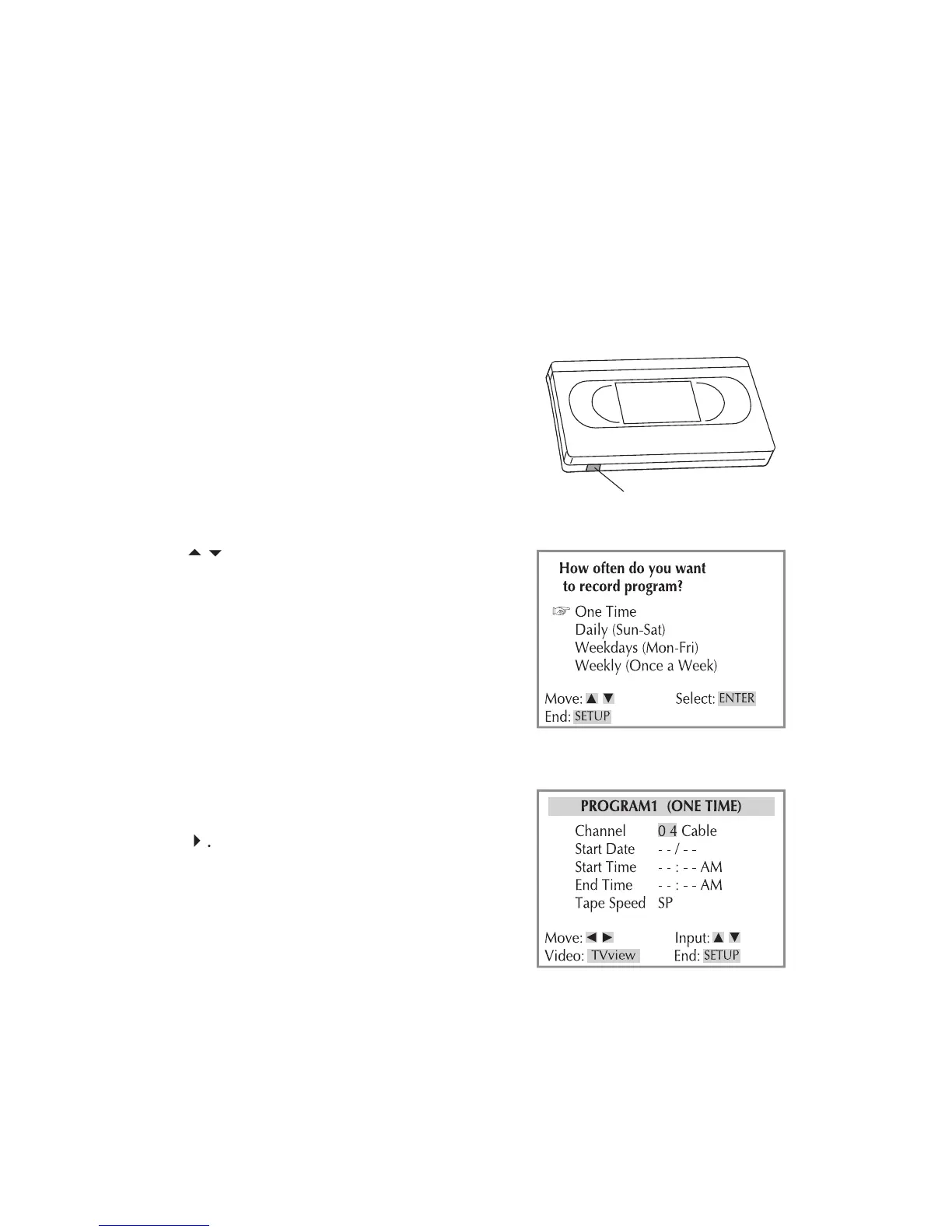
Insert a recordable tape (a tape with
the record safety tab intact).
Press VCR to control the VCR deck.
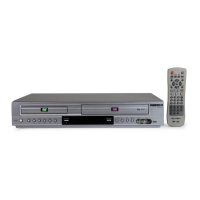
Press PROG. to display the Timer
• You can also press SETUP and select
Timer Recordings > Make a New
Record at the same time every
- Record at the same time
- Record once a week on the
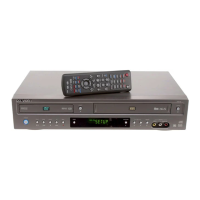
Use the CH+/- or 0-9 buttons to select
the channel you want to record and
• If you are using a cable box/satellite
receiver, set the DVD+VCR to the
receiver’s output channel and select
the channel to record on the cable
• If you are recording from an exter-
nal source, press TV VIEW to select
the rear (Video1) or front (Video2)


 To Next Page