Starts VCR playback automatically when
you load a tape with its record safety tab
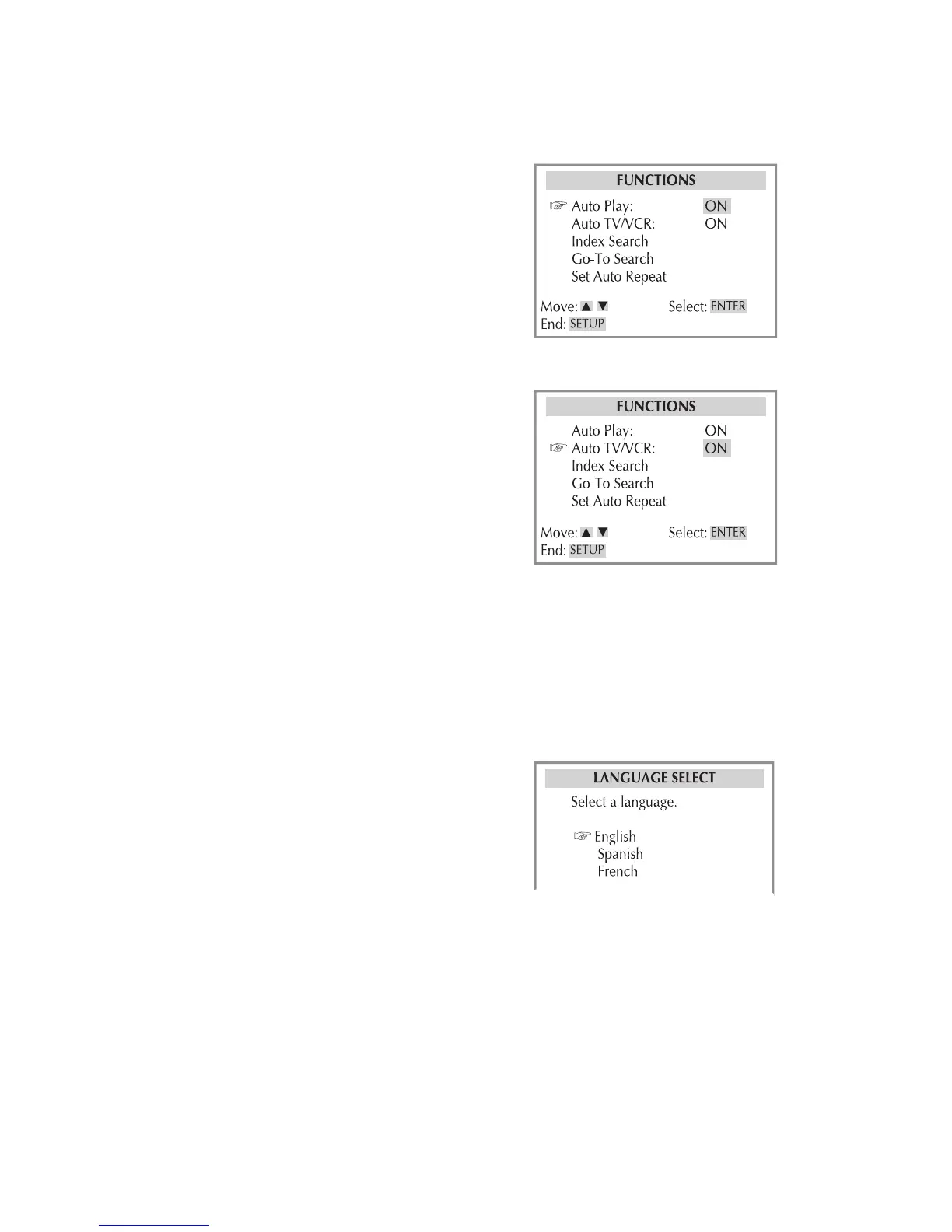
Press VCR, then press SETUP.
Select Functions > Auto Play.
Turn Auto Play on or off.
When fi nished, press SETUP to exit.
Controls whether the DVD+VCR switches
to VCR mode automatically when turned
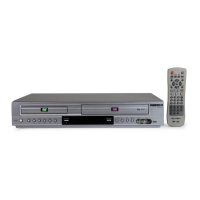
Press VCR, then press SETUP.
Select Functions > Auto TV/VCR.
Choose from the following:
- Select if you want the DVD+VCR
to switch to VCR mode when it is
turned on or a tape is inserted.
- Select if you want the DVD+VCR
to remain in TV mode when powered
When fi nished, press SETUP to exit.
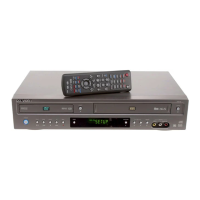
Sets the default language for the VCR
Press VCR, then press SETUP.
Select your preferred language (Eng-
lish, Spanish, or French).
When fi nished, press SETUP to exit.


 To Next Page