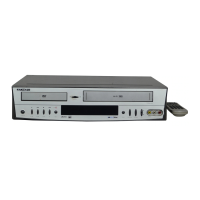
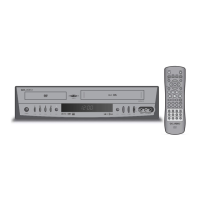
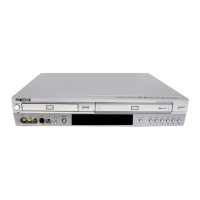
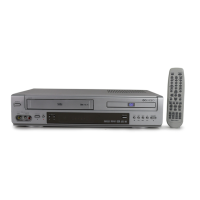
Follow these steps to record a TV show to
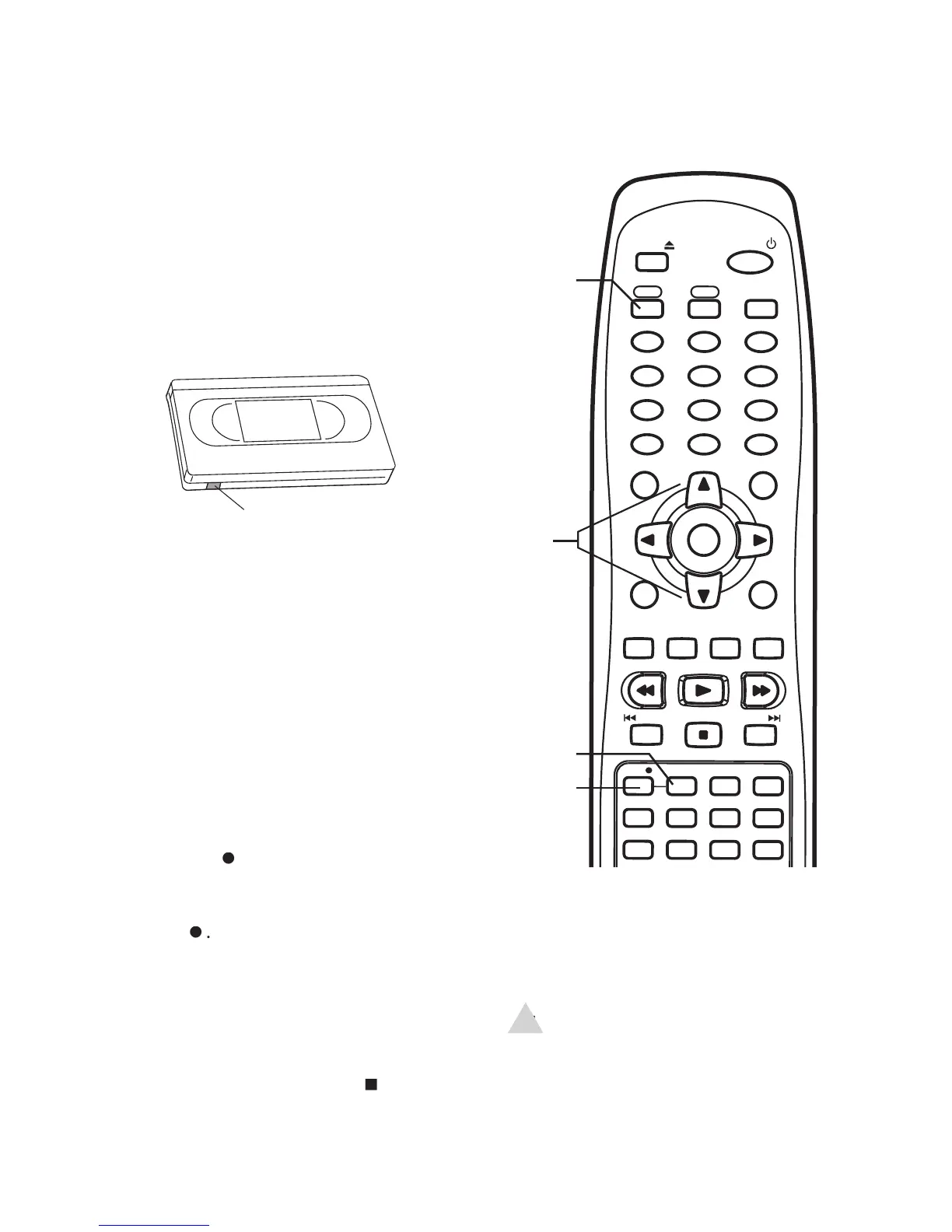
Press POWER to turn on the
Press VCR to control the VCR deck.
Insert a recordable tape (a tape with
the record safety tab intact).
Use the CH+/- or 0-9 buttons to select
the channel you want to record.
• If you are using a cable box/satellite
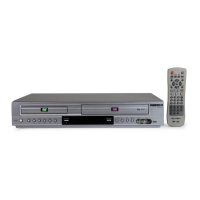
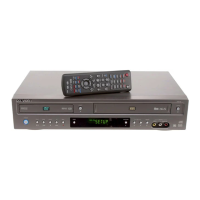
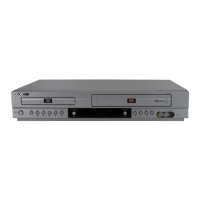
receiver, set the DVD+VCR to the
receiver’s output channel and select
the channel to record on the cable
Press SPEED to select the desired
- Average quality, but allows you
to record 3 times longer than SP.
• To pause recording, press PLAY.
• To resume recording, press PLAY or
• To view the status of your recording,
• To add recording time in fi xed incre-
ments, see One-Touch Recording on
When fi nished, press STOP
• If the DVD+VCR is left in Pause mode
for fi ve minutes, the recording is
EJECT
POWER
VCR DVD
TV VIEW
1
2
3
4 5
6
7
8 9
0
100+/P.SCAN CLEAR
TRK- TRK+
SETUP
CH+
DISPLAY
TITLE
CH-
ENTER
MENU
REW
PLAY
FF
LAST CH.
REPEAT
SUBTITLE
AUDIO SEARCH
ZOOM
TV/VCR
AUTO PLAY
MARK
ANGLE
SKIP REPLAY
A-B
PROG.
STOP
SPEED
REC
PREV
NEXT


 To Next Page