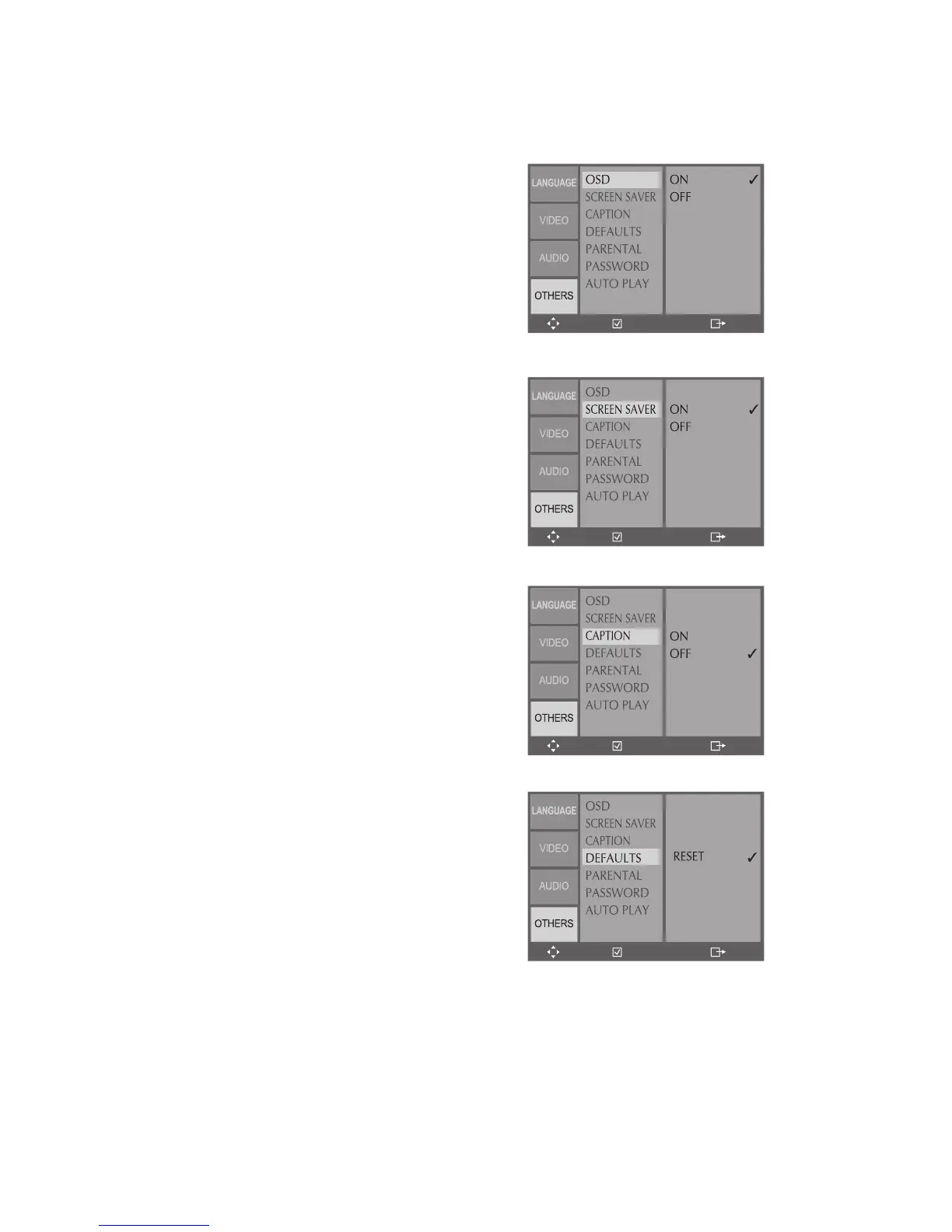
Enables the on-screen display (OSD),
which provides feedback on the current
In DVD Stop mode, press SETUP.
Turn On-Screen Displays on or off.
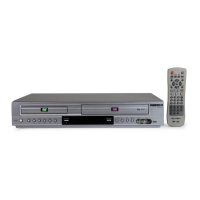
Enables the built-in screensaver, which
appears automatically if the DVD+VCR is
left in Stop for longer than 5 minutes.
In DVD Stop mode, press SETUP.
Select Others > Screen Saver.
Turn the Screen Saver on or off.
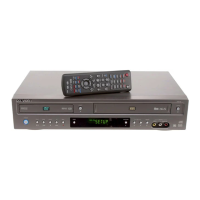
Enables closed captions, i.e., subtitles that
appear while watching a movie.
In DVD Stop mode, press SETUP.
Select Others > Captions.
Turn Closed Captions on or off.
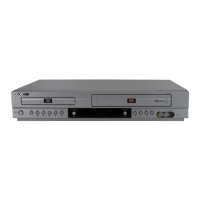
Restores the DVD+VCR to its original
In DVD Stop mode, press SETUP.
Select Others > Defaults.
Select Reset and press ENTER.
• The DVD+VCR will restore all menu
settings (except Parental Control) to
their original factory defaults.
ENTER SETUP
ENTER SETUP
ENTER SETUP
ENTER SETUP
ENTER SETUP
ENTER SETUP
ENTER SETUP
ENTER SETUP
ENTER SETUP
ENTER SETUP
ENTER SETUP
ENTER SETUP
ENTER SETUP
ENTER SETUP
ENTER SETUP
ENTER SETUP



 To Next Page