GP3D Root User Manual
16
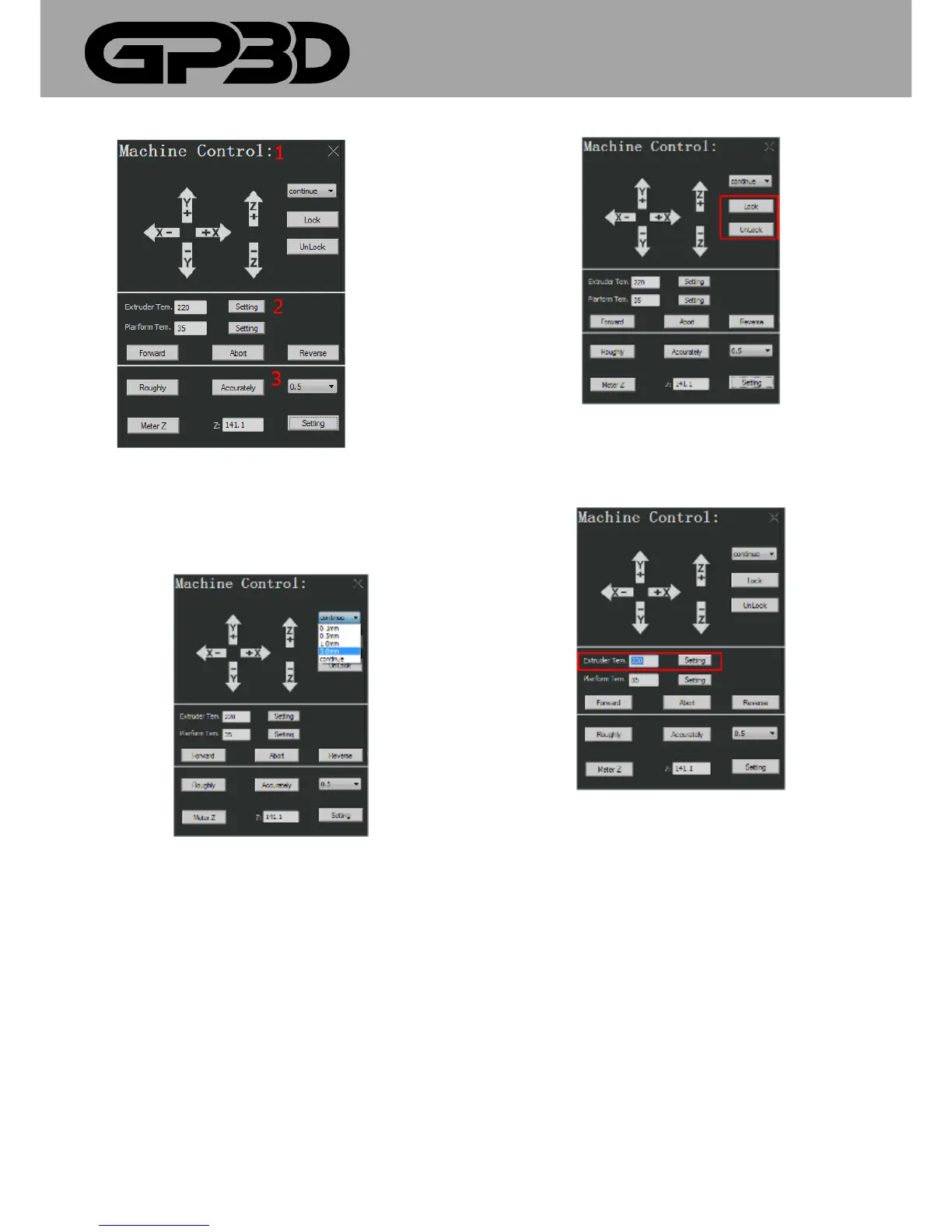
4.1.10.3 Click X/Y/Z band the three axes of GP3D Root will move along the
corresponding direction. Click the pull-down window “continue▼” to
select the step length of single movement.
4.1.10.4 After movement to a position, to lock or unlock the motor, you
can click “Lock” or “Unlock”.
4.1.10.5 Set the nozzle temperature: input the target temperature and
click “Setting”, and the nozzle begins heating. For PLA material, the
recommended temperature is 220-230 °C.
4.1.10.6 Set the platform temperature: directly input the target
temperature and click “Setting”, and the platform begins heating.



 To Next Page