24
8.8 Dynamic DNS
Dynamic DNS is a network service that provides the domain name resolution for dynamic IP address.
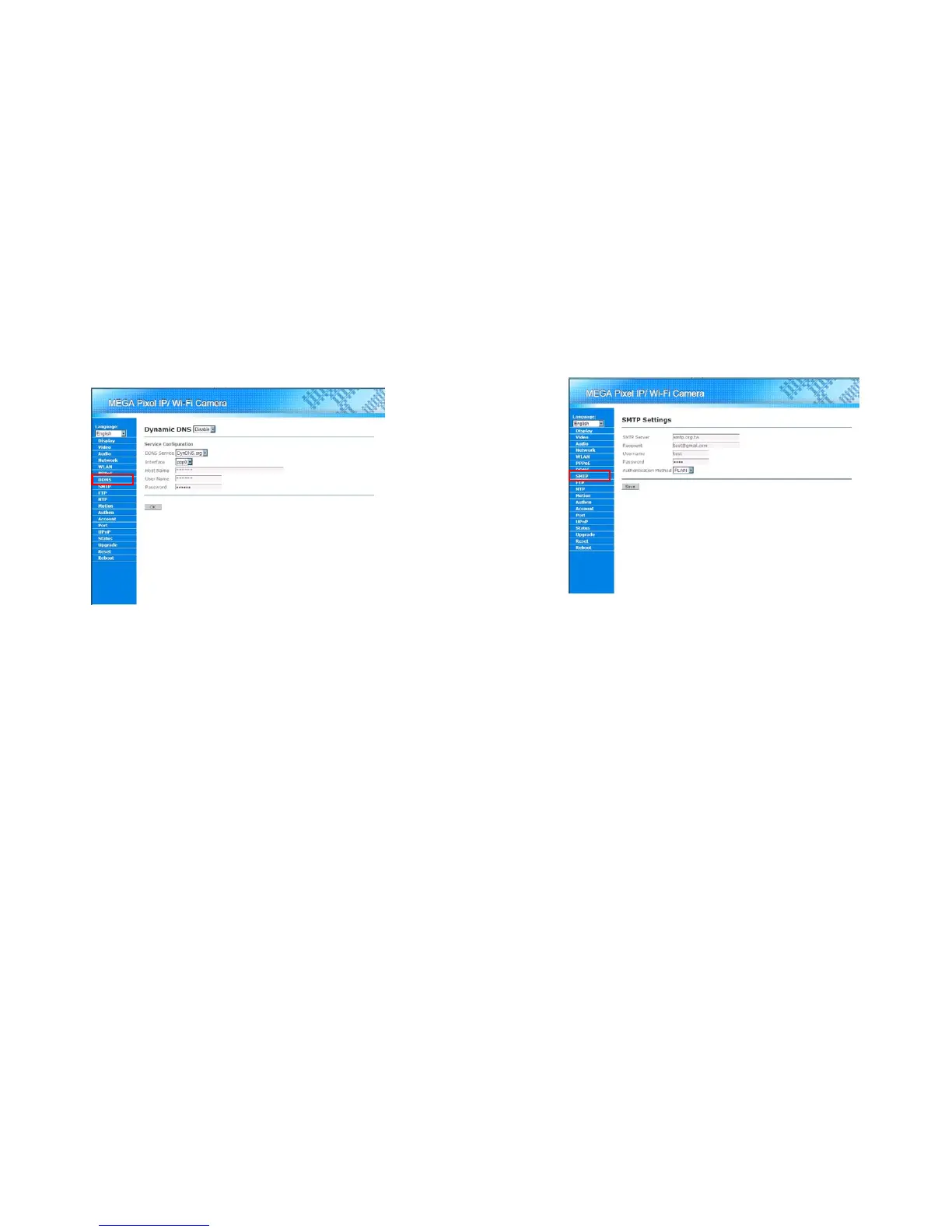
After creating an alias on the service provider’s web site, user might use this alias to access Mega Pixel
Wi-Fi Camera on the Internet. For further configure this function, please click on the “DDNS” in the Menu
List.
Dynamic DNS: Enable/Disable: Enable/Disable the DDNS function.
DDNS Service: Select the DDNS service provider the user wanted to use.
Interface: Select the network interface for registering. If Mega Pixel Wi-Fi Camera connects to the
Internet via a PPPoE connect, please use the ppp0 interface.
Host Name: In put the host name (alias) that the user creates on the service provider’s web site.
User Name/Password: Enter the account information for login the DDNS service.
OK button: Press “OK” button for apply the configurations.
25
8.9 SMTP Settings
Mega Pixel Wi-Fi Camera supports a build-in SMTP client for sending alarm e-mail. When the motion
detection function (see 8.12, Motion Detection Settings) is enabled, user might choose to receive alarm
e-mail when motion is detected. Please click on “SMTP” in the Menu List for further configuration.
SMTP Server: Enter the mail server’s address that the user wants to use for sending e-mails.
Recipient: Enter the e-mail address for receiving the alarm e-mail.
Username/Password: Enter the account information for logging in the mail server.
Authentication Method: Select the authentication method for the delivering e-mail account.
Save button: Save the configuration. All configurations should be available after the
configurations are successfully saved.



 To Next Page