32
8.16 UPnP Services
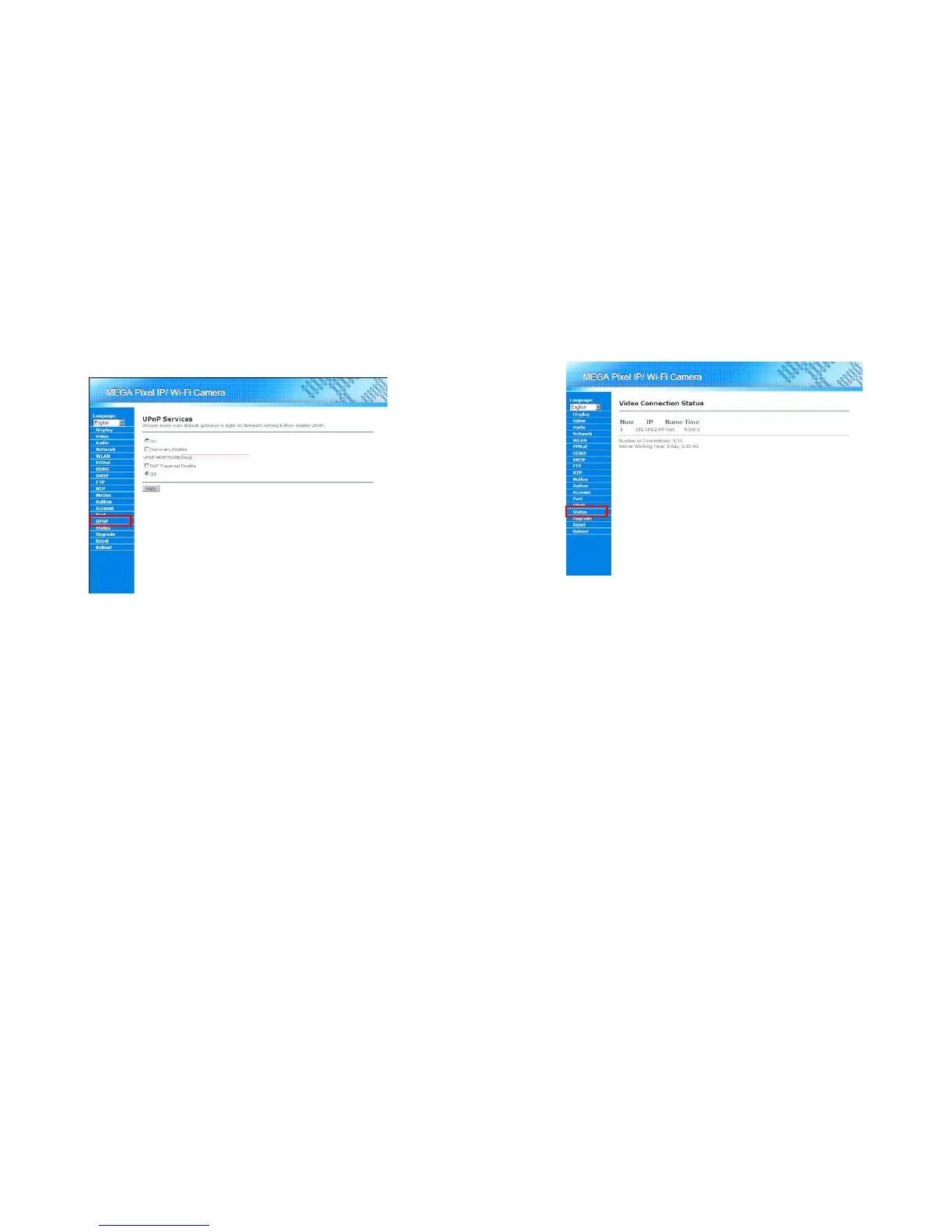
Mega Pixel Wi-Fi Camera supports UPnP function. Using this function, user could find Mega Pixel Wi-Fi
Camera by just one click on “My Network Place” (Windows XP and later version). For further setting the
UpnP function, please click on the “UPnP” on the Menu List.
ON: Enable the UPnP function.
Discovery Enable: If this function is checked, a Windows user could find Mega Pixel Wi-Fi
Camera in the My Network Place. About how to enable the UPnP function in the Windows, please
refer to “Section 10 Using UPnP to Connect to the Camera”
UPNP HOSTNAME: Specify the host name for the UPnP function here.
NAT Traversal Enable: Enable/Disable NAT Traversal function. If Mega Pixel Wi-Fi Camera is
located behind a router (uses a NAT network technology), and the router supports NAT Traversal
function, user might enable Mega Pixel Wi-Fi Camera to negotiate with the router about the port
configuration via this function.
Off: Disable the UPnP function.
33
8.17 Video Connection Status
User could view the video connection status of Mega Pixel Wi-Fi Camera by clicking on the “Status” in the
Menu List.



 To Next Page