44
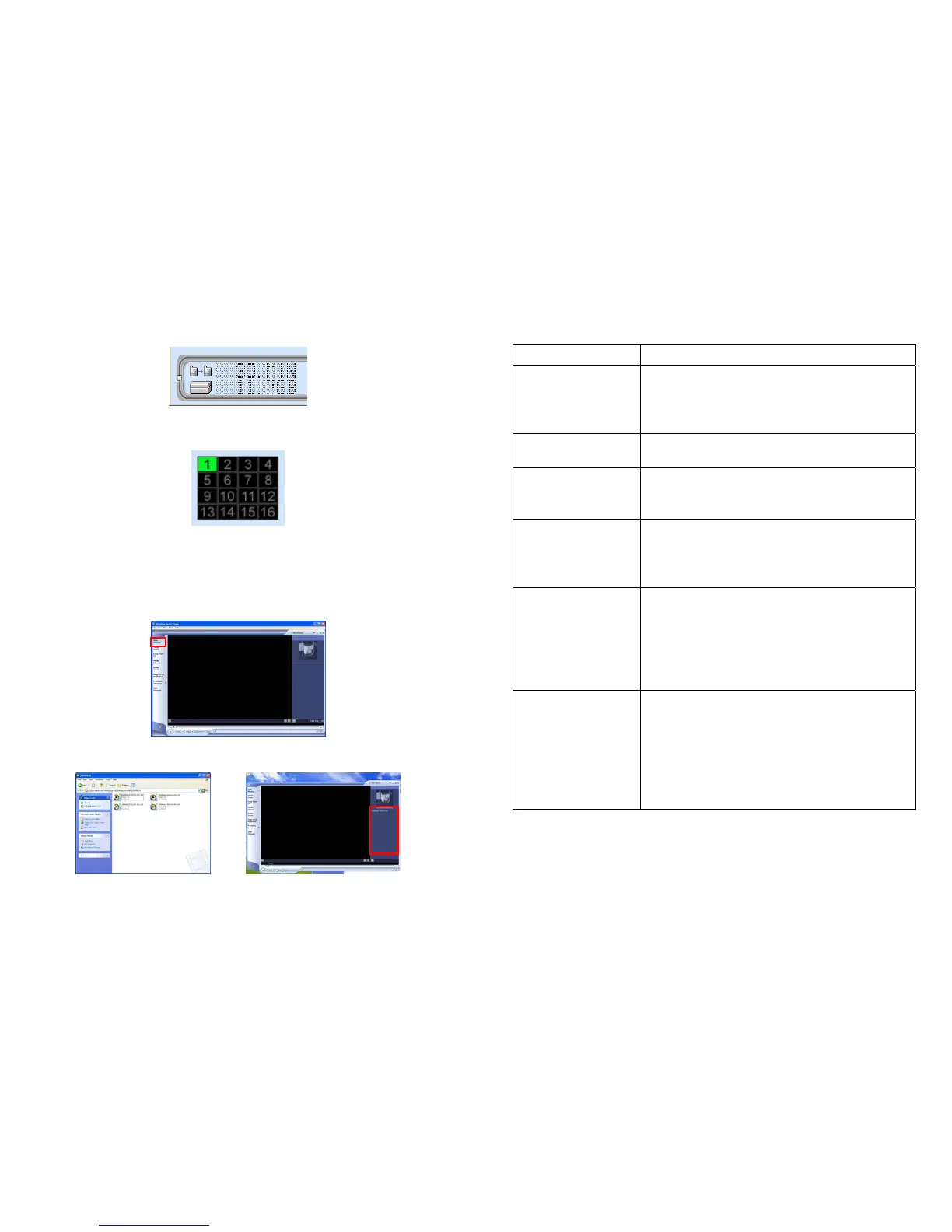
11.1.5 Hard Disk Info.
File package and disk free space amount.
11.1.6 Channels
16 channels indicators to control the function buttons.
11.2 Play the Recorded Files
The recorded files can be played by Windows Media Player program.
Step1. Open the Windows Media Player and select Now Playing.
Step2. Drag the recorded files to the list on the right side of the window.
Step3. Simply double-click the recorded file on the list and it will begin to play.
45
12. Troubleshooting
Situation Check Point
The focus is bad
1. Adjust the camera’s image quality through the
configuration menu.
2. Adjust by turning clockwise or counter-clockwise the
focus manually.
Noisy Image
1. If the camera works in dim environment, the images
might be noisy. You need more lighting.
No images available
through Web browser
1. Confirm the ActiveX has been enabled.
2. Confirm the version of your Internet Explorer. If the
version number lower than 5, you need to upgrade it.
Can’t connect
externally (can work
locally)
1. This might be caused by the firewall protection. Check
the internet firewall with your system administrator.
2. Refer to section 9 for more information about
connecting multiple cameras to a router.
Forgot the login user
name and password
1. Restore the Factory Default Settings: Press
continuously the Default button on the top of the
camera until the System LED turn off.
Default IP Address: 192.168.1.100
Default User Name: root
Default Password: admin
Wireless network
not working
1. Confirm the WLAN Setup has been set correctly refer
to section 7.2 & 8.6).
2. Confirm the LAN/ WLAN switch (on the right side of
camera) has been switched to Wireless mode.
3. Ensure that you wireless router supports 802.11b/g.
4. Adjust the wireless antenna for better signal
reception.



 To Previous Page