109109
Program description: Timers
The basic display shows the lap count and / or the
number of times the switch was pressed in highligh-
ted form. The rotary control can now be used to select
each lap and each operation of the switch, and read
off the associated times.
Pressing the CLEAR button resets the timer to “00”
and erases the stored times, but only if you previously
stopped the timers.
Notes:
• If you have selected a normal switch to operate
the lap counter, please note that this switch must
be set to “OFF” before you press the ESC button.
• If you forget to switch off the lap counter in a pha-
se which is not currently active, simply press the
ESC button.
Soarmaster
#05 0:52h SPCM20
H-J.Sandbrunner
9.5V
2:32h C62
0000
Stop watch
Flight tim
Lap
«Aerobat
6.4s
:
000
223
:
:
13
»
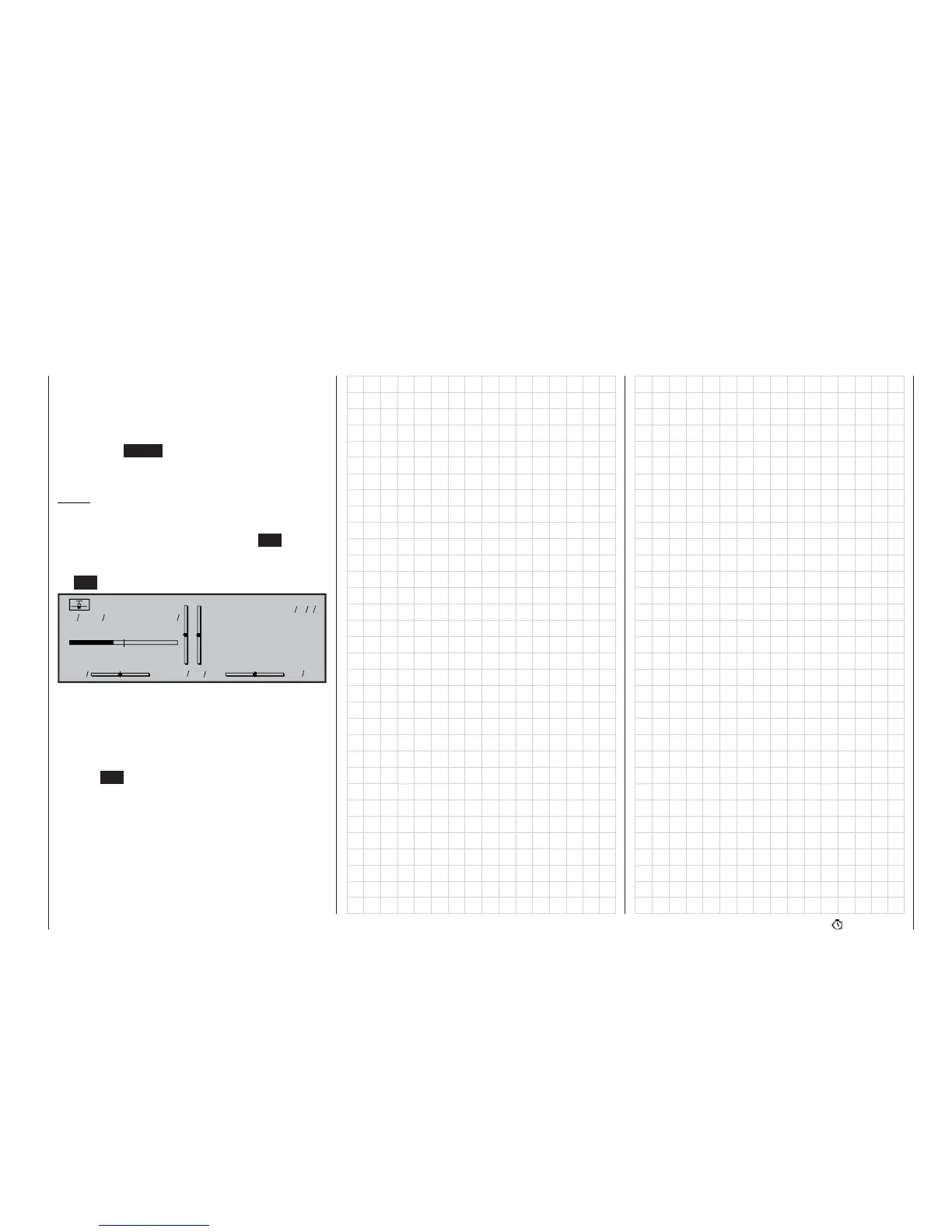
The upper timer is intended to work as a stopwatch. It
starts at “0:00” (min:sec), and is started and stopped
again using the assigned switch.
The centre timer, bearing the name “Flight time”, acts
as an alarm timer (fl ashing colon). This timer can be
started using any switch, and stopped again by pres-
sing the ESC button.
The third timer – “Lap counter” – was assigned to the
“Aerobat” fl ight phase in the »Phase assignment«
menu. In this example the model is on its 13th lap,
which has lasted 6.4 seconds thus far.















 To Next Page