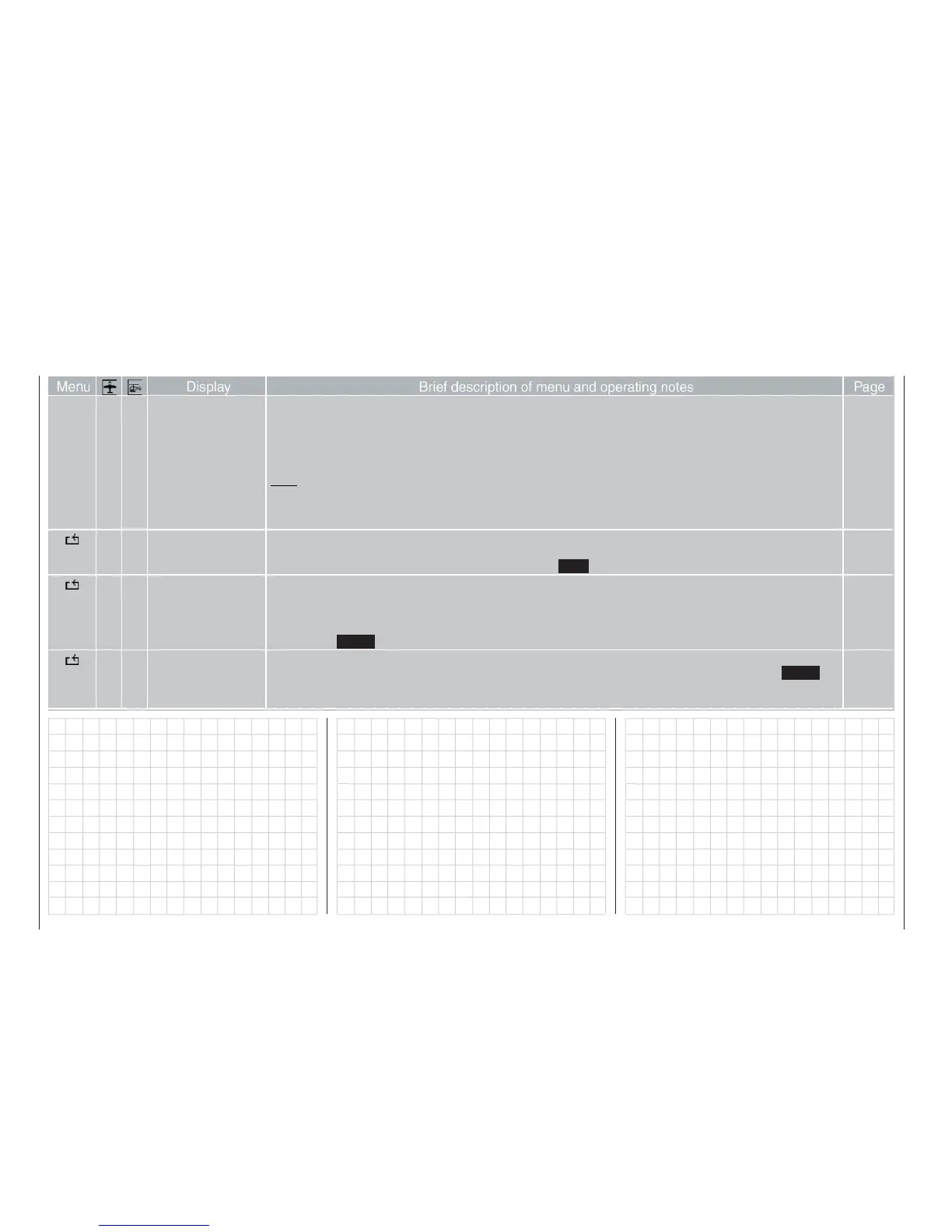
56
Brief programming instructions
Brief programming instructions
for all fi xed-wing and helicopter programs
Battery warning: warning threshold can be set to any value in the range 9.3 to 11 Volts in 1/10 Volt incre-
ments.
Own phase name: up to ten additional phase names, each with up to seven characters, can be created by
the user; these can then be selected as alternatives to the pre-programmed phase na-
mes in the »Phase settings« menu.
Note:
The presets for “stick mode”, “modulation” and “collective pitch min.” are automatically adopted when you set up
a new model memory, but can then be changed separately for that memory in the »Base setup model« menu, if
wished.
• • Servo display The servo outputs can be checked on-screen, taking into account all coupling and mixer functions etc., when you
operate the corresponding transmitter controls (useful aid when programming). Direct access (“Hotkey” from the
basic display and from virtually all menus by pressing the HELP button with the rotary control pressed in).
156
• • Servo test Select the desired inputs 1 … 8 individually using the rotary control for an automatic servo test. Activate or disable
the test with a brief press on the rotary control. The test takes into account all mixer functions, servo settings etc..
The servo speed can be determined with a (repeated) brief press on the rotary control after selecting the arrow
symbol at bottom right of the screen (six stages, range 0.5 to 3.0 seconds).
Pressing the ENTER button switches the test on or off.
156
• • Code lock A four-character code number between 0000 and 4444 can be entered using the four side buttons, or erased with
a short press of the rotary control (CLR) and subsequently corrected. Confi rm the code by pressing th ENTER
button. Next time you switch the mx-24s on, access to the multi-function menu remains blocked until you enter
the correct code.
157
Display
Menu Brief description of menu and operating notes Page















 To Next Page