70
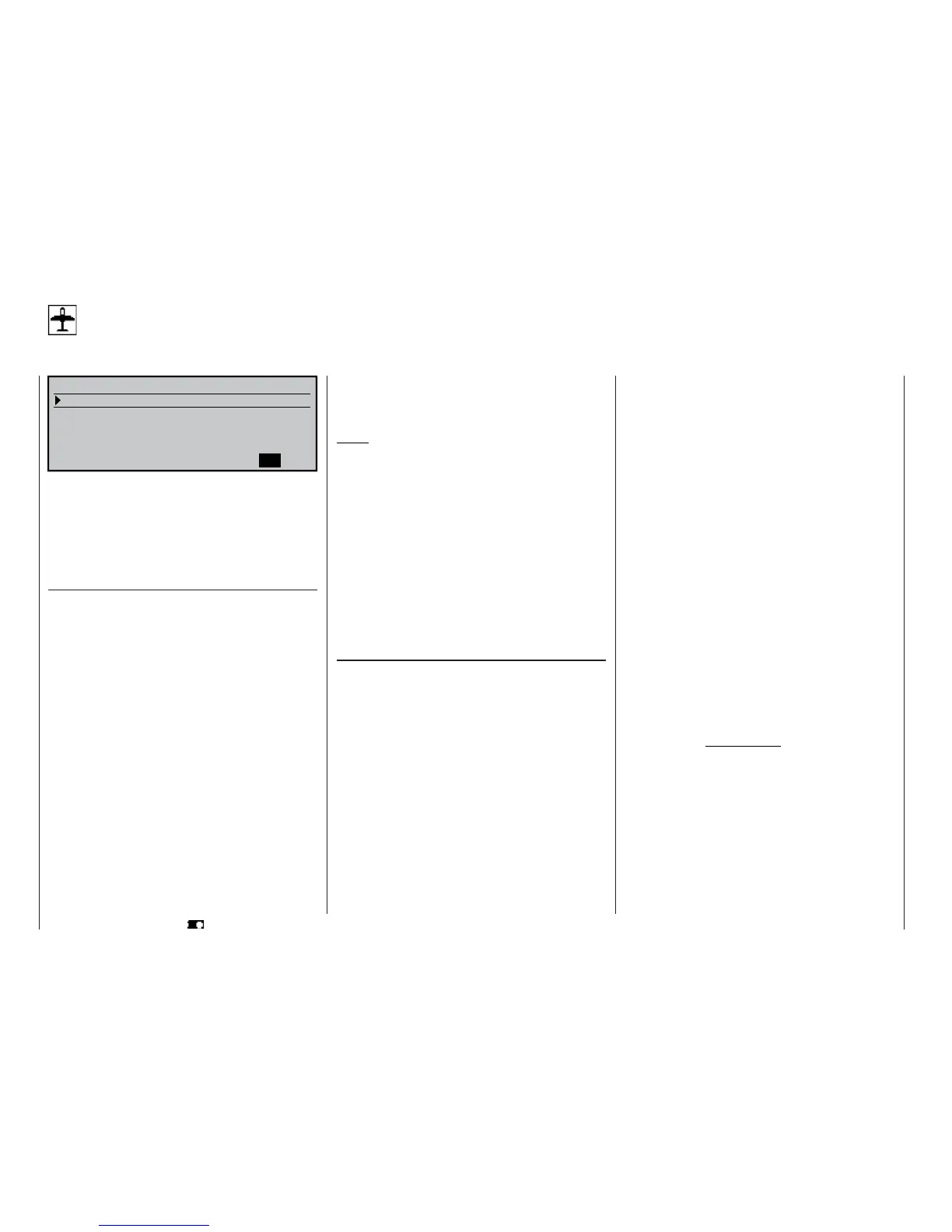
Model type
Defi ning the fi xed-wing model type
Program description: Basic settings
MODELTYPE
Tail type
Aileron/camber flaps
Brake
SEL
Offset +100% Input 1
Normal
1 AIL
Motor on C1 None
In this menu you defi ne the “type” of the model to be
programmed. When you do this, you also automatical-
ly defi ne all the characteristic mixers, coupling func-
tions etc. for the selected model type for subsequent
programming. Select the line with the rotary control
pressed in, and choose the required option by giving
it a brief press:
Motor on C1
“None”: The model is a glider, with no motor.
The warning message “Throttle too
high” (see pages 22 and 59) is disab-
led, and the “Brake settings” sub-
menu in the »Wing mixers« menu
(see section starting on page 110) is
available without restriction.
“Thr. min back”: The idle position of the throttle / air-
brake stick (C1) is back, i. e. towards
the pilot.
The “Brake settings” sub-menu in the
»Wing mixers« menu (see section
starting on page 110) is only availab-
le if you have entered “no” in the cur-
rently active fl ight phase in the “Mo-
tor” column of the »Phase settings«
menu (see page 100).
“Thr. min front”: The idle position of the throttle / air-
brake stick (C1) is forward, i. e. away
from the pilot.
The “Brake settings” sub-menu in the
»Wing mixers« menu (see section
starting on page 110) is only availab-
le if you have entered “no” in the cur-
rently active fl ight phase in the “Mo-
tor” column of the »Phase settings«
menu (see page 100).
Notes:
• The C1 trim only acts at the idle end of the ran-
ge, i. e. only at the “back” or “forward” end of the
stick travel. You can check the setting in the »Ser-
vo display« menu.
• Cut-off trim: this special function is described on
page 34.
• If you are programming an electric-powered mo-
del and wish to control both the motor and the bra-
ke system (set in the “Brake settings” sub-menu
of the »Wing mixers« menu) using the C1 stick,
then set “Throttle min. forward / back” and the bra-
ke offset to suit your preferences, and then conti-
nue reading in the “Motor column” section in the
»Phase settings« menu on page 100.
Tail type
“normal”: By far the majority of fi xed-wing mo-
del aircraft have a “normal tail”. For
example, this includes all powered
models and gliders with a cruciform
tail (cross-tail) in which each of the
functions elevator, rudder and thrott-
le (or speed controller or airbrakes) is
operated by one servo. The softwa-
re also includes ready-made mixers
which can cope with a maximum of
two aileron servos and four fl ap ser-
vos. See the section starting on page
110.
“V-tail”: The elevator and rudder controls are
operated by two control surfaces set
in a V-shape, each controlled by a
separate servo. The two-way coup-
ling function for the rudder and ele-
vator control systems is automatical-
ly carried out by the transmitter soft-
ware. The ratio of rudder to eleva-
tor travel can be adjusted using the
»Dual Rate / Expo« menu (page 86),
while the servo travels can be adjus-
ted in the »Servo adjustment« menu
(page 74).
If you also wish to be able to apply
differential to the rudder travels, then
the V-tail should be set up using the
»Dual mixers« menu (see page 144)
instead. In this case it is essential
to set the tail type to “normal” at this
point.
“Delt/fl .wing”: The standard arrangement is for aile-
ron and elevator control to be achie-
ved by means of one left and one
right “aileron servo”. However the re-
vised »Wing mixers« menu (see
page 110) also provides a convenient
method of programming deltas and
fl ying wings with more than two wing-
mounted control surfaces; this is ac-
cessed under the “Delta / fl ying wing”
model type.
Important note:
If your model has more than two wing
fl aps, It is ESSENTIAL to program
the elevator function by setting the
“El Fl” line of the “Multi-fl ap menu”
of the »Wing mixers« menu; see the
centre column on page 117.
“2 EL Sv 3+8”: This option is designed for model
aircraft with two elevator servos.
When you move the elevator stick,
the servo connected to receiver out-
put 8 moves in parallel with the stan-















 To Next Page