First contact
L-SOLUTION 700 / 800 / 900 machines . 27
Machine setup (language)
1. Switch on the L-SOLUTION machine (main stop button (L) in I position).
A first message will be displayed on the screen :
SET UP
FPGA X.XX
LCD SOFT X.XX
16 Mo BOOT X.X
A new message will be displayed on the L.C.D. screen of the machine :
<< GRAVOGRAPH >>
LASER VERSION X.XX
LCD SOFT X.XX
16 Mo BOOT X.X
Wait a few seconds.
The following message is displayed on the screen :
<READY TO RECEIVE>
001 FILENAME1
PUI 40 VIT 10
DPIX 400 DPIY 400
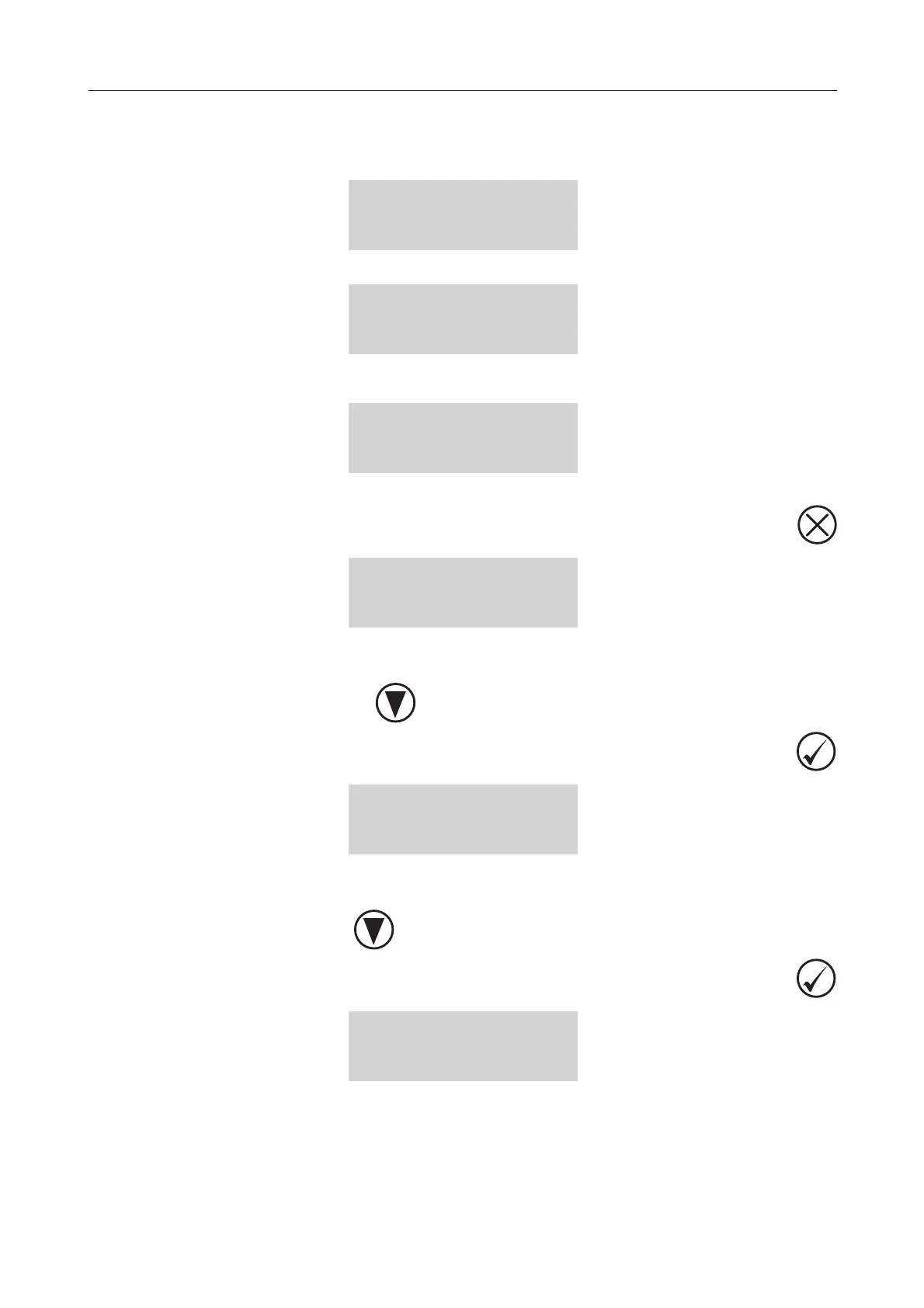
2. Press
PARAMETERS
FILE
INFO
CONFIGURATION
3. Select the CONFIGURATION menu.
To choose the CONFIGURATION menu, press as many times as necessary
To validate your choice press
L-SOLUTION 800
LANGUAGE ENGLISH
SERIAL PORT
DISPLAY UNIT MM
4. Select the LANGUAGE menu.
To choose the LANGUAGE menu, press as many times as necessary
To validate your choice press
ENGLISH
FRENCH
DEUTSCH
Installation











 To Next Page