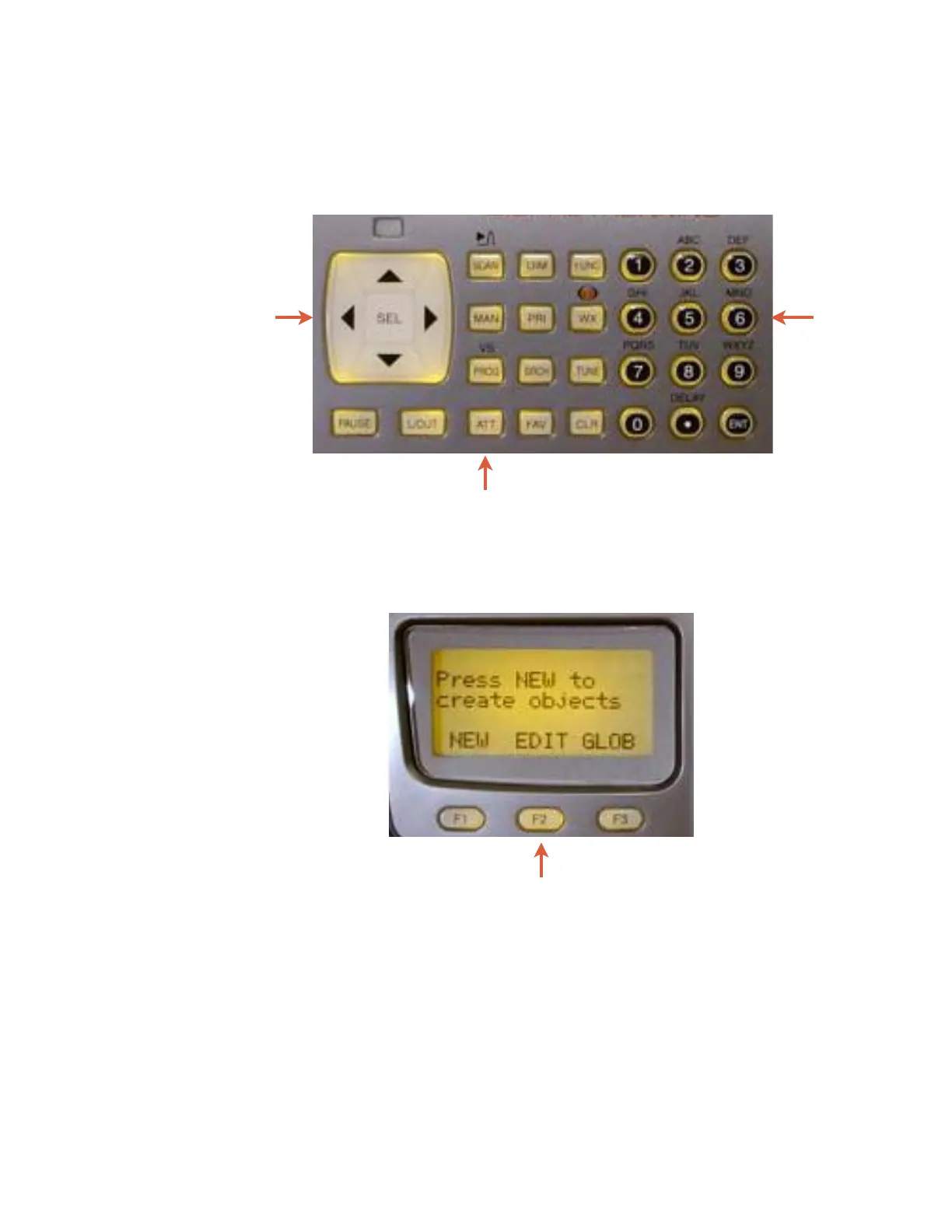
Figure 5 highlights the various keys and their basic functions. For
more information on key functions see the Detailed Menu
Reference.
Figure 5 - Keypad layout
Softkeys
F1, F2, F3 - activate the function shown in the LCD display
immediately above the softkey.
0716 User Manual Page 24
Five Way
Pushbutton
P
Operational
Keys
Softkeys
Numeric
Keypad



 To Next Page