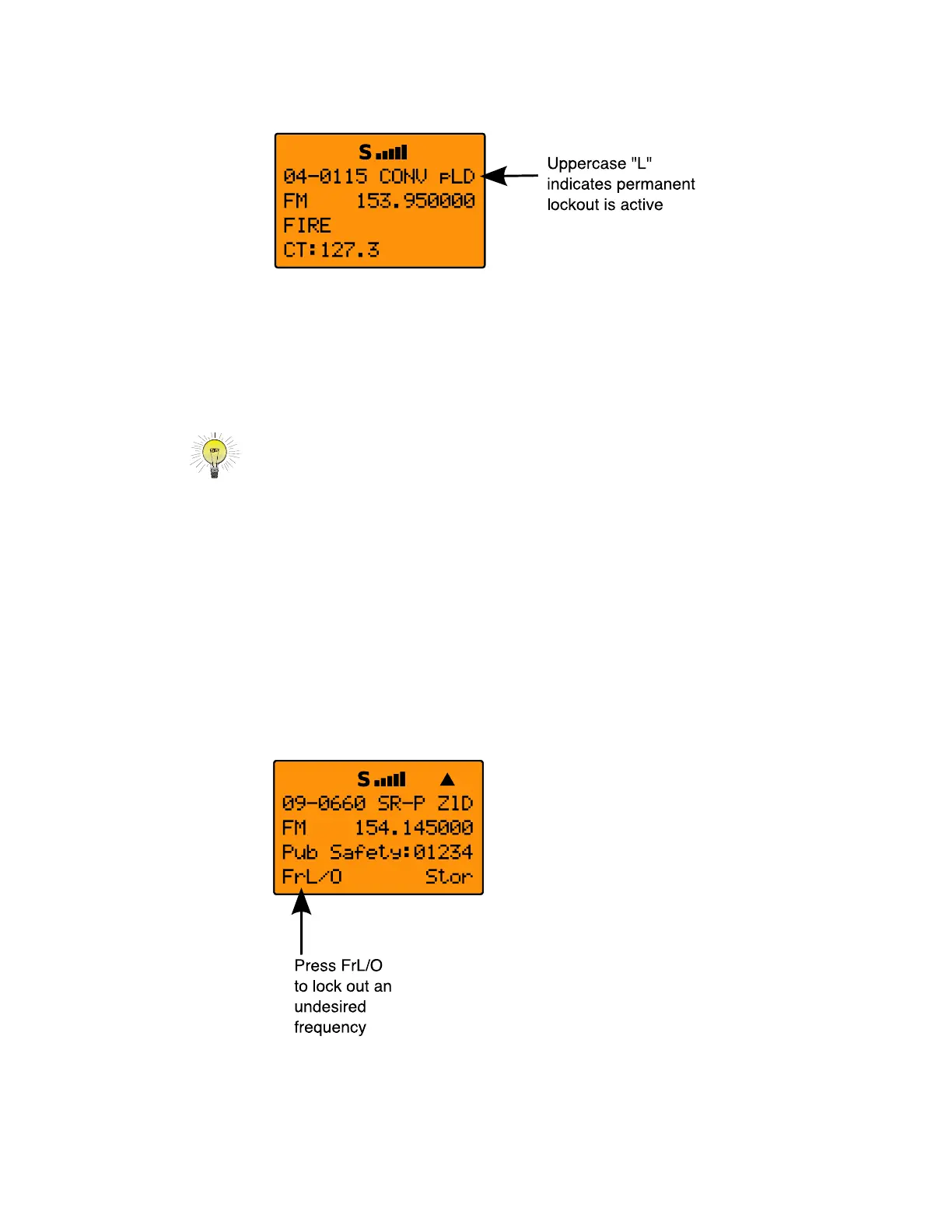
If you wish to remove permanent lockout from an object,
navigate to the object using the 5-way pushbutton pad while in
Manual Mode or PGM mode and press
FUNC, then L/OUT again.
HINT: You can also toggle lockout anytime you are viewing an object menu
in Program mode by pressing
L/OUT.
Search Lockout
Search lockout works with certain search objects, including
LMIT searches, some SRVC searches, and SWPR objects.
Frequency lockout is used to lock out undesired frequencies that
are found during searches.
To apply search lockout during a search, press the FrL/O
softkey while the scanner is stopped on the undesired frequency:
Applying search lockout to an undesired frequency adds that
frequency to the Search Lockout List, a list of frequencies that
0716 User Manual Page 62



 To Next Page