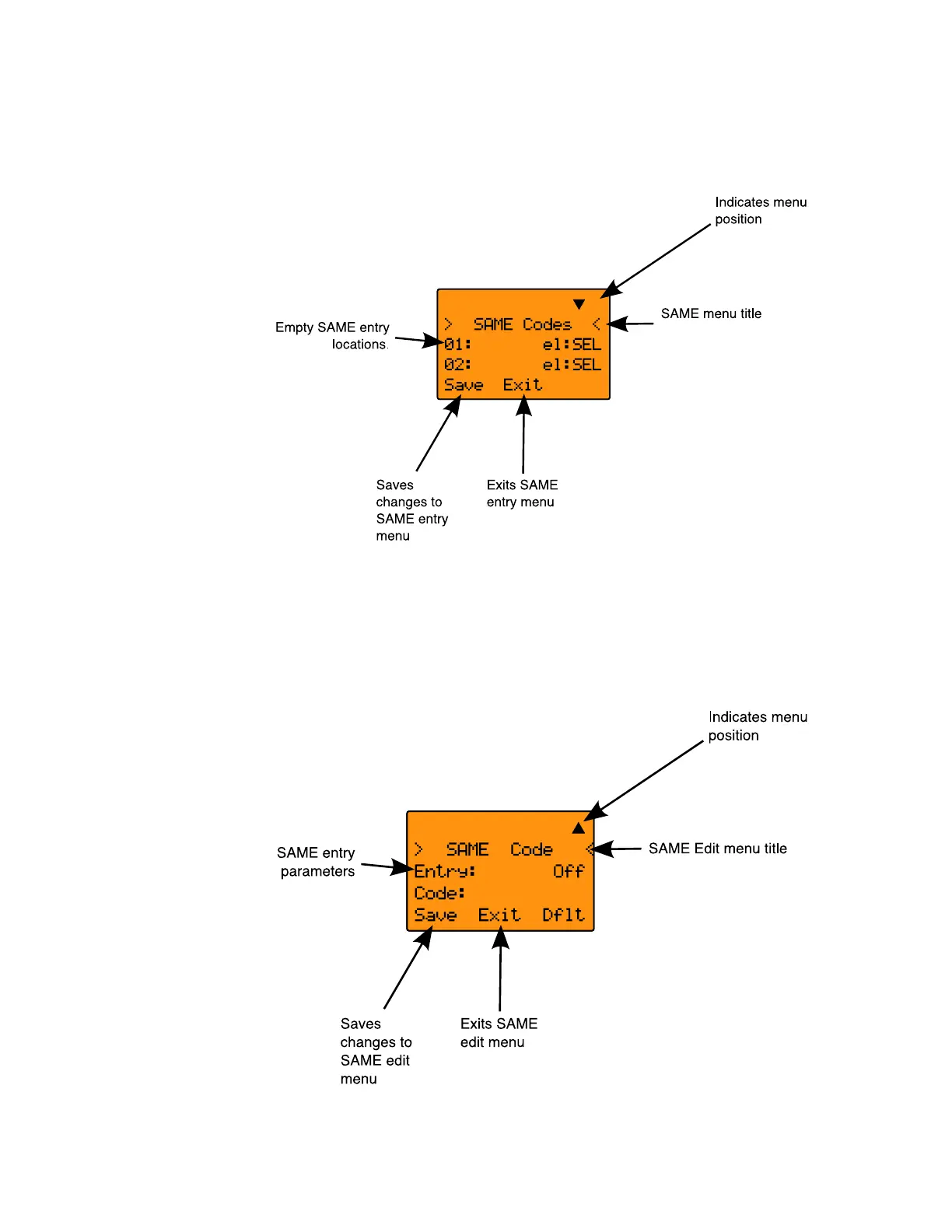
Press the SAME softkey to add or edit SAME entries. The
scanner display will show the following:
Use the or keys on the 5-way pushbutton pad to scroll to
the desired SAME code entry.
Press the
SEL key on the 5-way pushbutton pad to edit the
selected SAME entry. The scanner display will appear as follows:
0716 User Manual Page 83



 To Next Page