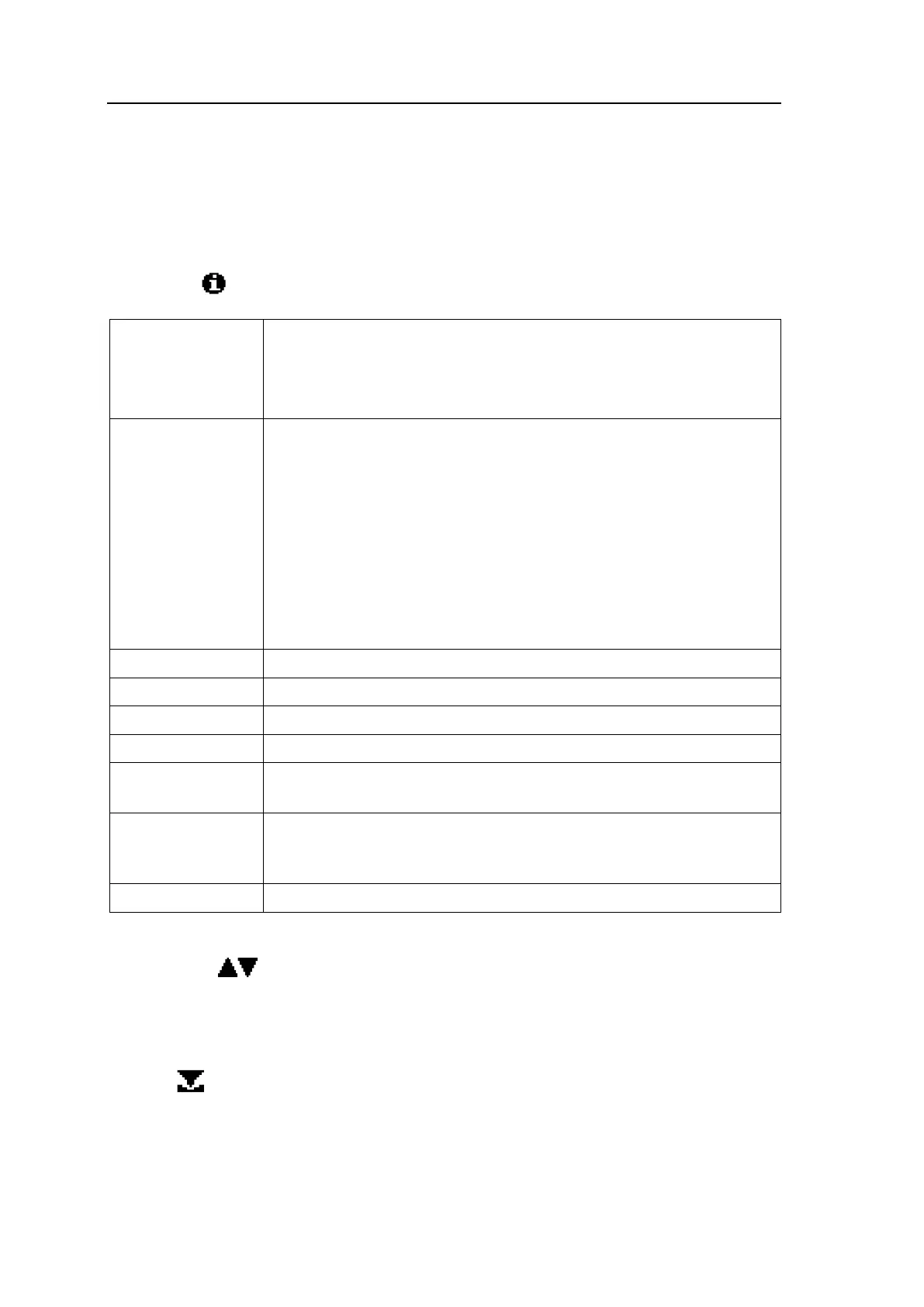
6.3 Information Menu
If you press the following information will appear:
Shows the status of the sensor:
OK indicates the sensor is working.
HGerr, VMerr, UNerr, IAerr, IPerr, or HDerr indicate sensor failure
or connection failure of a sensor cable.
Shows the current temperature of the sensor. After starting the ana-
lyzer, it will take about five minutes for the sensor to reach its nor-
mal operating temperature.
The operating temperature of SEN9 is approx. 785
o
C.
The operating temperature of SEN1 is approx. 750
o
C.
If the sensor temperature is much lower than the normal operating
temperature, the display of oxygen will be incorrect. This can be
caused a bad connection between the sensor and the sensor connec-
tion terminal SEN, a defect sensor, or too high sample/gas flow
through the sensor.
Shows the raw adc count signal from the sensor.
Shows the current O
2
in percent from analog output 1 (Ao00).
Not in use as per default (Ao00).
Shows the status of relay outputs 1-4: ON or OFF.
Shows the software version of the analyzer. For installation of new
software version, see section 5.2.6.
Shows the status of the alarm logbook: ON or OFF. When the sta-
tus is OFF, no alarm will be logged, and the alarm logbook view in
the service menu is also OFF.
Shows the analyzer’s running time in hours - power ON only.
To browse the list in the information menu, please go up and down the list by using the
scrolling keys .
6.4 Calibration Menu
Pressing gives access to the calibration function. In the calibration menu, you can:
• See the sensor type selected for the analyzer (SEN1 or SEN9).
• Access zero, span, and artificial calibration START functions for the analyzer.


 To Next Page