910FS Splicer
Greenlee / A Textron Company 4455 Boeing Dr. • Rockford, IL 61109-2988 USA • 815-397-7070
12
Turning Splicer ON
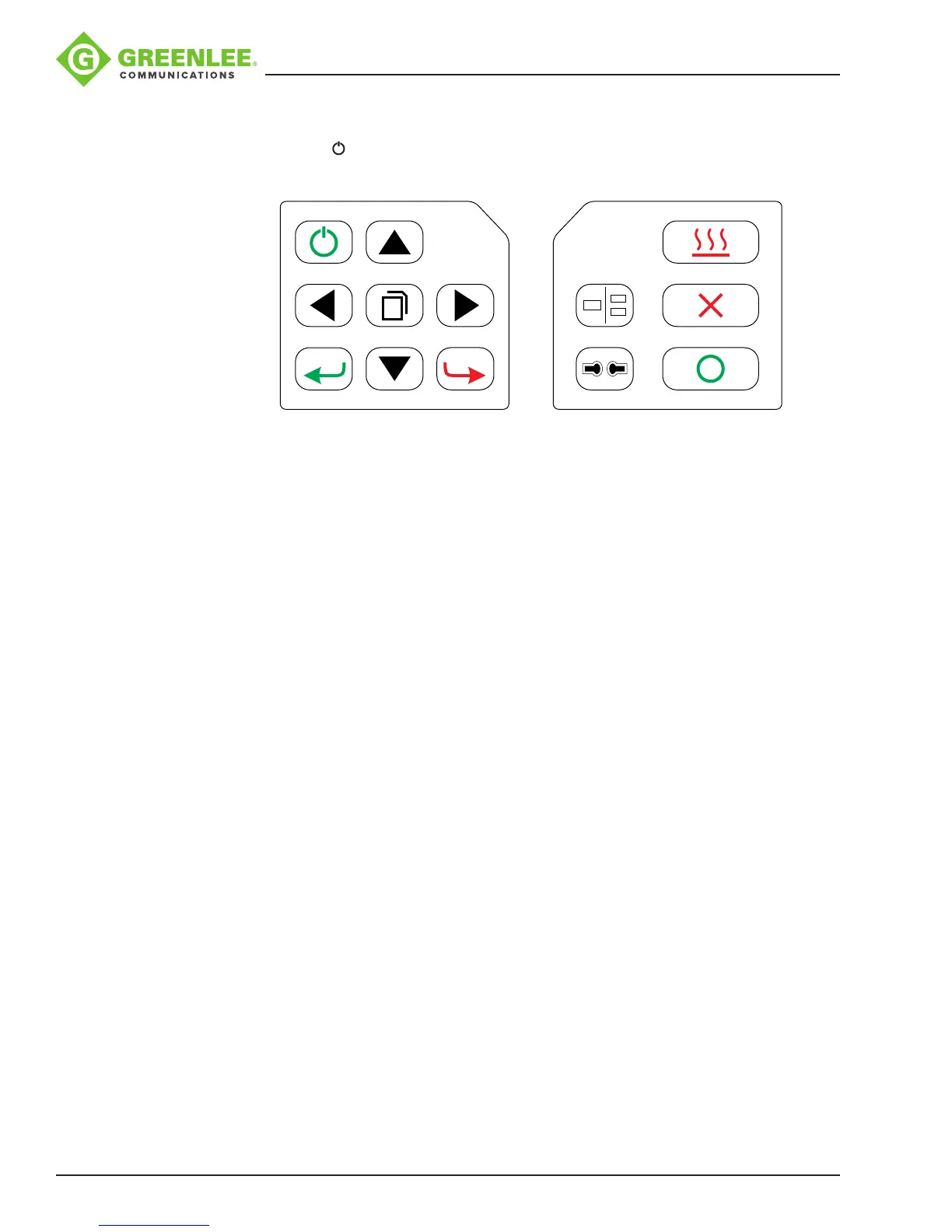
Press and hold until the LED on the keypad turns ON (green color).
?
The “Ready” screen is displayed after all the motors reset to their initial positions.
The power source type is automatically identied. If the battery is used, the remaining
battery capacity is displayed.
Splice Mode
Use SM splice mode for standard SM ber (ITU-TG.652) splicing. It performs splices in
9seconds and is the quickest mode for SM ber splicing.
Use AUTO splice mode if ber type is not identied. Splice takes 2 seconds longer but it
covers most conventional ber splicing for the following reasons:
• AUTO mode rst identies ber type by analyzing ber prole, and the splicing
condition is chosen for the type of ber. The types of bers covered by AUTO are
all the conventional bers, such as SMF (G652), BIF (G657), NZDSF (G655), MMF
(G651), etc. AUTO mode takes longer than the SM processes but is recommended
in cases where the ber type is not positively identied or if the user is new to fusion
splicing.
• AUTO mode uses an automatic arc calibration function, which monitors the splicing
process and ensures adequate arc power for the splice.
Automatic Arc Calibration Function
When the automatic ARC calibration function is enabled the previous splice’s ARC
power is used. If the ambient conditions or type of ber has changed an ARC calibration
may be required. The automatic arc calibration function works in AUTO modes only. It
is not active in the standard splice modes. When using those modes, performing arc
calibration before splicing is strongly recommended.


 To Next Page